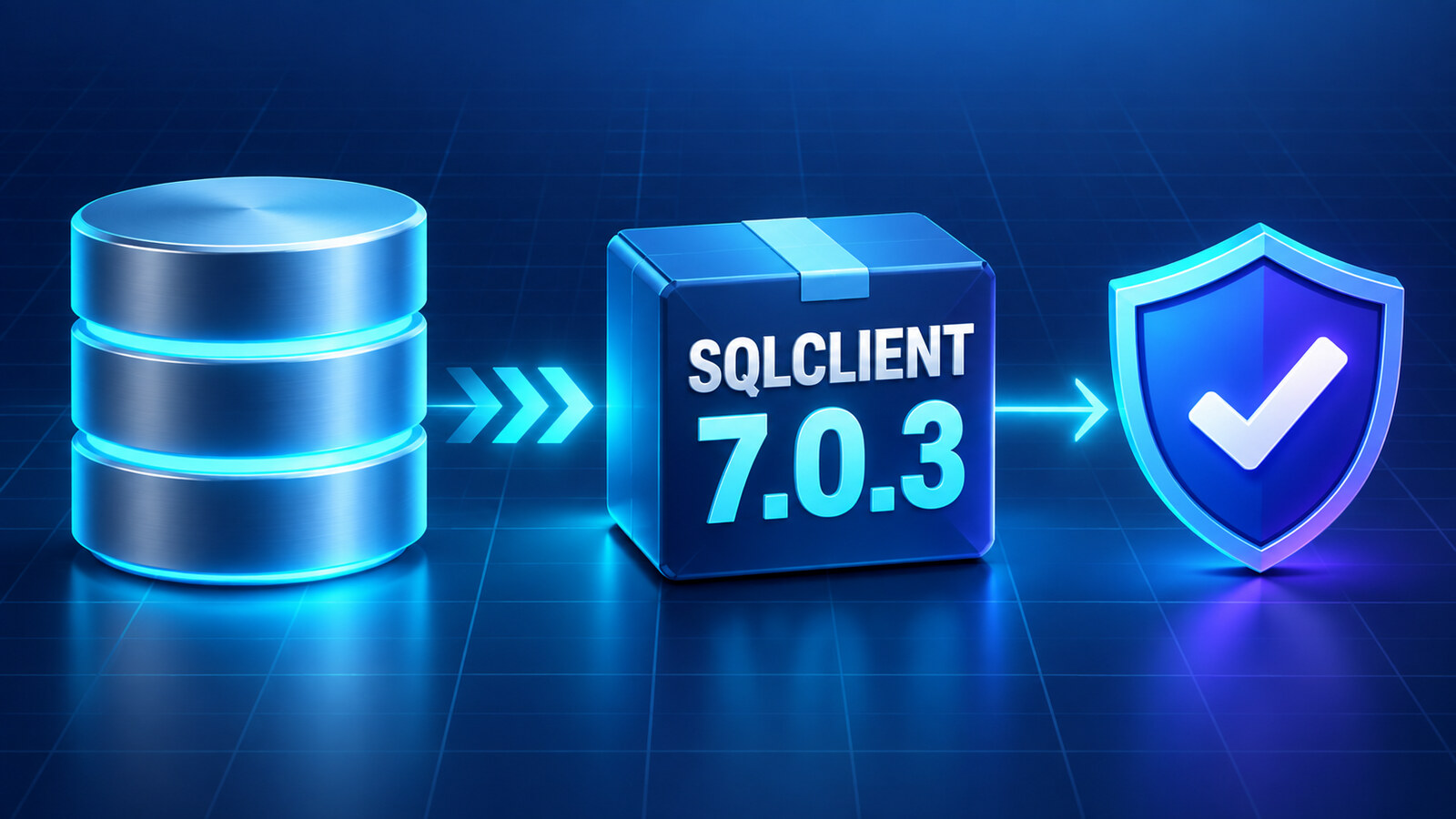
Microsoft.Data.SqlClient 7.0.3 is a servicing update, but treating it as a routine one-line package bump can hide the two things that matter most in production: the 7.x authentication split and the workload-specific fixes in 7.0.3. Upgrade the driver and its directly referenced companion packages together, add Microsoft.Data.SqlClient.Extensions.Azure when the application uses a driver-provided Microsoft Entra authentication mode, and run focused tests for the SQL paths that changed. This guide shows the package layout, the preflight commands, a minimal connection probe, and the rollback evidence to collect before deployment.
Table of Contents
What changed in Microsoft.Data.SqlClient 7.0.3
Microsoft lists 7.0.3 as the September 2026 servicing release for the current 7.0 STS line. The release updates the native SNI package to 6.0.3 and fixes several customer-facing failures: a SqlBulkCopy regression for logins that cannot read sys.all_columns, unnecessary allocations when tracing is disabled, managed-SNI ServerCertificate validation, Always Encrypted enclave attestation-key verification, and a configurable-retry assembly-resolution handler with process-wide impact.
Those fixes do not mean every application should enable every 7.x feature. Packet multiplexing for asynchronous reads remains opt-in preview functionality. Keep it disabled unless you have a separate compatibility test and rollback plan for the exact workload.
| Application behavior | Why 7.0.3 matters | Minimum targeted check |
|---|---|---|
| Bulk loading through a restricted SQL login | 7.0.3 fixes metadata queries that failed when the login could not read sys.all_columns | Run a representative SqlBulkCopy batch with the production-like login |
| Custom server-certificate validation on Windows | The release fixes ServerCertificate validation on managed SNI | Connect through the real certificate and hostname path; test rejection with an invalid trust path |
| Always Encrypted with secure enclaves | Attestation-key verification changed | Execute one encrypted read and write through the configured enclave |
AccessTokenCallback or Entra authentication | 7.x moved driver-provided Entra support out of the core package | Acquire a token through the deployed identity and open a fresh pooled and non-pooled connection |
| Configurable retry logic | The process-wide assembly-resolution handler was corrected | Force a known transient error in a disposable environment and verify bounded retry behavior |
Choose the correct 7.0.3 package set
The core 7.x driver no longer depends on Azure.Core, Azure.Identity, or MSAL. That reduces the dependency surface for SQL authentication and access-token callbacks, but it also means an application that uses a connection-string authentication mode such as Active Directory Managed Identity needs the Azure extension package.
<ItemGroup>
  <PackageReference Include="Microsoft.Data.SqlClient"
                    Version="7.0.3" />

  <!-- Add this only when the driver provides Microsoft Entra authentication. -->
  <PackageReference Include="Microsoft.Data.SqlClient.Extensions.Azure"
                    Version="7.0.3" />
</ItemGroup>
Do not add the Azure extension merely because the database is Azure SQL. An application that obtains an access token itself and assigns SqlConnection.AccessToken or AccessTokenCallback can keep the authentication dependency in its own identity layer. Conversely, adding only Azure.Identity is not a substitute for the SQL driver extension when the connection string asks SqlClient to perform the Entra flow.
If the project directly references Microsoft.Data.SqlClient.Extensions.Abstractions, Microsoft.Data.SqlClient.AlwaysEncrypted.AzureKeyVaultProvider, or another SqlClient companion package, align those references with the driver line. Let Microsoft.Data.SqlClient.Internal.Logging resolve transitively. On .NET Framework, rebuild every application that consumes the packages and review binding redirects because the companion assembly versions changed in the 7.x line.
Audit the dependency graph before upgrading
Capture the package graph before editing a central package file. This gives you a concrete comparison when a transitive dependency changes or a runtime assembly differs from the NuGet version you expected.
dotnet list MyApp.sln package --include-transitive
dotnet list MyApp.sln package --outdated
dotnet restore MyApp.sln --locked-mode
dotnet build MyApp.sln -c Release --no-restore
dotnet test MyApp.sln -c Release --no-build
For repositories using Central Package Management, place the versions in Directory.Packages.props and keep project files versionless. Commit the updated lock files with the package change. A clean restore in CI is important: a developer machine can hide a version conflict behind its global package cache.
<ItemGroup>
  <PackageVersion Include="Microsoft.Data.SqlClient"
                  Version="7.0.3" />
  <PackageVersion Include="Microsoft.Data.SqlClient.Extensions.Azure"
                  Version="7.0.3" />
</ItemGroup>
In the verified local preflight for this article, a clean .NET 10 project restored and built with both 7.0.3 references. The resolved core graph included Microsoft.Data.SqlClient.Extensions.Abstractions 7.0.3, Microsoft.Data.SqlClient.Internal.Logging 7.0.3, and Microsoft.Data.SqlClient.SNI.runtime 6.0.3. That proves package compatibility and alignment; it does not replace a database test for your authentication, encryption, bulk-copy, or retry path.
Build a safe Azure SQL connection probe
A useful smoke test should prove more than “the port opened.” It should identify the database, execute a parameterized command, and respect cancellation. Read the connection string from a secret provider or environment variable rather than source control.
using Microsoft.Data.SqlClient;

string connectionString =
    Environment.GetEnvironmentVariable("SQL_CONNECTION_STRING")
    ?? throw new InvalidOperationException(
        "SQL_CONNECTION_STRING is not set.");

await using var connection = new SqlConnection(connectionString);
using var timeout = new CancellationTokenSource(TimeSpan.FromSeconds(15));

await connection.OpenAsync(timeout.Token);

await using var command = connection.CreateCommand();
command.CommandText = """
    SELECT
        DB_NAME() AS database_name,
        CAST(SERVERPROPERTY('EngineEdition') AS int) AS engine_edition,
        @probe AS probe_value;
    """;
command.Parameters.AddWithValue("@probe", 703);

await using var reader = await command.ExecuteReaderAsync(timeout.Token);
if (!await reader.ReadAsync(timeout.Token))
{
    throw new InvalidOperationException("SQL probe returned no row.");
}

Console.WriteLine(
    $"PASS database={reader.GetString(0)} " +
    $"engine={reader.GetInt32(1)} probe={reader.GetInt32(2)}");
Run the probe with the same identity type, network route, certificate policy, and hosting model used by the application. A local developer login does not validate a managed identity. A direct public endpoint does not validate a private endpoint. A query under an administrator login does not validate the restricted login used by SqlBulkCopy.
Test the 7.0.3 fixes your application depends on
Restricted SqlBulkCopy
Use a login with the same permissions as production, not db_owner. Copy a small representative batch into a disposable table, verify the row count, and roll back or remove the table. This specifically exercises the metadata path fixed in 7.0.3.
Microsoft Entra authentication
Test cold start and connection-pool reuse. Restart the application so an old token or loaded assembly cannot make the first result misleading. For managed identity, verify the deployed identity has a contained database user and only the required roles. The 7.0 line marks Active Directory Password obsolete; do not preserve that mode as a convenient rollback for services.
Always Encrypted and certificate validation
Read and update one encrypted value using the production key-provider and enclave configuration. Separately test the TLS path with Encrypt=True and TrustServerCertificate=False. Do not turn off encryption or trust validation to make an upgrade test pass; that removes the protection the test is supposed to verify.
Retry and observability
Confirm that retries are bounded and limited to transient errors. Record attempt count, final exception type, elapsed time, and the operation name without logging connection strings, access tokens, or SQL parameter values. If the application enables preview packet multiplexing, measure it in a separate deployment; do not combine a servicing update with an unrelated preview rollout.
Deploy with rollback evidence
- Record the baseline. Save package graphs, connection success rate, pool counters, command latency, timeout rate, and failure categories.
- Deploy one canary. Keep the connection string, identity, networking, and database unchanged so the driver is the controlled variable.
- Run targeted probes. Exercise only the paths the application uses: standard commands, bulk copy, Entra authentication, Always Encrypted, certificate validation, or retry.
- Observe pool behavior. Watch connection opens, active connections, hard connects, timeouts, and authentication failures across several pool lifetimes.
- Promote gradually. Expand only after the canary matches or improves the baseline.
- Rollback cleanly. Revert the complete aligned package set and redeploy; do not downgrade one companion package in place.
The upgrade is complete when a clean restore resolves the intended 7.0.3 package set, the application starts without binding or assembly-load failures, the real authentication path succeeds, every used data feature passes a focused test, and production telemetry remains within its baseline. A successful compile is necessary evidence, but it is not the final database proof.
References
- Microsoft Learn: Microsoft.Data.SqlClient release notes
- dotnet/SqlClient: 7.0.3 release notes
- NuGet: Microsoft.Data.SqlClient 7.0.3
- NuGet: Microsoft.Data.SqlClient.Extensions.Azure 7.0.3
- Microsoft Learn: Use Microsoft.Data.SqlClient in a .NET app
Found this useful? Support more practical developer content.