Table of Contents
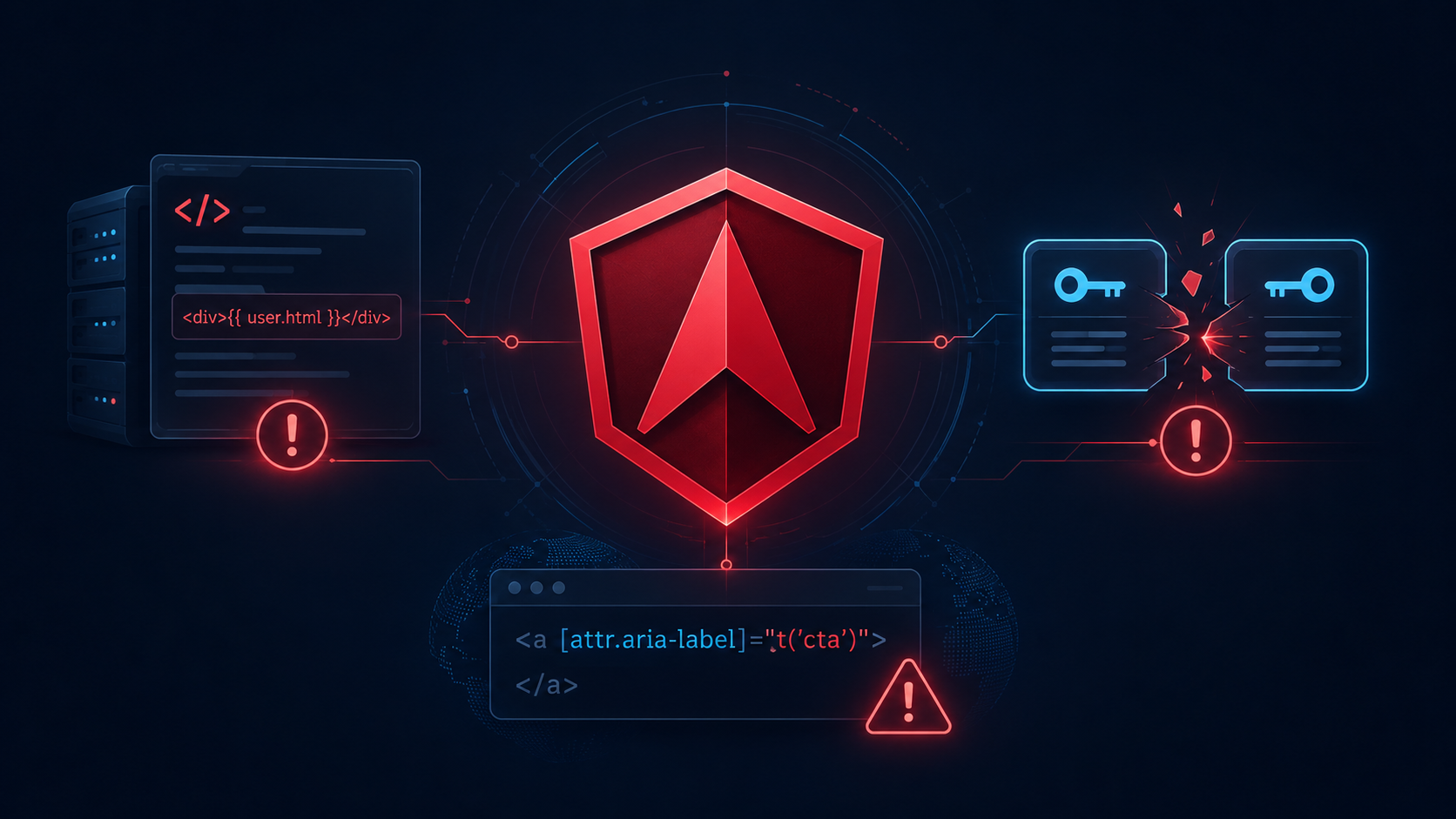
This Angular security patch fixes three July 2026 vulnerabilities affecting SSR, HttpTransferCache, and i18n. Angular published three high-severity security advisories on July 29, 2026. They affect different parts of the framework and require different conditions to be exploitable, so a vulnerable package version does not automatically mean that every Angular application is exposed.
The safest response is straightforward: update all Angular packages to a synchronized patch level that covers all three issues, then audit the specific code paths that make each vulnerability reachable.
For supported Angular versions, the combined minimum patch level is:
- Angular 22:
22.0.7or later - Angular 21:
21.2.19or later - Angular 20:
20.3.27or later - Angular 19: no patched version is listed in these advisories
Start with the common patch floor
The three advisories have different patch floors:
| Vulnerability | Main package | Angular 22 | Angular 21 | Angular 20 |
|---|---|---|---|---|
| SSR fallback raw-content XSS | @angular/platform-server | 22.0.7 | 21.2.19 | 20.3.27 |
HttpTransferCache key ambiguity | @angular/common | 22.0.2 | 21.2.19 | 20.3.27 |
| i18n event-handler XSS | @angular/compiler, @angular/core | 22.0.1 | 21.2.19 | 20.3.27 |
The correct shared floor for Angular 22 is therefore 22.0.7, not 22.0.2. Updating only enough to fix the transfer-cache issue would leave the SSR serialization vulnerability unfixed.
Check the versions installed in the application:
npx ng version

npm ls \
  @angular/core \
  @angular/common \
  @angular/compiler \
  @angular/platform-server
Update to the latest patch release within the application’s current supported major. For Angular 22:
npx ng update @angular/cli@^22 @angular/core@^22For Angular 21 or 20, replace 22 with the major version you are maintaining:
# Angular 21
npx ng update @angular/cli@^21 @angular/core@^21

# Angular 20
npx ng update @angular/cli@^20 @angular/core@^20
Angular recommends updating to the latest patch release rather than stopping at the first release that contains a particular fix. The ng update command also keeps the Angular package group aligned and runs applicable migrations. See the official ng update documentation.
After the update, inspect both the resolved dependency graph and the lockfile:
npm ls \
  @angular/core \
  @angular/common \
  @angular/compiler \
  @angular/platform-server

git diff -- package.json package-lock.json
Do not verify only package.json. CI and production builds resolve from the lockfile, so that file must contain the patched versions too.
Determine which vulnerabilities are reachable
Patching is the primary fix, but an applicability audit tells you where focused regression tests are needed. It also helps you evaluate emergency mitigations when a production update cannot be deployed immediately.
SSR fallback raw-content serialization
The first vulnerability is an XSS issue in Angular server-side rendering. It affects @angular/platform-server when dynamic, attacker-controlled text is rendered inside one of these fallback raw-content elements:
<iframe><noembed><noframes><noscript>
Before the fix, Angular’s SSR DOM emulation could serialize a closing tag from the bound content without escaping it. The browser could then interpret the remaining content as executable markup.
The important boundary is narrow: the application must use SSR or related server-side processing, place dynamic content inside one of these elements, and allow an attacker to influence that content. A browser-only application that never renders on the server does not meet that path.
Search Angular templates first:
rg -n \
  --glob '*.html' \
  '<(iframe|noembed|noframes|noscript)\b' \
  src
Review every match for interpolation, property binding, or content produced from user-controlled data:
<noscript>{{ fallbackMessage }}</noscript>A static <noscript> block is not the same risk as binding untrusted text into it. Trace each value to its source instead of treating every matching element as exploitable.
The official Angular advisory lists 22.0.7, 21.2.19, and 20.3.27 as patched versions. It also documents temporary mitigations, including avoiding untrusted bindings in these elements and disabling critical CSS inlining when immediate patching is impossible. See GHSA-vpx6-8pjr-4g3v.
For an application using the Angular application builder, the temporary critical-CSS mitigation looks like this:
{
  "projects": {
    "my-app": {
      "architect": {
        "build": {
          "builder": "@angular/build:application",
          "options": {
            "optimization": {
              "styles": {
                "inlineCritical": false
              }
            }
          }
        }
      }
    }
  }
}
This is a mitigation, not a permanent substitute for upgrading. It also has a performance cost because critical CSS will no longer be inlined.
HttpTransferCache key ambiguity
The second issue affects Angular SSR applications that use HttpTransferCache. Angular uses this cache to transfer server-fetched HTTP responses to the browser during hydration.
Before the patch, a scalar query value containing a comma and multiple values under the same key could generate ambiguous cache-key material. These two requests are semantically different:
const scalarValue = new HttpParams()
  .set('role', 'user,admin');

const repeatedValues = new HttpParams()
  .append('role', 'user')
  .append('role', 'admin');
The vulnerable cache-key logic could treat them as equivalent. During the same server render, a later request could receive the cached response created for the earlier request instead of dispatching its intended backend call.
This deserves particular attention when request parameters influence:
- authorization decisions;
- user-specific data;
- filtering of sensitive records;
- feature or tenant selection;
- server-rendered application state.
Search for repeated query parameters and transfer-cache configuration:
rg -n \
  'new HttpParams|appendAll|\.append\(|transferCache|withHttpTransferCacheOptions' \
  src
Focus on endpoints that combine repeated parameter names with security-sensitive or user-specific responses.
If an immediate upgrade is blocked, exclude the affected request from transfer caching:
this.http.get('/api/sensitive-resource', {
  params,
  transferCache: false
});
You can also disable the transfer cache globally:
import {
  provideClientHydration,
  withNoHttpTransferCache
} from '@angular/platform-browser';

export const appConfig = {
  providers: [
    provideClientHydration(
      withNoHttpTransferCache()
    )
  ]
};
Angular also supports filtering selected requests with withHttpTransferCacheOptions. A narrow exclusion is usually preferable to disabling the entire cache when only a small group of endpoints is sensitive.
These options are documented in Angular’s server-side rendering guide. The vulnerability and its exact affected versions are described in GHSA-jhpw-976m-542j.
Avoid overstating this issue as arbitrary cache poisoning across all Angular users. The advisory describes a collision between semantically different requests during SSR. Your test should reproduce the application’s actual request order, parameters, and rendered result.
i18n event-handler attributes
The third vulnerability is in Angular’s internationalization pipeline. Angular normally blocks bindings to event-handler attributes such as onclick and onerror, but the vulnerable i18n path allowed those attribute names to be marked for translation.
A vulnerable pattern looks like this:
<img
  src="fallback.png"
  onerror="void 0"
  i18n-onerror>
If a lower-trust translation file can change the translated event-handler value, it can introduce executable JavaScript into the localized application.
Search all templates:
rg -n \
  --glob '*.html' \
  'i18n-on[a-zA-Z0-9_-]*' \
  src
Also inspect generated or imported templates outside src if your build copies them into the application.
Remove i18n-on* markers. Prefer Angular event bindings for application behavior, and keep executable behavior outside translation files:
<img
  src="fallback.png"
  alt="Product preview"
  i18n-alt
  (error)="handleImageError($event)">
In this version, the human-readable alt text can be translated, while error handling remains application code.
Translation files should also be treated as executable-build inputs rather than harmless content files. Review who can modify them, how external translations are imported, and whether CI builds unreviewed localization changes.
The fixed versions are 22.0.1, 21.2.19, and 20.3.27, but applications should use the higher common patch floor when addressing all three advisories. See GHSA-jj27-h5hq-8×99.
Add focused regression tests
A successful build proves package compatibility. It does not prove that the application’s vulnerable paths are no longer reachable or that temporary mitigations were configured correctly.
Test the SSR serialization boundary
Create a test-only route that renders a controlled value through the same component path used by the application. The payload should attempt to close the fallback element and set a harmless marker:
import { expect, test } from '@playwright/test';

test('does not execute an SSR fallback payload', async ({ page }) => {
  const payload =
    '</noscript>' +
    '<script>window.__angularSsrProbe = true</script>' +
    '<noscript>';

  await page.goto(
    `/preview?message=${encodeURIComponent(payload)}`
  );

  const executed = await page.evaluate(
    () => Boolean(
      (window as Window & { __angularSsrProbe?: boolean })
        .__angularSsrProbe
    )
  );

  expect(executed).toBe(false);
});
Adapt the route and parameter to your application. Run this only in a controlled test environment, and make sure the route uses the real SSR production configuration rather than client-side rendering.
Also assert the returned HTML structure. A browser assertion alone may miss unsafe serialized markup that does not execute under the test’s exact conditions.
Test the transfer-cache collision
For a route that makes security-sensitive HTTP requests during SSR:
- Send one request with a scalar comma-containing parameter.
- Send another request to the same endpoint using repeated parameter keys.
- Configure the test backend to return distinct sentinel responses.
- Assert that both backend requests occur.
- Assert that each result appears in the correct part of the rendered HTML.
This verifies the application-level behavior that matters: the second request must not reuse the first request’s response merely because their old cache-key material could collide.
If you temporarily set transferCache: false, assert that the affected request is dispatched on both the server and client where that is the intended behavior.
Test localized production builds
Build every locale that reaches production:
npx ng build \
  --configuration production \
  --localize
Then inspect both source templates and generated localization artifacts for unsafe event-handler translation markers:
rg -n 'i18n-on[a-zA-Z0-9_-]*' src

rg -n \
  'on(error|load|click|mouseover)\s*=' \
  dist
The second search is intentionally broad. A match is a review target, not automatic proof of a vulnerability.
Make CI prove the patched state
A production pipeline should fail if the repository or lockfile resolves below the accepted patch floor.
At minimum, run:
npm ci

npx ng version

npm ls \
  @angular/core \
  @angular/common \
  @angular/compiler \
  @angular/platform-server

npx ng test --watch=false

npx ng build --configuration production
For localized applications, include the localized production build. For SSR applications, include an SSR integration or end-to-end test rather than relying only on unit tests.
Keep the following evidence with the deployment:
- commit SHA;
- reviewed
package-lock.json; - resolved Angular package versions;
- production build log;
- SSR and localization test results;
- container image or artifact identifier;
- deployment timestamp and environment.
This prevents a common operational failure: fixing a developer workstation while the deployment pipeline continues building an older lockfile, cached dependency layer, or rollback image.
Verify the production deployment
Angular SSR code runs on the server, so updating browser assets is not enough. Confirm that all SSR instances, containers, or serverless revisions were replaced with artifacts built from the patched lockfile.
Check that:
- no old SSR process remains in rotation;
- all regions and deployment slots use the patched artifact;
- the rollback artifact is patched or clearly marked unsafe;
- localized bundles were rebuilt rather than reused;
- CDN or application caches do not continue serving an old HTML artifact;
- SSR smoke tests reach every rendering mode used in production.
Do not search minified JavaScript for an Angular version string and treat that as definitive evidence. The stronger chain is lockfile → immutable build → artifact identifier → deployed revision.
What the patch does not prove
These updates address three specific vulnerabilities. They do not prove that an Angular application is free from XSS, authorization mistakes, unsafe HTML handling, or user-specific caching problems.
Keep the conclusions narrow:
- A CSR-only application is not reachable through the two SSR-specific paths, but it may still need the i18n compiler fix.
- An SSR application without dynamic fallback raw-content bindings does not meet the primary condition for the serialization issue.
- An application without repeated query keys may not reproduce the documented transfer-cache collision, but should still patch.
- An application without
i18n-on*attributes and without lower-trust translation inputs does not meet the documented i18n attack path. - Temporary configuration workarounds reduce specific risks but should not become permanent alternatives to supported security updates.
- Angular 19 has no patched version listed for these advisories, so teams on that line need a supported-version migration plan rather than assuming a later Angular 19 patch will solve the problem.
Remediation checklist
- Update Angular 22 to at least
22.0.7, Angular 21 to at least21.2.19, or Angular 20 to at least20.3.27. - Keep all Angular framework packages on a compatible synchronized version.
- Verify resolved versions in
package-lock.jsonand withnpm ls. - Search fallback raw-content elements for dynamic or user-controlled bindings.
- Review repeated query parameters used by SSR
HttpClientrequests. - Exclude sensitive requests from transfer caching if patching is temporarily blocked.
- Remove all
i18n-on*event-handler translation markers. - Review the trust boundary for imported translation files.
- Build every production locale.
- Run focused SSR and transfer-cache regression tests.
- Record the artifact and deployment evidence.
- Replace every old SSR runtime and rollback artifact.
References
- Angular SSR fallback raw-content XSS advisory
- Angular HttpTransferCache key-ambiguity advisory
- Angular i18n event-handler XSS advisory
- Angular CLI update documentation
- Angular server-side rendering and transfer-cache documentation
Enjoy This Blog?