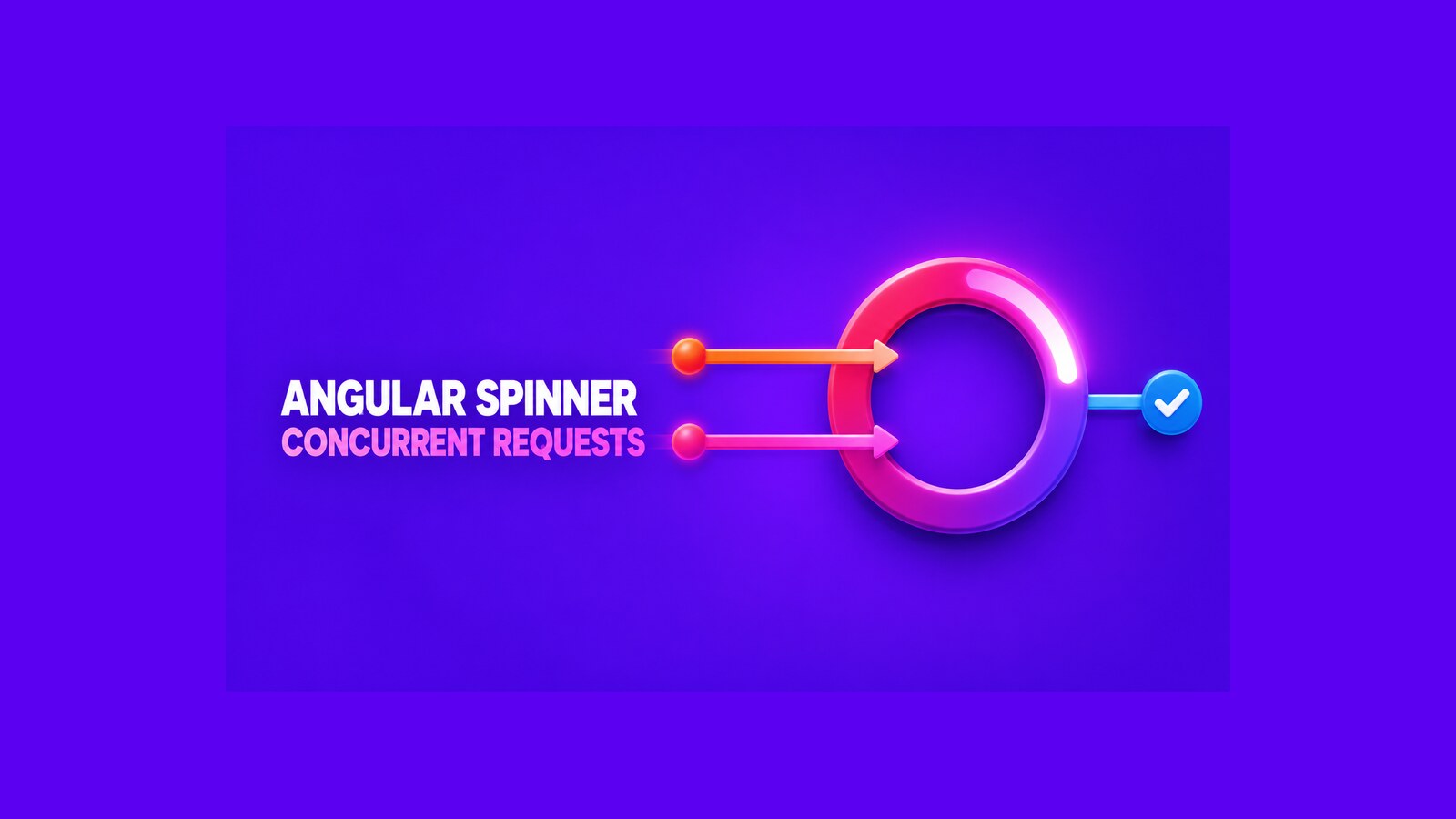
An Angular loading spinner should stay visible until every tracked operation has finished. A single boolean works for one request, but it fails when requests overlap: the first completion can hide the overlay while another request is still running. The practical fix is to count active operations, decrement the count in finalize(), and render one accessible overlay from the application shell.
The original demo for this article was built with Angular 18.2 and published in January 2025. Its historical repository and recorded WebM video are preserved below. This refresh improves the design and verification guidance; it does not claim that the old repository has been rebuilt against the current Angular release.
Table of Contents
Why a Boolean Loading Flag Fails
Suppose request A starts, then request B starts before A completes. Both calls set loading = true. When A finishes, it sets the value to false, even though B is still active. The UI now communicates the wrong state.
- Request A starts: active operations = 1.
- Request B starts: active operations = 2.
- Request A completes: active operations = 1, so the spinner must remain visible.
- Request B completes: active operations = 0, so the spinner can disappear.
This reference-counting rule is the core of the implementation. It also handles failed and cancelled requests when the decrement happens in RxJS finalize(), which runs when the observable terminates or the subscription is released.
Build the Accessible Loading Overlay
Keep the visual component presentational. It receives visibility and message inputs, covers the viewport, and exposes a status message to assistive technology. The component should not know why work is active or manage HTTP state itself.
import { CommonModule } from '@angular/common';
import { ChangeDetectionStrategy, Component, Input } from '@angular/core';

@Component({
  selector: 'dnc-loading-overlay',
  standalone: true,
  imports: [CommonModule],
  changeDetection: ChangeDetectionStrategy.OnPush,
  template: `
    <div *ngIf="visible"
         class="loading-overlay"
         role="status"
         aria-live="polite"
         aria-atomic="true">
      <span class="loading-spinner" aria-hidden="true"></span>
      <span class="loading-message">{{ message }}</span>
    </div>
  `,
  styles: [`
    .loading-overlay {
      position: fixed;
      inset: 0;
      z-index: 2000;
      display: grid;
      place-content: center;
      gap: 1rem;
      text-align: center;
      color: #fff;
      background: rgb(20 20 24 / 72%);
    }

    .loading-spinner {
      width: 3rem;
      aspect-ratio: 1;
      margin-inline: auto;
      border: .35rem solid rgb(255 255 255 / 35%);
      border-top-color: #fff;
      border-radius: 50%;
      animation: spin .8s linear infinite;
    }

    @keyframes spin { to { transform: rotate(1turn); } }

    @media (prefers-reduced-motion: reduce) {
      .loading-spinner { animation-duration: 1.8s; }
    }
  `]
})
export class DncLoadingOverlayComponent {
  @Input() visible = false;
  @Input() message = 'Loading, please wait…';
}
role="status" and aria-live="polite" let the message be announced without stealing keyboard focus. The decorative spinner is hidden from the accessibility tree. If the overlay truly prevents interaction, set aria-busy on the affected application region as well; do not move focus into a spinner that has no controls.
Track Concurrent Operations
The service below exposes a read-only observable and keeps the counter private. Every begin() call must be paired with one end() call. Clamping the count at zero protects the UI from a negative value, but a mismatched pair is still a programming error worth detecting in tests.
import { Injectable } from '@angular/core';
import { BehaviorSubject, distinctUntilChanged, map } from 'rxjs';

@Injectable({ providedIn: 'root' })
export class DncLoadingService {
  private readonly activeCount = new BehaviorSubject(0);

  readonly isLoading$ = this.activeCount.pipe(
    map(count => count > 0),
    distinctUntilChanged()
  );

  begin(): void {
    this.activeCount.next(this.activeCount.value + 1);
  }

  end(): void {
    this.activeCount.next(Math.max(0, this.activeCount.value - 1));
  }
}
Render the overlay once near the root of the application so route content cannot create competing global spinners:
<router-outlet></router-outlet>

<dnc-loading-overlay
  [visible]="(loading.isLoading$ | async) ?? false"
  message="Loading, please wait…" />
Make the injected service public or protected only because the template reads it. In a larger application, expose a view-model observable instead of widening access to unrelated state.
Connect the Spinner to HTTP Requests
The historical Angular 18.2 repository uses a DI-based class interceptor. The following version preserves that integration style while replacing the boolean toggle with balanced counter operations. Remove the repository’s artificial delay(9000) outside a demonstration.
import { Injectable } from '@angular/core';
import {
  HttpEvent,
  HttpHandler,
  HttpInterceptor,
  HttpRequest
} from '@angular/common/http';
import { Observable, finalize } from 'rxjs';
import { DncLoadingService } from './dnc-loading.service';

@Injectable()
export class DncLoadingInterceptor implements HttpInterceptor {
  constructor(private readonly loading: DncLoadingService) {}

  intercept(
    request: HttpRequest<unknown>,
    next: HttpHandler
  ): Observable<HttpEvent<unknown>> {
    this.loading.begin();

    return next.handle(request).pipe(
      finalize(() => this.loading.end())
    );
  }
}
Register it once with HTTP_INTERCEPTORS and multi: true, as the original NgModule project does. Angular’s current documentation recommends functional interceptors for more predictable ordering in complex configurations. A maintained standalone application can express the same lifecycle like this:
import { inject } from '@angular/core';
import { HttpInterceptorFn, provideHttpClient, withInterceptors } from '@angular/common/http';
import { finalize } from 'rxjs';

export const loadingInterceptor: HttpInterceptorFn = (request, next) => {
  const loading = inject(DncLoadingService);
  loading.begin();

  return next(request).pipe(
    finalize(() => loading.end())
  );
};

export const appConfig = {
  providers: [
    provideHttpClient(withInterceptors([loadingInterceptor]))
  ]
};
This functional form is current guidance, not a claim that the preserved Angular 18 repository uses it. Choose one registration model and verify the final interceptor order; mixing parent and child HttpClient configurations can otherwise make behavior difficult to reason about.
Exclude Requests That Should Not Block the UI
Not every HTTP request should cover the screen. Analytics, polling, prefetching, and silent refresh calls usually belong in the background. A typed HttpContextToken lets the caller state that intent without sending a custom header to the server.
import { HttpContext, HttpContextToken } from '@angular/common/http';

export const SHOW_GLOBAL_SPINNER =
  new HttpContextToken<boolean>(() => true);

// In the interceptor:
if (!request.context.get(SHOW_GLOBAL_SPINNER)) {
  return next(request);
}

// At a background call site:
this.http.get('/api/notifications', {
  context: new HttpContext().set(SHOW_GLOBAL_SPINNER, false)
});
Keep the default explicit for your product. A global spinner may be appropriate for navigation-blocking reads, but a button-level action usually needs a local disabled state so the rest of the page remains usable.
Verify Overlap, Errors, and Cancellation
A manual slow request proves only the happy path. The important regression test starts two requests, completes them in different orders, and asserts that the spinner remains visible until the second request ends. Add error and unsubscribe cases because both must release the counter.
it('stays visible until all tracked requests finish', () => {
  const states: boolean[] = [];
  const stateSubscription = loading.isLoading$.subscribe(value => states.push(value));

  const first = http.get('/api/first').subscribe();
  const second = http.get('/api/second').subscribe();

  const firstRequest = httpTesting.expectOne('/api/first');
  const secondRequest = httpTesting.expectOne('/api/second');

  firstRequest.flush({ ok: true });
  expect(states.at(-1)).toBeTrue();

  secondRequest.flush({ ok: true });
  expect(states.at(-1)).toBeFalse();

  first.unsubscribe();
  second.unsubscribe();
  stateSubscription.unsubscribe();
});
Run the equivalent test with one request returning an error, then cancel one subscription before its response. The expected observable sequence begins with false, changes to true when the first request starts, stays true after only one of two requests completes, and returns to false after the final tracked subscription terminates.
Watch the Original Angular 18 Demo
The recording below shows the original overlay, message, and HTTP-driven behavior. It documents what was working when the demo was created; it is not evidence that the preserved project has been tested with a newer Angular version.
If you need the same feedback pattern in a server-rendered UI, the related Blazor loading spinner guide shows the corresponding component approach.
Production Decisions
- Avoid flicker: do not show a global overlay for every sub-100 ms request. A short display threshold can reduce flashing, but test it with real latency and accessibility settings.
- Do not track endless streams: polling and long-lived event streams may never complete. Exclude them or model their status locally.
- Preserve cancellation: keep
finalize()at the boundary that owns the subscription so route changes and explicit unsubscribe operations release the count. - Separate global and local state: a page-wide overlay is a strong interaction block. Prefer a button spinner or skeleton when only one region is loading.
- Plan for server rendering: the service is application state, not durable state. Avoid carrying an active counter across requests, and do not start browser-only animation work on the server.
- Recover from defects: log or fail tests when
end()has no matchingbegin(). Silently clamping protects the screen but should not hide lifecycle bugs.
Compatibility Status
The public repository pins Angular 18.2, RxJS 7.8, and TypeScript 5.5. The demo code and video belong to that historical environment. Angular’s current documentation, checked for this editorial refresh, recommends functional interceptors and documents withInterceptors(), but this article does not claim that the old repository builds unchanged on Angular 22. Treat an upgrade as a separate task: update dependencies, replace obsolete bootstrap patterns deliberately, run the unit tests, build the production bundle, and repeat the overlapping-request verification.
References
- Angular: Intercepting requests and responses
- Angular: Setting up HttpClient
- Angular: Accessibility best practices
- RxJS: finalize operator
Demo source code: View the preserved Angular 18.2 example on GitHub.
Found this useful? Support more practical developer content.