Table of Contents
Angular 22 OnPush behavior creates a migration split that is easy to miss: upgraded components can preserve Eager change detection, while newly generated components use OnPush by default. The application compiles, the upgrade appears successful, and only specific data flows produce stale views.
Do not start by adding detectChanges() everywhere. First determine which components remain Eager, identify the new OnPush boundaries, and fix the notification or reference flow that Angular can no longer observe.
Why Angular 22 OnPush Creates an Old/New Split
Before Angular 22, a component without a changeDetection property behaved as though it used the former ChangeDetectionStrategy.Default.
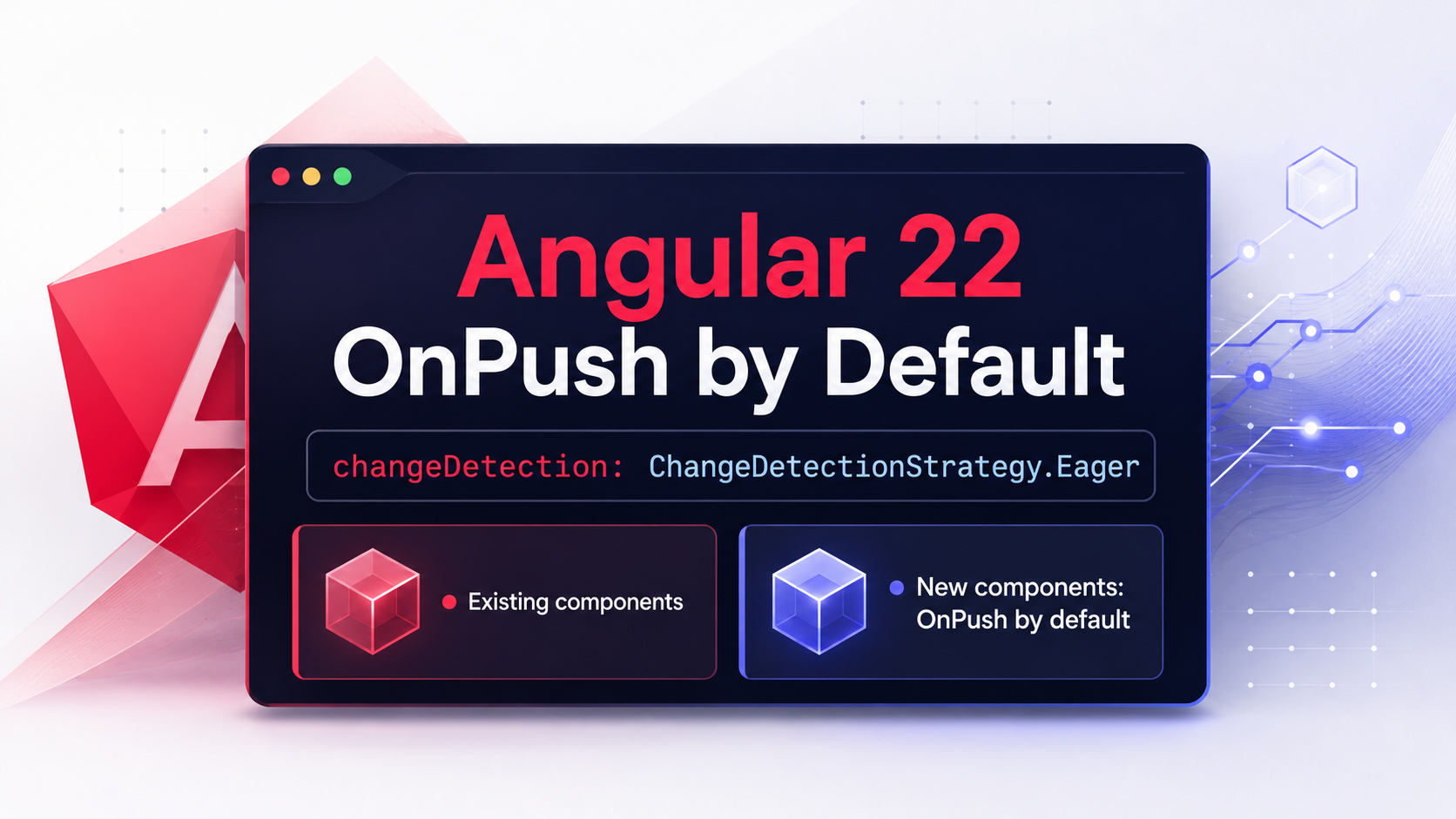
Angular 22 changes the implicit strategy to OnPush and renames the old strategy to Eager. The official Angular RFC also states that the update migration explicitly adds ChangeDetectionStrategy.Eager to existing components when needed, preserving their previous behavior.
The migration is intentionally conservative: upgrading Angular should not silently change the rendering semantics of every existing component. Angular’s OnPush-by-default RFC explains this preservation strategy.
A migrated component may therefore look like this:
import {
  ChangeDetectionStrategy,
  Component,
} from '@angular/core';

@Component({
  selector: 'app-legacy-orders',
  templateUrl: './legacy-orders.html',
  changeDetection: ChangeDetectionStrategy.Eager,
})
export class LegacyOrdersComponent {}
That explicit setting is not accidental boilerplate. It preserves the component’s pre-upgrade behavior.
A component created after the upgrade can omit the property:
import { Component } from '@angular/core';

@Component({
  selector: 'app-order-summary',
  templateUrl: './order-summary.html',
})
export class OrderSummaryComponent {}
In Angular 22, the second component is implicitly OnPush. The Angular CLI also documents OnPush as the default value of its component-generation change-detection option. The Angular component generator still lets you request Eager explicitly when required.
This means two neighboring components can behave differently even when neither developer consciously selected a strategy:
- An upgraded component may contain explicit
Eager. - A newly generated component may omit the property and inherit
OnPush. - A component already using explicit
OnPushcontinues to do so. - Code still using
ChangeDetectionStrategy.Defaultshould move toward the clearerEagername.
The risk is not that ng update converted the entire application to OnPush. The risk is assuming that it did—or failing to notice that components created afterward now start with different behavior.
The Stale-View Failure to Look For
An OnPush component is checked when Angular receives a relevant notification. Common triggers include:
- A bound input receives a different value or object reference.
- An event listener in the component’s subtree runs.
- A signal read by the template changes.
ChangeDetectorRef.markForCheck()marks the view.- A framework utility such as
AsyncPipemarks it automatically.
Angular documents these triggers in its guides to advanced component configuration and skipping component subtrees.
The most common regression is an object being mutated without changing its reference.
Consider a parent component:
import { Component } from '@angular/core';
import { ProfileCardComponent } from './profile-card.component';

interface Profile {
  name: string;
  role: string;
}

@Component({
  selector: 'app-account-page',
  imports: [ProfileCardComponent],
  template: `
    <app-profile-card [profile]="profile" />

    <button type="button" (click)="rename()">
      Rename profile
    </button>
  `,
})
export class AccountPageComponent {
  profile: Profile = {
    name: 'Ada',
    role: 'Administrator',
  };

  rename(): void {
    this.profile.name = 'Grace';
  }
}
Now assume ProfileCardComponent was generated after upgrading to Angular 22:
import { Component, input } from '@angular/core';

interface Profile {
  name: string;
  role: string;
}

@Component({
  selector: 'app-profile-card',
  template: `
    <h2>{{ profile().name }}</h2>
    <p>{{ profile().role }}</p>
  `,
})
export class ProfileCardComponent {
  readonly profile = input.required<Profile>();
}
Because the child is implicitly OnPush, mutating profile.name does not give it a new input reference. The click happens in the parent, outside the child’s subtree, so the child can be skipped and continue displaying Ada.
The JavaScript object is correct. The rendered view is stale.
This bug can be confusing because it may disappear when another event later causes the affected view to be checked.
Four Reliable Ways to Update an OnPush View
1. Replace Mutable Input Objects
For input-bound state, create a new reference:
rename(): void {
  this.profile = {
    ...this.profile,
    name: 'Grace',
  };
}
Angular can now observe that the input value changed and schedule the OnPush child for checking.
This is usually the smallest and safest fix when state crosses a component boundary.
The same principle applies to arrays. Avoid relying on an in-place operation:
this.orders.push(newOrder);Replace the array instead:
this.orders = [...this.orders, newOrder];Also review in-place calls such as splice(), sort(), and reverse() when the collection is passed into an OnPush component.
2. Use Signals for Local and Shared State
Signals provide Angular with an explicit notification when a value used by a template changes.
import { Component, signal } from '@angular/core';
import { ProfileCardComponent } from './profile-card.component';

interface Profile {
  name: string;
  role: string;
}

@Component({
  selector: 'app-account-page',
  imports: [ProfileCardComponent],
  template: `
    <app-profile-card [profile]="profile()" />

    <button type="button" (click)="rename()">
      Rename profile
    </button>
  `,
})
export class AccountPageComponent {
  readonly profile = signal<Profile>({
    name: 'Ada',
    role: 'Administrator',
  });

  rename(): void {
    this.profile.update(profile => ({
      ...profile,
      name: 'Grace',
    }));
  }
}
The template reads the signal, and the update also produces a new object reference for the child input.
A signal does not make arbitrary deep mutation observable. This remains unsafe:
this.profile().name = 'Grace';Use set() or update() so the signal emits a change.
3. Let AsyncPipe Mark the View
For observable data displayed directly in a template, prefer AsyncPipe over a manual subscription whose assignment Angular cannot observe.
import { AsyncPipe } from '@angular/common';
import { Component, inject } from '@angular/core';
import { UserService } from './user.service';

@Component({
  selector: 'app-current-user',
  imports: [AsyncPipe],
  template: `
    @if (user$ | async; as user) {
      <p>{{ user.name }}</p>
    }
  `,
})
export class CurrentUserComponent {
  private readonly userService = inject(UserService);

  readonly user$ = this.userService.currentUser$;
}
AsyncPipe marks the component for checking when the observable emits. Angular lists it among the supported notification mechanisms for modern and zoneless-compatible components.
4. Use markForCheck at Imperative Boundaries
Some integrations are inherently imperative: browser APIs, third-party widgets, SDK callbacks, or existing subscriptions that cannot immediately be converted.
Use markForCheck() after updating state:
import {
  ChangeDetectionStrategy,
  ChangeDetectorRef,
  Component,
  inject,
} from '@angular/core';

@Component({
  selector: 'app-connection-status',
  template: `<p>Status: {{ status }}</p>`,
  changeDetection: ChangeDetectionStrategy.OnPush,
})
export class ConnectionStatusComponent {
  private readonly cdr = inject(ChangeDetectorRef);

  status = 'Connecting';

  handleSdkStatus(status: string): void {
    this.status = status;
    this.cdr.markForCheck();
  }
}
Prefer markForCheck() when the goal is to notify Angular that the view needs checking. Treat direct detectChanges() as a narrower tool for cases where an immediate local check is genuinely required.
Angular also warns that assigning an input manually through ViewChild or ContentChild does not automatically mark an OnPush component. Call markForCheck() or, when working with a ComponentRef, use setInput().
How to Audit an Upgraded Codebase
Start by reviewing the changes made by ng update. Do not remove explicit Eager entries just because they look repetitive.
Use repository searches to build an inventory:
rg "ChangeDetectionStrategy\.(Eager|Default|OnPush)" src projectsFind components whose behavior is now implicit:
rg -L "changeDetection" \
  --glob "*.component.ts" \
  src projects
Depending on the shell and ripgrep version, you may prefer listing component files first and reviewing them through the IDE. The objective is to distinguish migrated components from components generated after Angular 22.
Search for common mutation hotspots:
rg "\.(push|splice|sort|reverse)\(" src projectsSearch for imperative update boundaries:
rg "@ViewChild|@ContentChild|createComponent|subscribe\(" \
  src projects
These searches are heuristics, not proof of a defect. Review each result in context.
Prioritize components that:
- Pass mutable objects or arrays to child components.
- Assign observable emissions to ordinary class fields.
- Receive callbacks from third-party libraries.
- Update child inputs through queries or dynamic component APIs.
- Create components dynamically with
ViewContainerRef. - Mix old Eager parents with newly generated OnPush descendants.
- Previously refreshed only because unrelated events triggered a broader check.
Also review custom schematics and code generators. A team generator created before Angular 22 may produce explicit strategies, while the standard generator now defaults to OnPush.
If a component intentionally requires the old behavior, generate or configure it explicitly:
ng generate component legacy-widget \
  --change-detection Eager
The important word is intentionally. Eager should represent a reviewed compatibility choice, not an unexplained response to a stale view.
Regression Tests That Expose Missed Updates
A successful build does not prove that every view refreshes correctly. Add tests around notification boundaries.
For the profile example, a regression test should verify what the user sees:
import { TestBed } from '@angular/core/testing';
import { AccountPageComponent } from './account-page.component';

describe('AccountPageComponent', () => {
  it('renders the renamed profile', () => {
    const fixture =
      TestBed.createComponent(AccountPageComponent);

    fixture.detectChanges();

    fixture.componentInstance.rename();
    fixture.detectChanges();

    expect(fixture.nativeElement.textContent)
      .toContain('Grace');
  });
});
With the original in-place mutation, this test can expose the stale child. Replacing the profile object or moving the state to a properly updated signal makes the expected rendering explicit.
Cover more than button clicks. A useful post-upgrade test matrix includes:
- An input object replaced with a new reference.
- An input object accidentally mutated in place.
- An event handled inside the OnPush component.
- An observable consumed through
AsyncPipe. - A manual subscription or SDK callback.
- An input assigned through a component query.
- A dynamically created component receiving updated inputs.
- A library host rendering application-owned child components.
Test the DOM output, not only the component field. A field can hold the new value while the browser still displays the old one.
When Eager Remains the Correct Choice
OnPush is the Angular 22 default, but Eager is still a supported strategy.
A deliberate Eager boundary can be appropriate while modernizing a large legacy feature incrementally. It can also be necessary for certain library host components that dynamically render user-owned components.
Angular’s zoneless compatibility guide describes an important library case: a host that creates consumer components through ViewContainerRef.createComponent() may need Eager behavior when those children are not OnPush-compatible. An OnPush host could otherwise prevent an Eager child from being reached during traversal.
This exception is narrower than ordinary content projection. Do not convert every wrapper component to Eager without reproducing the actual boundary problem.
An explicit opt-out looks like this:
import {
  ChangeDetectionStrategy,
  Component,
} from '@angular/core';

@Component({
  selector: 'app-plugin-host',
  template: `<ng-container #host />`,
  changeDetection: ChangeDetectionStrategy.Eager,
})
export class PluginHostComponent {}
Document why the opt-out exists and add a regression test. That prevents a later cleanup from removing it as “obsolete.”
What the Angular 22 Change Does Not Mean
Angular 22’s default does not mean:
ng updaterewrites every old component to OnPush.- OnPush components update only when an input changes.
- Every mutable operation creates a visible defect.
- Eager is automatically incorrect.
- Zoneless and OnPush are the same feature.
- Calling
detectChanges()is the standard migration solution.
An OnPush component can still be refreshed by events, signals, AsyncPipe, markForCheck(), ComponentRef.setInput(), and other Angular-recognized notifications.
Whether an in-place mutation produces a stale view depends on where the event occurred, which view was marked, and whether a reference or notification crossed the component boundary.
Angular 22 Migration Checklist
Before approving an Angular 22 upgrade:
- Keep the explicit
ChangeDetectionStrategy.Eagerentries produced by the migration. - Identify components created after the upgrade that implicitly use OnPush.
- Review mutable objects and arrays passed through inputs.
- Replace cross-boundary mutation with new references.
- Use signals through
set()orupdate(). - Prefer
AsyncPipefor observable values rendered in templates. - Add
markForCheck()at unavoidable imperative boundaries. - Review manual input assignments and dynamically created components.
- Test DOM output after input, event, asynchronous, and library-host updates.
- Use Eager only as a deliberate, documented compatibility decision.
- Avoid broad
detectChanges()patches that hide the missing notification.
Angular 22 gives new components a stronger default without forcing every upgraded component to change behavior immediately. That is useful for gradual modernization, but it also creates a temporary mixed-strategy codebase.
The safe migration is therefore not “convert everything during ng update.” It is to preserve existing behavior, make new OnPush boundaries visible, and repair each state flow with an explicit Angular notification.
References
- Angular v22 announcement
- OnPush-by-default RFC and migration behavior
- ChangeDetectionStrategy API
- Advanced component configuration
- Skipping OnPush component subtrees
- Zoneless compatibility requirements
- Angular CLI component generator
Enjoy This Blog?


Discover more from Dot Net Coder
Subscribe to get the latest posts sent to your email.