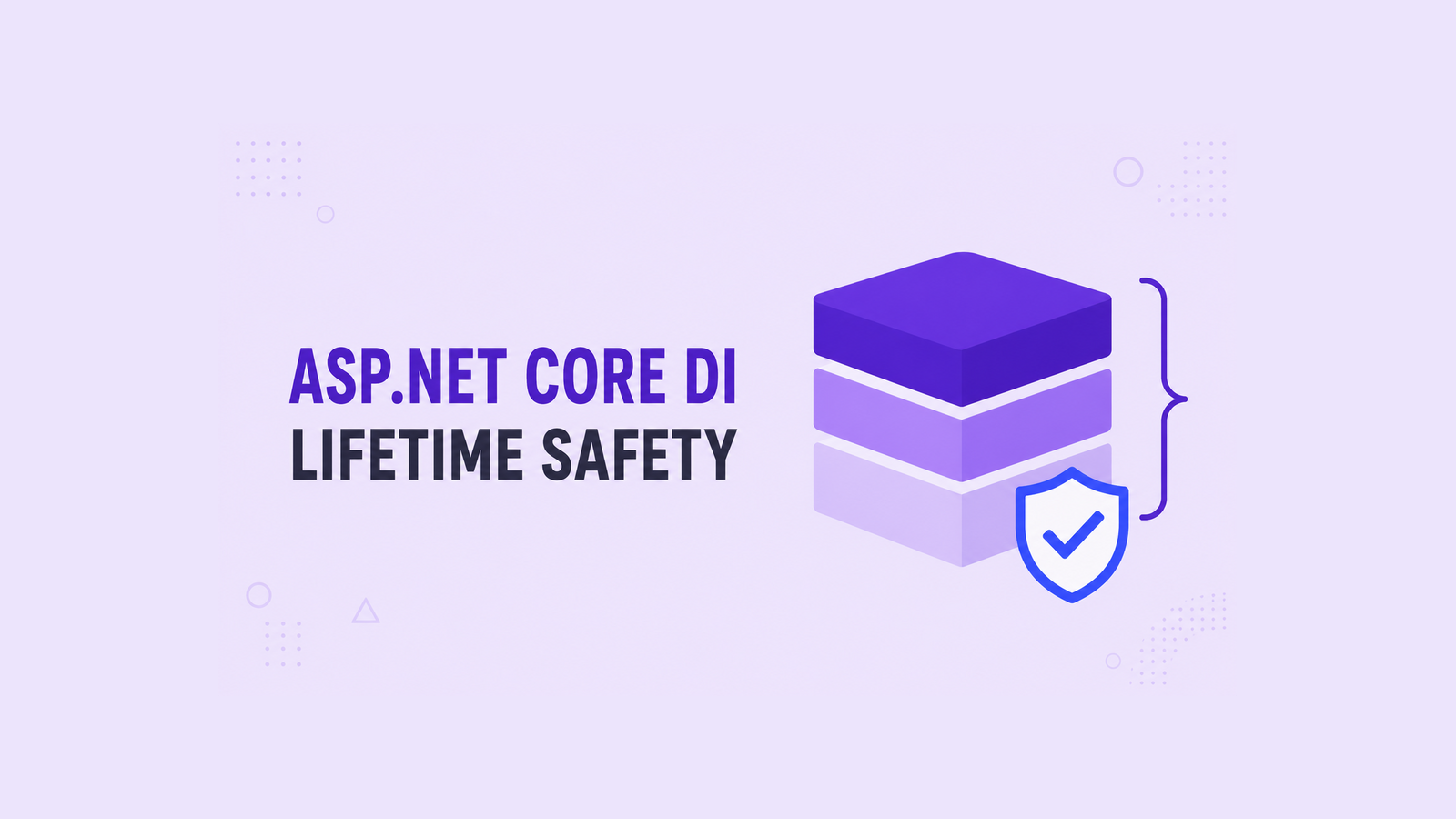
Dependency injection in ASP.NET Core is easy to configure, but choosing the wrong lifetime can quietly turn request data into shared state, keep disposable objects alive, or make a background worker fail only after deployment. The practical rule is to choose each lifetime from its ownership boundary, then validate the complete object graph before production.
This guide starts with the built-in container and the three standard lifetimes, then focuses on the failures that matter in real applications: captive dependencies, scoped work outside HTTP requests, disposal, singleton concurrency, service location, and configuration validation. The original lifetime demonstration and repository are retained at the end as historical material.
Table of Contents
Start with the ownership boundary
A service lifetime is not a performance setting. It defines who owns an instance, how long its state may live, and when the container disposes it. Choose the lifetime by answering three questions:
- Does the instance contain request-specific state? It normally belongs to the request scope.
- Is the instance cheap, stateless, and safe to create whenever requested? Transient is usually appropriate.
- Must one instance be shared across the process? Singleton is possible only when its entire behavior and dependency graph are safe for concurrent requests.
Transient creates an instance each time the service is resolved. Scoped creates one instance per scope; in an ASP.NET Core HTTP application, that normally means one instance per request. Singleton creates one instance for the root container and keeps it until application shutdown.
The longest lifetime is not automatically the fastest or best. A singleton can retain a large object graph, couple unrelated requests, and introduce synchronization requirements. A transient disposable resolved from the root provider can also remain rooted until shutdown. Start from correctness and ownership, then measure performance.
Register services in Program.cs
The current ASP.NET Core hosting model exposes IServiceCollection through builder.Services. Register abstractions at startup and request them through constructors. Keep registration code close to the application boundary so the object graph remains visible.
var builder = WebApplication.CreateBuilder(args);

builder.Services.AddTransient<IOrderValidator, OrderValidator>();
builder.Services.AddScoped<IOrderService, OrderService>();
builder.Services.AddSingleton(TimeProvider.System);

var app = builder.Build();

app.MapPost("/orders", async (
    CreateOrderRequest request,
    IOrderService orders,
    CancellationToken cancellationToken) =>
{
    var id = await orders.CreateAsync(request, cancellationToken);
    return Results.Created($"/orders/{id}", new { id });
});

app.Run();
Constructor or endpoint parameter injection makes required dependencies explicit. It also lets tests supply controlled implementations without letting application code reach into the container. If one class requires a long list of unrelated dependencies, treat that as a design signal: the class may have too many responsibilities.
Understand scoped services in ASP.NET Core
A scoped service is shared only inside the scope that created it. During one HTTP request, controllers, middleware, endpoint handlers, and application services can receive the same scoped instance. A typical example is an Entity Framework Core DbContext.
builder.Services.AddDbContext<OrdersDbContext>(options =>
    options.UseSqlServer(
        builder.Configuration.GetConnectionString("Orders")));

builder.Services.AddScoped<IOrderService, OrderService>();
Do not interpret scoped as “one instance for every operation everywhere.” A scope exists only when something creates it. HTTP requests create scopes automatically, but a singleton hosted service, a queue consumer, or startup code runs outside that request boundary. Those paths must create and dispose their own scope.
Prevent captive dependencies
A captive dependency appears when a longer-lived service captures a shorter-lived service. The common failure is a singleton that receives a scoped service:
builder.Services.AddScoped<OrdersDbContext>();
builder.Services.AddSingleton<OrderCache>();

// Incorrect: the scoped DbContext becomes captive.
public sealed class OrderCache(OrdersDbContext db)
{
    // ...
}
The singleton keeps the first resolved OrdersDbContext instead of receiving a request-specific instance. That can mix request state, use a disposed context, or make a non-thread-safe dependency reachable from concurrent requests.
The clean fix is normally to align the lifetime with the dependency. Make OrderCache scoped if it participates in request work. If the cache genuinely must be a singleton, keep the singleton independent from request-scoped state and pass immutable values into it.
Create scopes inside background services
A registered BackgroundService is a singleton. Injecting a DbContext or another scoped service directly into it creates a lifetime mismatch. Inject IServiceScopeFactory, create a scope for one unit of work, resolve the scoped service from that scope, and dispose the scope before the next iteration.
public sealed class InvoiceWorker(
    IServiceScopeFactory scopeFactory,
    ILogger<InvoiceWorker> logger) : BackgroundService
{
    protected override async Task ExecuteAsync(
        CancellationToken stoppingToken)
    {
        while (!stoppingToken.IsCancellationRequested)
        {
            await using var scope = scopeFactory.CreateAsyncScope();
            var job = scope.ServiceProvider
                .GetRequiredService<IInvoiceJob>();

            try
            {
                await job.RunAsync(stoppingToken);
            }
            catch (OperationCanceledException)
                when (stoppingToken.IsCancellationRequested)
            {
                break;
            }
            catch (Exception ex)
            {
                logger.LogError(ex, "Invoice processing failed");
            }

            await Task.Delay(TimeSpan.FromSeconds(30), stoppingToken);
        }
    }
}
The scope should match one logical operation, not the entire lifetime of the worker. That gives each iteration fresh scoped dependencies and deterministic disposal. Queue consumers should usually create a scope per message or per controlled batch for the same reason.
Let the container manage disposal
The container disposes the disposable services it creates. Scoped and transient services are disposed when their owning scope ends; singletons are disposed when the root container shuts down. Code receiving an injected disposable should not dispose it manually.
public sealed class ReportService(ReportClient client)
{
    public Task<Report> GetAsync(
        Guid id,
        CancellationToken cancellationToken) =>
        client.GetAsync(id, cancellationToken);

    // Do not call client.Dispose(); the container owns it.
}
Ownership changes when you register an already-created instance with AddSingleton(instance). The container did not construct that instance, so the application remains responsible for its lifetime. For a disposable object that must end before the current scope, use a factory that creates it outside the container and dispose it explicitly.
Keep singleton services thread-safe
The container can resolve services concurrently, but it does not make the resolved object thread-safe. A singleton is reachable by multiple requests at the same time. Shared mutable collections, reusable buffers, and “current request” fields require synchronization or a different lifetime.
public sealed class ProductSnapshotCache
{
    private ImmutableDictionary<Guid, ProductSnapshot> _items =
        ImmutableDictionary<Guid, ProductSnapshot>.Empty;

    public ProductSnapshot? Find(Guid id) =>
        Volatile.Read(ref _items).GetValueOrDefault(id);

    public void Replace(
        ImmutableDictionary<Guid, ProductSnapshot> snapshot) =>
        Volatile.Write(ref _items, snapshot);
}
This design replaces an immutable snapshot instead of mutating a shared dictionary. It still needs load tests and an intentional refresh policy. If sharing state provides no real value, a stateless transient or scoped service is usually simpler.
Avoid service location and BuildServiceProvider
Injecting IServiceProvider into ordinary application code and resolving arbitrary services hides the class’s real dependencies. It also moves lifetime errors from startup to runtime. Prefer constructor injection. Resolve from IServiceProvider only at an explicit composition boundary, such as a scope created by a worker.
Do not call BuildServiceProvider() while registering services. It creates a second container with its own singleton instances and disposal boundary. Use the registration overload that supplies the existing provider:
builder.Services.AddSingleton<IReportFormatter>(services =>
{
    var options = services
        .GetRequiredService<IOptions<ReportOptions>>().Value;

    return new PdfReportFormatter(options.PageSize);
});
Keep this factory synchronous and fast. The built-in container does not support asynchronous construction. Perform asynchronous initialization after resolution through a deliberate lifecycle method or a hosted startup service; do not block on Task.Result inside a registration factory.
Use keyed services for explicit variants
When an application has multiple intentional implementations of one contract, keyed services can make the choice explicit without a switch-heavy service locator. The key becomes part of the composition contract, so keep the number of variants small and stable.
builder.Services.AddKeyedTransient<INotificationSender, EmailSender>(
    "email");
builder.Services.AddKeyedTransient<INotificationSender, SmsSender>(
    "sms");

app.MapPost("/notify/email", async (
    [FromKeyedServices("email")] INotificationSender sender,
    Notification message,
    CancellationToken cancellationToken) =>
{
    await sender.SendAsync(message, cancellationToken);
    return Results.Accepted();
});
If selection changes dynamically per customer or request, a focused factory with a typed selection model may be clearer than scattering string keys across the codebase. For outbound API clients, also consider IHttpClientFactory; the reusable HttpClient service guide shows how identity and client ownership affect that design.
Validate the dependency graph
Development builds validate common scope mistakes by default, but production should not depend on a developer eventually resolving every path. Enable scope and build validation deliberately in automated tests or startup environments where the additional startup cost is acceptable.
builder.Host.UseDefaultServiceProvider((context, options) =>
{
    options.ValidateScopes = true;
    options.ValidateOnBuild = true;
});
ValidateScopes detects scoped services resolved from the root container or captured by singletons. ValidateOnBuild asks the provider to validate registered service descriptors when the container is built. It cannot prove runtime behavior, keys chosen dynamically, thread safety, or external configuration, so add integration tests that resolve important entry points and execute success and failure paths.
A useful failure test deliberately registers a singleton that consumes a scoped service and asserts that building or resolving the graph throws. That protects the lifetime boundary from a later refactor that compiles successfully but changes ownership.
Historical lifetime demonstration
The original DotNetCoder article used an IRandomService consumed by two services. Changing its registration between transient, scoped, and singleton made instance hash codes and generated values reveal when the same object was reused.
builder.Services.AddScoped<IRandomService, RandomService>();
builder.Services.AddTransient<IFirstService, FirstService>();
builder.Services.AddTransient<ISecondService, SecondService>();
With IRandomService scoped, both consumers receive the same instance during one HTTP request, while a later request receives a new instance. Registering it as transient gives each resolution a different instance. Registering it as singleton shares one instance across requests and therefore requires thread-safe state.
The historical source remains available in the original dependency-injection repository. It demonstrates lifetime behavior, but it has not been re-tested here against the latest .NET SDK. Treat its package versions, project template, naming, and random-number implementation as historical teaching material rather than a production baseline.
Production checklist
- Choose lifetimes from ownership and state, not from assumptions about speed.
- Never inject a scoped service directly into a singleton.
- Create and dispose a scope for each background operation or message.
- Let the container dispose the objects it creates.
- Make every singleton and its captured dependencies safe for concurrent access.
- Avoid service location and do not create a second container with
BuildServiceProvider(). - Keep registration factories synchronous and fast.
- Use keyed services only when multiple implementations are an intentional application concept.
- Enable scope and build validation, then resolve important graphs in integration tests.
- Pass cancellation tokens through request and background-work boundaries.
Dependency injection succeeds when the registrations communicate the application’s ownership model. The container can create and dispose objects, but it cannot decide whether request state is safe to share, whether a singleton is thread-safe, or whether a class has too many responsibilities. Those remain design decisions that should be visible in code and verified before deployment.
References
- Microsoft Learn: .NET dependency injection
- Microsoft Learn: Dependency injection guidelines
- Microsoft Learn: Use scoped services within a BackgroundService
- Microsoft Learn: Dependency injection in ASP.NET Core
Found this useful? Support more practical developer content.