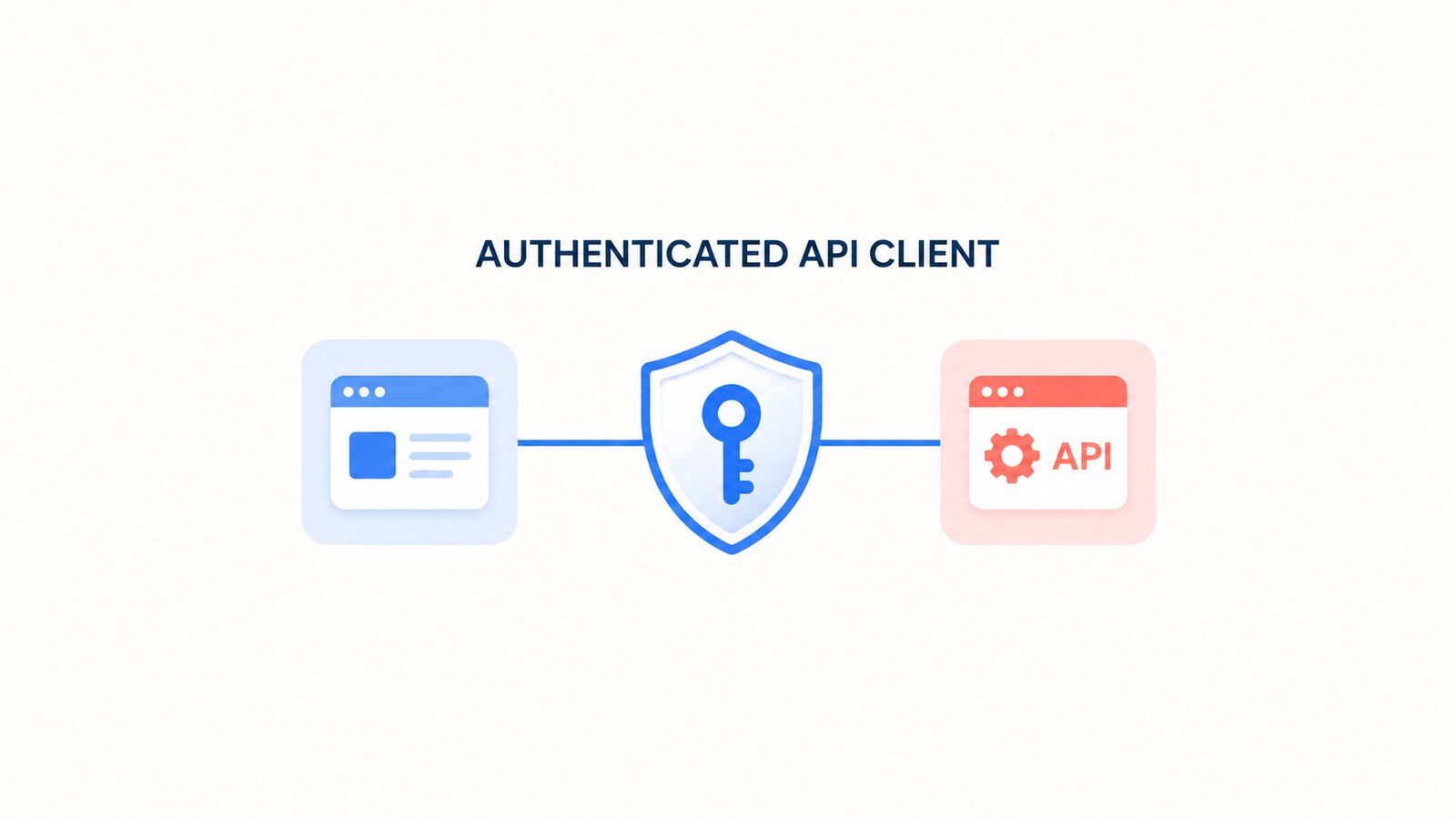
A reusable HttpClient service in ASP.NET Core should make the caller’s identity explicit. It should not inspect the current HTTP context and silently choose between a delegated token, an on-behalf-of token, and an application token. Those modes have different permissions, consent rules, caches, and failure paths.
This guide replaces that ambiguous design with a small application service built on IDownstreamApi, Microsoft’s supported abstraction for calling custom protected REST APIs. The public methods state whether the call is for the current user or for the application, while
Microsoft.Identity.Web acquires and caches the correct token. The original 2024 repository and video remain available as historical material; they have not been retested against current package versions.
Table of Contents
Choose the identity boundary first
Before writing an HTTP wrapper, decide who the downstream API should authorize:
- Delegated user: a signed-in user is present and the downstream API evaluates delegated scopes. A web API that received the user’s bearer token uses the on-behalf-of flow to obtain a new token for the downstream API.
- Application: a background process or service calls without a user. The access token contains application roles granted through admin consent.
Do not fall back from one mode to the other. If a delegated call has no authenticated user, fail it. If a background job needs application permissions, call the explicit app-only method. This prevents a missing user context from unexpectedly widening the caller’s authority.
If the current service is a web API forwarding a user’s request, read the detailed Microsoft Entra on-behalf-of flow guide. For unattended workloads, use the separate client credentials flow guide.
Configure Microsoft Entra ID and the downstream APIs
Install Microsoft.Identity.Web’s downstream API integration. The package exposes IDownstreamApi and handles authorization headers, token acquisition, JSON serialization, and HTTP responses.
dotnet add package Microsoft.Identity.Web
dotnet add package Microsoft.Identity.Web.DownstreamApi
dotnet add package Microsoft.Identity.Web.TokenCache
Keep delegated and application permissions in different named configurations. Both can point to the same API, but their scopes are intentionally different.
{
  "AzureAd": {
    "Instance": "https://login.microsoftonline.com/",
    "TenantId": "YOUR_TENANT_ID",
    "ClientId": "YOUR_API_CLIENT_ID",
    "ClientCredentials": [
      {
        "SourceType": "StoreWithDistinguishedName",
        "CertificateStorePath": "CurrentUser/My",
        "CertificateDistinguishedName": "CN=orders-api-client"
      }
    ]
  },
  "DownstreamApis": {
    "OrdersForUser": {
      "BaseUrl": "https://orders.example.com/",
      "Scopes": [ "api://YOUR_ORDERS_API_ID/orders.read" ]
    },
    "OrdersForApp": {
      "BaseUrl": "https://orders.example.com/",
      "Scopes": [ "api://YOUR_ORDERS_API_ID/.default" ],
      "RequestAppToken": true
    }
  }
}
The example identifies a certificate in the operating system certificate store rather than placing a client secret in source control. Choose a credential source that matches the host; managed identity or a certificate from a controlled store is preferable where supported. Never copy a secret into appsettings.json, a screenshot, a repository, or an article.
Register bearer authentication, downstream token acquisition, a persistent token cache for a multi-instance deployment, and both downstream API definitions:
using Microsoft.AspNetCore.Authentication.JwtBearer;
using Microsoft.Identity.Web;

var builder = WebApplication.CreateBuilder(args);

builder.Services
    .AddAuthentication(JwtBearerDefaults.AuthenticationScheme)
    .AddMicrosoftIdentityWebApi(
        builder.Configuration.GetSection("AzureAd"))
    .EnableTokenAcquisitionToCallDownstreamApi()
    .AddDistributedTokenCaches();

builder.Services.AddDownstreamApis(
    builder.Configuration.GetSection("DownstreamApis"));

builder.Services.AddScoped<IOrdersApiClient, OrdersApiClient>();
builder.Services.AddAuthorization();
builder.Services.AddControllers();
AddDistributedTokenCaches supplies the token-cache abstraction, but a production deployment still needs a real distributed cache provider such as Redis or SQL Server. An in-memory cache is instance-local and can cause avoidable token acquisition after a restart or when traffic moves between nodes.
Create the reusable API client
The application-facing interface names the authorization mode. It returns domain data and does not expose tokens to controllers or business services.
using System.Security.Claims;

public sealed record OrderSummary(
    Guid Id,
    string Number,
    decimal Total);

public interface IOrdersApiClient
{
    Task<IReadOnlyList<OrderSummary>> GetForUserAsync(
        ClaimsPrincipal user,
        CancellationToken cancellationToken);

    Task<IReadOnlyList<OrderSummary>> GetForApplicationAsync(
        CancellationToken cancellationToken);
}
The implementation delegates token selection and HTTP plumbing to IDownstreamApi. The two methods use different service names, so a caller cannot accidentally send an application token where a delegated token is required.
using Microsoft.Identity.Abstractions;

public sealed class OrdersApiClient(
    IDownstreamApi downstreamApi) : IOrdersApiClient
{
    public async Task<IReadOnlyList<OrderSummary>> GetForUserAsync(
        ClaimsPrincipal user,
        CancellationToken cancellationToken)
    {
        if (user.Identity?.IsAuthenticated != true)
        {
            throw new InvalidOperationException(
                "A signed-in user is required for this operation.");
        }

        var result = await downstreamApi.GetForUserAsync<OrderSummary[]>(
            "OrdersForUser",
            options => options.RelativePath = "api/orders",
            user,
            cancellationToken);

        return result ?? [];
    }

    public async Task<IReadOnlyList<OrderSummary>> GetForApplicationAsync(
        CancellationToken cancellationToken)
    {
        var result = await downstreamApi.GetForAppAsync<OrderSummary[]>(
            "OrdersForApp",
            options => options.RelativePath = "api/orders",
            cancellationToken);

        return result ?? [];
    }
}
For POST, PUT, PATCH, and DELETE calls, use the matching IDownstreamApi methods. Keep the authorization mode explicit in the method name, and pass the request cancellation token through every layer.
Use the client from an ASP.NET Core endpoint
A user-facing endpoint passes its authenticated principal to the delegated method. In a protected web API, Microsoft.Identity.Web uses the incoming identity to perform OBO token acquisition for the downstream audience.
using Microsoft.AspNetCore.Authorization;
using Microsoft.AspNetCore.Mvc;
using Microsoft.Identity.Web;

[ApiController]
[Route("api/orders")]
[Authorize]
[RequiredScope("orders.read")]
public sealed class OrdersController(
    IOrdersApiClient ordersClient) : ControllerBase
{
    [HttpGet]
    public async Task<ActionResult<IReadOnlyList<OrderSummary>>> Get(
        CancellationToken cancellationToken)
    {
        var orders = await ordersClient.GetForUserAsync(
            User,
            cancellationToken);

        return Ok(orders);
    }
}
A hosted service or queue consumer has no user principal and must call the app-only method:
public sealed class OrderReconciliationWorker(
    IServiceScopeFactory scopeFactory,
    ILogger<OrderReconciliationWorker> logger)
    : BackgroundService
{
    protected override async Task ExecuteAsync(
        CancellationToken stoppingToken)
    {
        using var scope = scopeFactory.CreateScope();
        var client = scope.ServiceProvider
            .GetRequiredService<IOrdersApiClient>();

        var orders = await client.GetForApplicationAsync(stoppingToken);
        logger.LogInformation("Loaded {OrderCount} orders", orders.Count);
    }
}
Do not pass an HttpContext into a background task. The request may already be complete, and its user identity is not a substitute for application authorization.
Handle consent, failures, and retries
Token and HTTP failures need different handling. Keep these cases visible rather than converting every failure into a generic empty result:
- 401: the downstream API rejected the token. Check the audience, issuer, signing keys, and token type.
- 403: authentication succeeded but the token lacks the required delegated scope or application role.
- User challenge: a web app may need incremental consent or sign-in again. Let
MicrosoftIdentityWebChallengeUserExceptionreach the layer that can issue the challenge. - 429 and transient 5xx: honor
Retry-Afterand use bounded retry behavior. - Timeout or cancellation: distinguish caller cancellation from an outbound timeout in logs and metrics.
Be careful with automatic retries. Retrying GET is usually safe; retrying a POST can create duplicates unless the API implements idempotency. If the application needs custom resilience policies and low-level HttpClient handlers, use a named or typed client and a Microsoft identity authorization handler. Do not duplicate token acquisition logic inside every service.
Also avoid logging access tokens, authorization headers, client assertions, or full error bodies that might contain personal data. Log the downstream host, route template, status code, duration, correlation ID, and authorization mode instead.
Verify the complete flow
Use a non-production tenant and test API. The following checks prove the boundary rather than only proving that one happy-path request returned 200:
- Call the user endpoint with a token for the front-end API. Confirm that the downstream API receives a different token whose
audidentifies the downstream API and whosescpcontainsorders.read. - Remove user consent for
orders.read. Confirm that the delegated path produces a consent challenge or a controlled authorization error, not an app-only fallback. - Run the worker without an HTTP request. Confirm that the downstream token contains the expected application
rolesclaim and no delegatedscpclaim. - Remove the application’s Orders API role assignment. Confirm that the downstream API returns 403.
- Use an incorrect audience and confirm that token validation returns 401.
- Cancel the incoming request and confirm that the outbound call stops through the propagated
CancellationToken. - In a multi-instance environment, verify that the configured distributed token cache is shared and protected.
Inspect claims only in a controlled environment. A decoded JWT is not proof that the signature is valid; the downstream API must perform normal bearer-token validation.
Historical demo and source code
The original November 2024 implementation is preserved for context. It demonstrates the earlier reusable-client approach across a Blazor app and protected APIs. The repository and recording have not been rebuilt or compatibility-tested with current Microsoft.Identity.Web packages, so use the updated pattern above for new work.
Source: original GitHub repository.
References
- Microsoft.Identity.Web: Calling downstream APIs
- Microsoft Learn: IDownstreamApi API reference
- Microsoft Learn: IHttpClientFactory with .NET
- Microsoft Learn: Resilient HTTP applications
Found this useful? Support more practical developer content.