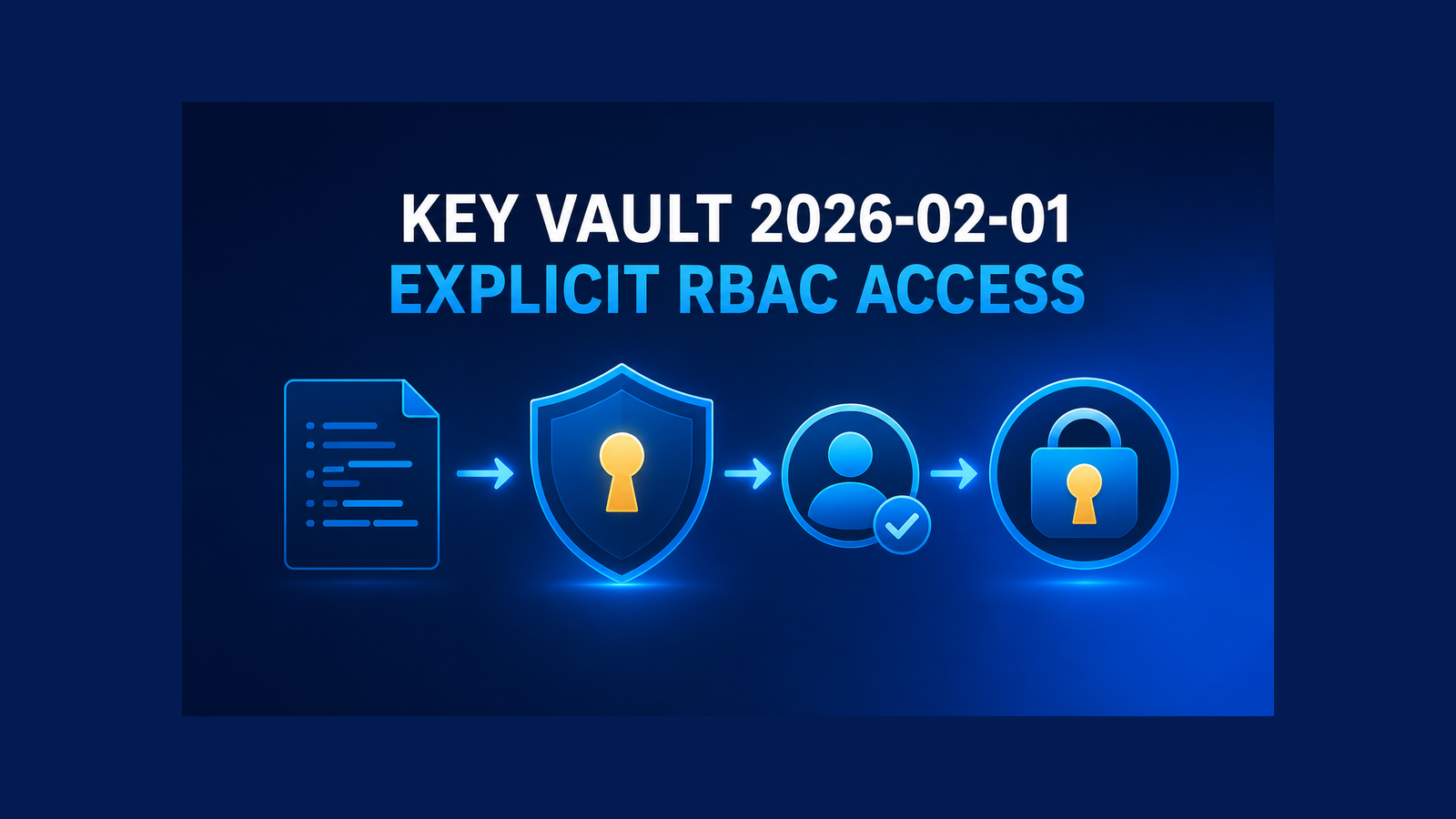
Azure Key Vault API 2026-02-01 changes the default authorization model for newly created vaults. If an IaC template omits enableRbacAuthorization, the new vault uses Azure RBAC. The deployment can still succeed while the application receives HTTP 403 because it has no Key Vault data-plane role. The safe fix is not to pin an older API. Make the authorization model explicit, deploy the workload’s role assignment with the vault, preview the change, and verify secret access using the workload identity.
Table of Contents
What changes in Azure Key Vault API 2026-02-01
Microsoft is retiring every Key Vault control-plane API version older than 2026-02-01 on February 27, 2027. That deadline affects ARM, Bicep, Terraform or AzAPI resources, REST calls, and management SDKs that create or configure vaults. It does not retire existing vaults, and it does not affect Key Vault data-plane APIs used to read secrets, keys, or certificates.
The behavioral change matters when an API 2026-02-01 or later request creates a vault:
- If
enableRbacAuthorizationis omitted, the new vault defaults to Azure RBAC. - If it is explicitly
true, the vault uses Azure RBAC for data actions. - If it is explicitly
false, the vault uses legacy access policies.
This is create-time behavior. Moving an existing template to the new API version does not silently switch an existing vault from access policies to RBAC. Existing vaults retain their authorization model. The dangerous case is a template that creates a replacement vault, a vault in a new environment, or a vault with a new name while leaving the property unspecified.
That is how a green infrastructure deployment can produce a broken application. The control plane created the vault successfully, but the application identity was never granted a data-plane role. Its first SecretClient.GetSecretAsync call or equivalent REST request returns 403.
Inventory the authorization model first
Do not infer the current model from the age of a template or from a role assignment you happen to see. Query the vault property. Microsoft documents this Azure CLI inventory:
az keyvault list \
  --resource-group "$RESOURCE_GROUP" \
  --query "[].{name:name, rbacEnabled:properties.enableRbacAuthorization}" \
  --output table
Treat true as RBAC. For vaults created with older APIs, false or null means access policies. Run the inventory across every subscription and environment that the pipeline can target, then compare the result with the intended model stored in code.
This is more than migration housekeeping. It exposes configuration drift. If production uses access policies while a disaster-recovery template now creates an RBAC vault, the recovery deployment may finish and the recovered application may still be unable to read its secrets.
Make RBAC explicit in Bicep
For an RBAC-based vault, define the vault and the workload’s data-plane role assignment in the same deployment boundary. The following Bicep uses the 2026-02-01 vault API, selects RBAC explicitly, and grants a managed identity the built-in Key Vault Secrets User role at vault scope:
targetScope = 'resourceGroup'

param vaultName string
param location string = resourceGroup().location

@description('Microsoft Entra object ID of the workload managed identity')
param workloadPrincipalId string

resource keyVaultSecretsUser 'Microsoft.Authorization/roleDefinitions@2022-04-01' existing = {
  scope: subscription()
  name: '4633458b-17de-408a-b874-0445c86b69e6'
}

resource vault 'Microsoft.KeyVault/vaults@2026-02-01' = {
  name: vaultName
  location: location
  properties: {
    tenantId: tenant().tenantId
    sku: {
      family: 'A'
      name: 'standard'
    }
    accessPolicies: []
    enableRbacAuthorization: true
  }
}

resource workloadSecretsUser 'Microsoft.Authorization/roleAssignments@2022-04-01' = {
  scope: vault
  name: guid(vault.id, workloadPrincipalId, keyVaultSecretsUser.id)
  properties: {
    principalId: workloadPrincipalId
    principalType: 'ServicePrincipal'
    roleDefinitionId: keyVaultSecretsUser.id
  }
}
The sample leaves networking and lifecycle settings out so the authorization boundary is visible. Keep those controls in your production baseline. Three details here are deliberate.
enableRbacAuthorizationis not left to an API default.- The role assignment is scoped to this vault, not the resource group or subscription.
- The role assignment name is deterministic, using the vault ID, principal ID, and role definition ID.
The example uses the role ID instead of the display name because Microsoft recommends IDs for automation. Key Vault Secrets User can read secret contents. If the workload must create or rotate secrets, choose a role that grants those specific operations; do not upgrade it to Owner or a broad management role. Also remember that Key Vault Contributor controls the vault resource but cannot read secret values. Control-plane access and data-plane access are separate.
The identity running the deployment needs permission to create role assignments, including Microsoft.Authorization/roleAssignments/write. A pipeline that can create a vault but cannot create its required data-plane assignment should fail during deployment rather than leave an apparently healthy environment behind.
For the application-side integration, see Azure Key Vault configuration in ASP.NET Core. Follow its managed identity approach for loading secrets, but use the RBAC role assignments in this article for new vaults instead of its legacy access-policy steps.
Keep access policies explicit too
Legacy access policies remain supported. If your organization is not moving a particular vault to RBAC yet, the safe template is still explicit:
resource vault 'Microsoft.KeyVault/vaults@2026-02-01' = {
  name: vaultName
  location: location
  properties: {
    tenantId: tenant().tenantId
    sku: {
      family: 'A'
      name: 'standard'
    }
    enableRbacAuthorization: false
    accessPolicies: accessPolicies
  }
}
Here, accessPolicies must contain the identities and permissions your application needs. Setting the flag to false only selects the authorization model; it does not grant access by itself.
Do not combine an API-version update with a permission-model migration unless you have planned and tested both changes. Microsoft advises assigning the required RBAC roles before switching an existing vault. Once RBAC is enabled, permissions from access policies no longer grant data-plane access. Treat that switch as an authorization migration with its own rollout and rollback plan.
Add a pre-deployment gate
Run ARM what-if before deployment and review the vault and role assignment together:
az deployment group what-if \
  --resource-group "$RESOURCE_GROUP" \
  --template-file main.bicep \
  --parameters \
    vaultName="$VAULT_NAME" \
    workloadPrincipalId="$WORKLOAD_PRINCIPAL_ID" \
  --validation-level Provider
Use Azure CLI 2.76.0 or later for the --validation-level option. The default Provider level validates template syntax, resource definitions, dependencies, and whether the deployment identity has sufficient permissions. What-if does not change resources.
Review these questions in the output:
- Is
enableRbacAuthorizationexplicitly present with the intended value? - Is a role assignment created for the workload’s object ID, not its application/client ID?
- Is the assignment scoped to the intended vault?
- Does the role match the workload’s actual data operations?
- Is the deployment replacing a vault instead of updating it?
What-if is necessary, but it is not the final authorization test. It validates the deployment identity’s ability to deploy the resources. It does not prove that the runtime identity can read a secret after RBAC propagation.
Prove data-plane access after deployment
Run the post-deployment smoke check in a job authenticated as the actual workload identity, or as a dedicated test identity with the exact same Key Vault role. Do not run it as the subscription owner or the deployment service principal; that can turn a missing application permission into a false pass.
The check should use a known, non-production smoke-test secret and query only its resource ID so the value never appears in logs:
#!/usr/bin/env bash
set -euo pipefail

: "${VAULT_NAME:?VAULT_NAME is required}"
: "${SMOKE_SECRET_NAME:?SMOKE_SECRET_NAME is required}"

for attempt in $(seq 1 20); do
  if secret_id=$(az keyvault secret show \
      --vault-name "$VAULT_NAME" \
      --name "$SMOKE_SECRET_NAME" \
      --query id \
      --output tsv \
      --only-show-errors); then
    printf 'Key Vault data-plane check passed: %s\n' "$secret_id"
    exit 0
  fi

  if [ "$attempt" -lt 20 ]; then
    printf 'Access not ready (attempt %s/20); retrying in 30 seconds.\n' "$attempt" >&2
    sleep 30
  fi
done

printf 'Key Vault data-plane check failed after 10 minutes.\n' >&2
exit 1
Azure role assignments can take several minutes to become effective, so a bounded retry prevents a temporary propagation delay from failing every deployment. The bound matters. An endless retry would hide a wrong principal ID, wrong scope, wrong role, or the wrong authorization model.
If the check still receives 403 after the retry window, inspect the four pieces of the authorization contract: the vault’s enableRbacAuthorization value, the workload’s Entra object ID, the role definition, and the role-assignment scope. Network restrictions can also block access, but private endpoints and firewall troubleshooting are separate from the API-default change covered here.
A migration checklist for existing pipelines
- Inventory every vault. Record whether RBAC is enabled in each environment.
- Find every control-plane caller. Search Bicep, ARM, Terraform or AzAPI, REST integrations, scripts, and management SDKs.
- Update the API or SDK. For .NET management code, Microsoft lists
Azure.ResourceManager.KeyVault1.4.0 as the minimum version for this change. - Declare the model. Set
enableRbacAuthorizationtotrueorfalse; never depend on omission. - Model authorization with the resource. Add the workload’s least-privilege role assignment or access policy in IaC.
- Preview the deployment. Use what-if and review replacements, role scopes, and principal IDs.
- Deploy to a non-production environment. Exercise both first creation and repeat deployment.
- Run the data-plane smoke check. Authenticate as the workload, query no secret values, and retry only for a bounded propagation window.
- Promote only after the check passes. Keep production publication and environment rollout separate from template compilation.
The same contract applies if you use Terraform AzAPI instead of Bicep: select Microsoft.KeyVault/vaults@2026-02-01, set enableRbacAuthorization explicitly, create the required role assignment, and verify data-plane access after deployment. Provider-specific syntax changes; the authorization boundary does not.
What the retirement does not change
The February 27, 2027 retirement does not delete vaults, rotate secrets, or force existing vaults to RBAC. It also does not require updates to Key Vault data-plane SDKs solely because of this control-plane API retirement. An application already using SecretClient, KeyClient, or CertificateClient is on the data plane.
The practical requirement is narrower: update every system that manages the vault resource, make the chosen authorization model visible in code, and ensure the runtime identity receives and proves the data-plane access it needs. That turns a subtle default change into a reviewable deployment contract instead of a production 403.
References
- Microsoft Learn: Prepare for Key Vault API version 2026-02-01 and later
- Microsoft Learn: Microsoft.KeyVault/vaults 2026-02-01 reference
- Microsoft Learn: Key Vault Azure RBAC guide
- Microsoft Learn: Migrate Key Vault access policies to Azure RBAC
- Microsoft Learn: Create Azure RBAC resources with Bicep
- Microsoft Learn: Preview Bicep deployment changes with what-if
Found this useful? Support more practical developer content.