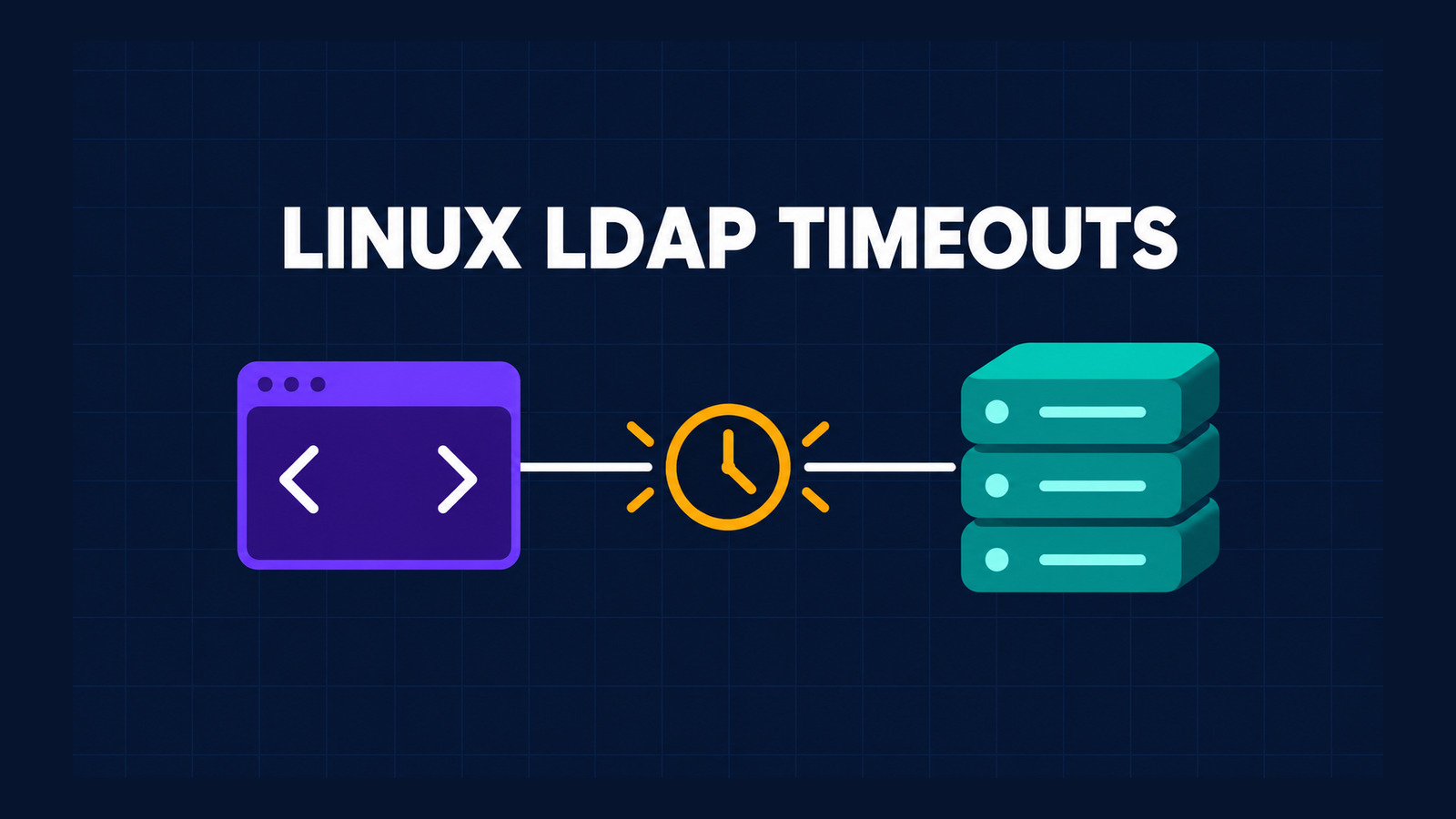
.NET LDAP timeouts on Linux can fail in two different places. A server can accept the TCP connection and never answer Bind, or it can accept the bind and never answer SendRequest. In both cases, LdapConnection.Timeout = TimeSpan.FromSeconds(3) may leave the caller waiting far longer than three seconds.
This guide gives you a small predeployment probe for both paths. It also explains what the result means, why a normal task timeout does not cancel the native LDAP call, and how to keep an affected build out of a critical production path until a released fix passes the same checks.
Table of Contents
Test .NET LDAP timeouts on Linux in two paths
The word “timeout” hides three different operations:
| Path | What the server does | Observed Linux risk |
|---|---|---|
| Connect | Does not accept the TCP connection | A network timeout can bound connection establishment in newer code paths, but it does not prove later LDAP responses are bounded. |
| Bind response | Accepts TCP and receives the bind, then sends nothing | The synchronous Linux bind can wait without a response timeout. |
| Search response | Answers the bind, receives the search, then sends nothing | The configured Timeout is passed through a Linux interop structure whose layout can produce a much larger or infinite native wait. |
The current LdapConnection.Timeout API reference says the value limits how long SendRequest waits. The new runtime reports show why that expectation is not reliable on the affected 64-bit Linux path. One report traces SendRequest to an 8-byte managed LDAP_TIMEVAL passed where libldap reads a 16-byte native timeval. The bytes read beyond the managed value can turn three seconds into hours or an infinite poll. A separate report shows that synchronous bind waits with a null native response timeout after the TCP connection succeeds.
A successful TCP connection does not prove that either the LDAP bind response or the later search response is bounded.
Build the version-pinned probe
Create a console project and pin the package you deploy. The executed proof used .NET SDK 10.0.401 and System.DirectoryServices.Protocols 10.0.13 on Linux x64.
<Project Sdk="Microsoft.NET.Sdk">
  <PropertyGroup>
    <OutputType>Exe</OutputType>
    <TargetFramework>net10.0</TargetFramework>
    <ImplicitUsings>enable</ImplicitUsings>
    <Nullable>enable</Nullable>
  </PropertyGroup>
  <ItemGroup>
    <PackageReference Include="System.DirectoryServices.Protocols"
                      Version="10.0.13" />
  </ItemGroup>
</Project>
Use one executable for both bind and search checks:
using System.Diagnostics;
using System.DirectoryServices.Protocols;
using System.Net;

using var connection = new LdapConnection(
    new LdapDirectoryIdentifier("127.0.0.1", 10389))
{
    AuthType = AuthType.Basic,
    Timeout = TimeSpan.FromSeconds(3),
};

connection.SessionOptions.ProtocolVersion = 3;
var stopwatch = Stopwatch.StartNew();

if (args.FirstOrDefault()?.Equals("bind",
        StringComparison.OrdinalIgnoreCase) == true)
{
    connection.Bind(new NetworkCredential(
        "cn=user,dc=example,dc=com", "secret"));
    Console.WriteLine($"bind returned after {stopwatch.Elapsed.TotalSeconds:F2} s");
    return 2;
}

connection.Bind(new NetworkCredential(
    "cn=user,dc=example,dc=com", "secret"));
Console.WriteLine("bind succeeded");

stopwatch.Restart();
try
{
    connection.SendRequest(new SearchRequest(
        "dc=example,dc=com",
        "(objectClass=*)",
        SearchScope.Base));

    Console.WriteLine($"search returned after {stopwatch.Elapsed.TotalSeconds:F2} s");
    return 2;
}
catch (LdapException ex)
{
    Console.WriteLine(
        $"LdapException {ex.ErrorCode}: {ex.Message.Trim()} " +
        $"after {stopwatch.Elapsed.TotalSeconds:F2} s");
    return 0;
}
The nonzero return for an unexpected successful response makes the program useful in CI. It is not a production LDAP client. It uses fixed local credentials and a loopback endpoint only to observe response-wait behavior.
Run a controllable LDAP responder
The responder needs three modes: answer everything, stall before the bind response, or answer bind and stall before the search response. The compact server below is derived from the upstream reproductions and uses only the Python standard library.
import socket
import threading
import sys

mode = sys.argv[1] if len(sys.argv) > 1 else "search"

def read_exact(conn, size):
    data = b""
    while len(data) < size:
        chunk = conn.recv(size - len(data))
        if not chunk:
            raise EOFError
        data += chunk
    return data

def read_message(conn):
    tag, first = read_exact(conn, 2)
    if tag != 0x30:
        raise ValueError(f"unexpected tag {tag:#x}")
    length = int.from_bytes(read_exact(conn, first & 0x7F), "big") \
        if first & 0x80 else first
    body = read_exact(conn, length)
    id_end = 2 + body[1]
    return body[:id_end], body[id_end]

def serve(conn):
    try:
        while True:
            message_id, operation = read_message(conn)
            print(f"received protocolOp {operation:#x}", flush=True)

            if mode in {"search", "control"} and operation == 0x60:
                reply = message_id + bytes([
                    0x61, 0x07, 0x0A, 0x01, 0x00, 0x04, 0x00, 0x04, 0x00
                ])
                conn.sendall(bytes([0x30, len(reply)]) + reply)
            elif mode == "control" and operation == 0x63:
                reply = message_id + bytes([
                    0x65, 0x07, 0x0A, 0x01, 0x00, 0x04, 0x00, 0x04, 0x00
                ])
                conn.sendall(bytes([0x30, len(reply)]) + reply)
    except (EOFError, OSError):
        pass
    finally:
        conn.close()

server = socket.socket(socket.AF_INET, socket.SOCK_STREAM)
server.setsockopt(socket.SOL_SOCKET, socket.SO_REUSEADDR, 1)
server.bind(("127.0.0.1", 10389))
server.listen(16)
print("ready", flush=True)

while True:
    client, _ = server.accept()
    threading.Thread(target=serve, args=(client,), daemon=True).start()
The operation tags matter: 0x60 is the bind request, 0x63 is the search request, 0x61 is a successful bind response, and 0x65 completes a search. The server deliberately implements only enough LDAP framing for this isolated test.
Execute the three-case matrix
Restore and build once, then start a fresh server process for each case. Use the operating system’s timeout command as an observation boundary. That command terminates the whole probe process; it is not evidence that LdapConnection cancelled itself.
dotnet restore
dotnet build --no-restore

# Case 1: the responder answers bind and search.
python3 stall_server.py control &
server_pid=$!
timeout 6s dotnet run --no-build
kill "$server_pid"

# Case 2: TCP is accepted, but bind receives no response.
python3 stall_server.py bind &
server_pid=$!
timeout 6s dotnet run --no-build -- bind
bind_rc=$?
kill "$server_pid"
test "$bind_rc" -eq 124

# Case 3: bind succeeds, but search receives no response.
python3 stall_server.py search &
server_pid=$!
timeout 6s dotnet run --no-build
search_rc=$?
kill "$server_pid"
test "$search_rc" -eq 124
A timeout exit code of 124 means the external six-second boundary stopped the child. Because the LDAP property was three seconds, either stalled case reaching six seconds is a failing deployment signal. Keep the control case: without it, a broken responder, wrong port, or failed restore can look like a timeout defect.
Interpret the result
The task-local run produced this matrix:
| Case | Expected probe result | Executed result |
|---|---|---|
| Control | Bind succeeds and search returns immediately | Pass; both responses completed |
| Bind stall | The three-second LDAP setting should bound the call | Fail; the process was still waiting at six seconds |
| Search stall | SendRequest should throw near three seconds | Fail; bind succeeded and search was still waiting at six seconds |
This verifies behavior, not every part of the proposed root cause. The source analysis in the runtime issues explains the native timeout paths. The executed probe establishes the reader-facing fact needed for deployment: on the tested Linux x64 package/runtime combination, neither stalled response respected the intended three-second boundary.
Contain the production risk
Do not “fix” the problem with Task.WhenAny, CancellationTokenSource.CancelAfter, or by abandoning a worker thread. Those patterns can release the awaiting caller while the synchronous native LDAP operation and its thread remain blocked. Repeated requests can then accumulate stuck work.
- Block the affected rollout. Run the probe against the exact Linux image, architecture, .NET runtime, package, and libldap used in production.
- Keep LDAP out of liveness checks. A hanging external dependency should not consume every health-check thread or trigger a misleading local-deadlock diagnosis.
- Limit concurrency explicitly. A semaphore can cap how many calls enter the risk area, but it does not cancel a call that is already stuck.
- Prefer a released framework fix. A source patch, issue comment, or preview build is not a production dependency update.
- If isolation is mandatory, use a real process boundary. Only an architecture that performs LDAP in a disposable helper process can make the external kill used by this probe a containment mechanism. Treat that as a separately reviewed design, not as a one-line workaround.
- Avoid process-wide native overrides without review. The bind report describes libldap configuration and P/Invoke routes, but they affect every libldap user in the process and do not repair the separate
SendRequeststructure mismatch.
SearchRequest.TimeLimit is also not a replacement for a trustworthy client boundary. It asks the server to limit its work; it cannot help when the server never sends the response that the client is waiting to receive. Likewise, a network-connect timeout addresses connection establishment, not the post-connect bind response.
Create an upgrade and removal gate
Save the probe beside the service’s dependency update tests. For every candidate SDK or package upgrade:
- Record the SDK, runtime, package, Linux distribution, architecture, and native libldap version.
- Run the control, bind-stall, and search-stall cases in fresh processes.
- Require the control to complete and both stalled operations to fail near the configured three-second client boundary without the six-second supervisor kill.
- Inspect the exception code and elapsed time; do not accept “the command exited” as sufficient evidence.
- Only remove temporary isolation or rollout blocks after a released package passes on the production image.
If the bind behavior and the search behavior are fixed in different releases, keep both checks. Passing one path does not prove the other. Continue to run the control after the fix so a future test-infrastructure failure cannot create a false pass.
Know the evidence limits
The executed evidence covers .NET SDK 10.0.401, System.DirectoryServices.Protocols 10.0.13, Linux x64, loopback TCP, basic authentication, and a minimal server that either sends a valid success response or sends nothing. It proves the control and two stalled response paths in that environment.
It does not prove behavior on Windows, macOS, every Linux distribution, every libldap version, TLS, Kerberos, asynchronous partial-result APIs, or a future fixed package. It also does not turn the external timeout command into in-process cancellation. Re-run the matrix on the exact image and authentication path that your service deploys.
References
- dotnet/runtime issue 135873: SendRequest timeout on 64-bit Linux
- dotnet/runtime issue 135874: Bind response timeout on Linux
- dotnet/runtime issue 62075: Bind timeout request
- dotnet/runtime issue 100442: Partial-results timeout behavior on Linux
- Microsoft Learn: LdapConnection.Timeout
- Microsoft Learn: SearchRequest.TimeLimit
Found this useful? Support more practical developer content.