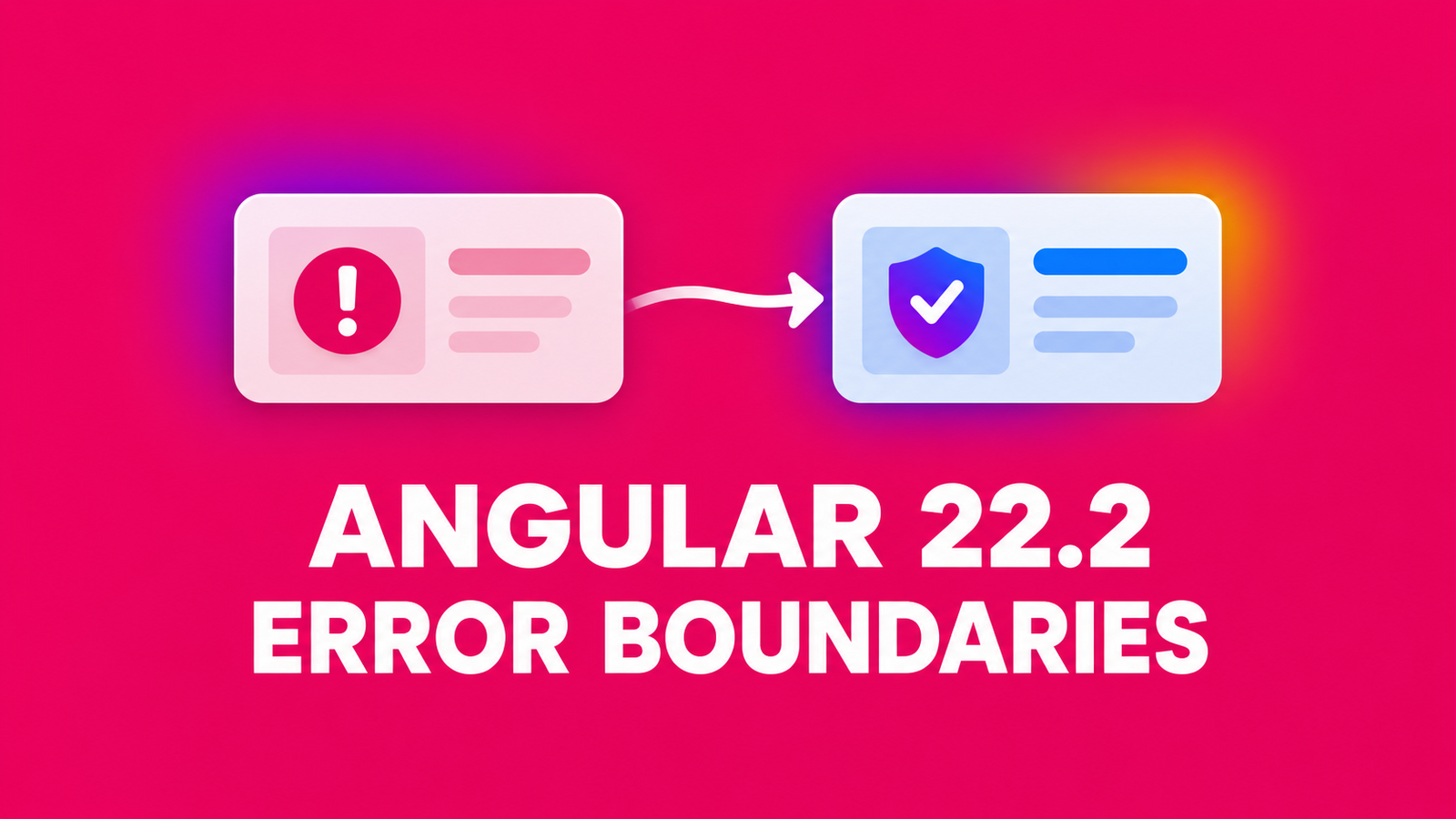
Angular error boundaries give a failing view a local fallback instead of leaving a broken dashboard panel in place. In Angular 22.2, wrap the smallest meaningful UI region in @boundary, render an @error fallback, and call $reset() only after the cause of the failure changes. The feature is in developer preview, so pin and test the version you ship.
Table of Contents
Where to place Angular error boundaries
Consider a report panel whose template calls code that can throw during rendering. This deliberately failing component makes the boundary behavior reproducible; ordinary request failures and loading states should be modeled as application state, not thrown from a template.
import { Component, input } from '@angular/core';

export class DataUnavailableError extends Error {}
export type FailureMode = 'known' | 'unknown' | 'none';

@Component({
  selector: 'app-risky-panel',
  template: `<p>{{ renderValue() }}</p>`,
})
export class RiskyPanel {
  readonly failureMode = input.required<FailureMode>();

  renderValue(): string {
    if (this.failureMode() === 'known') {
      throw new DataUnavailableError('The report could not render');
    }
    if (this.failureMode() === 'unknown') {
      throw new Error('Unexpected component failure');
    }
    return 'Report ready';
  }
}
Keep the rest of the page outside the boundary. Angular catches errors from components and directives inside the block during initialization or change detection and replaces that block’s content with the matching @error block. A boundary around the entire application shell would discard much more useful UI for the same panel failure.
<p>The rest of the page stays visible.</p>
<button type="button" (click)="failureMode.set('none')">Resolve cause</button>

@boundary {
  <app-risky-panel [failureMode]="failureMode()" />
} @error (let err; reset = $reset; when isDataUnavailable(err)) {
  <p role="alert">{{ err.message }}</p>
  <button type="button" (click)="reset()">Retry report</button>
} @error {
  <p role="alert">Unexpected rendering error</p>
}
In the host component, import RiskyPanel, initialize failureMode = signal<FailureMode>('known'), and define isDataUnavailable(error: unknown): boolean { return error instanceof DataUnavailableError; }. Put specific conditional @error blocks before the final catch-all: Angular evaluates the when conditions in order. The fallback uses a stable, user-facing message for the unexpected case rather than exposing an arbitrary exception to visitors.
Reset only after recovery is possible
$reset() recreates the boundary’s original content; it cannot fix a broken input, unavailable dependency, or persistent render bug. In this example, Resolve cause changes the signal to none outside the failed view, then Retry report calls the alias reset(). The panel renders Report ready again. If the cause remains, the new render fails again and the fallback returns.
In a real application, offer retry after a concrete recovery action such as a corrected filter or refreshed prerequisite. Keep the control that repairs the cause outside the failed boundary, make the fallback accessible to keyboard and screen-reader users, and avoid automatic reset loops. If a panel contains unsaved local state, decide what should survive: reset recreates its view rather than restoring a snapshot of its previous state.
Know which failures stay outside the boundary
The documented scope is view initialization and change detection inside @boundary. Treat asynchronous work, HTTP responses, and event callbacks according to their own error and state handling; do not assume a boundary catches them all. Also keep fallback templates simple: if an @error block throws, the error reaches an outer boundary or becomes unhandled.
Content projection is a particularly easy trap. A reusable wrapper’s view owns its <ng-content> slot, but the projected child belongs to the view that declared it. Placing a boundary around the slot in the wrapper does not catch a render error in that projected child. Put the boundary in the parent that declares the content:
@boundary {
  <app-wrapper>
    <app-risky-panel [failureMode]="failureMode()" />
  </app-wrapper>
} @error {
  <p role="alert">This section could not render.</p>
}
That placement is useful when adapting a reusable modal or card with slots. DotNetCoder’s reusable Angular modal example uses <ng-content> for its header, body, and footer; a boundary inside such a receiving component would not isolate errors from content declared by its caller.
Keep caught failures visible to operators
An on-screen fallback should not erase diagnostics. Angular documents an optional ErrorHandler.onViewError(error, details) hook for errors caught by a boundary, alongside handleError for the uncaught path. If you install a custom handler, forward a bounded, redacted record through your existing telemetry service, including the error class and useful boundary context. Avoid including request bodies, tokens, or raw sensitive messages. The local demo verifies fallback and reset behavior; it does not execute a telemetry integration, so the monitoring path still needs an application-specific test.
import { ErrorHandler, Injectable, type ErrorDetails } from '@angular/core';

@Injectable()
export class AppErrorHandler implements ErrorHandler {
  handleError(error: unknown): void {
    // Send uncaught errors to the application's telemetry service.
  }

  onViewError(error: Error, details: ErrorDetails): void {
    // Send a redacted, bounded record for a boundary-caught view error.
  }
}
Register the handler through the application’s existing ErrorHandler provider and test the actual telemetry adapter. The snippet shows the hook and its separation from the uncaught path; it intentionally leaves vendor-specific transport, retention, and redaction policy to the application.
Verify the four behaviors before adopting it
The reproduction pins Angular packages to 22.2.0. From a clean checkout, run npm ci and npm run check; the latter performs an Angular production build followed by four Vitest tests in jsdom. The tests verify that a known render error shows its fallback while outside content remains, fixing the cause and calling $reset() recreates the panel, an unknown render error uses the catch-all, and a wrapper boundary around <ng-content> does not catch a projected child’s error.
npm ci
npm run check
npm start
In the running app, the initial report fails as intended. Click Resolve cause, then Retry report, and confirm that Report ready appears. The passing local run recorded a production build and 4/4 tests on Angular 22.2.0. Angular’s default error handler can print the intentional thrown errors during the tests; use the test result and assertions, not an empty stderr stream, as the pass criterion. The proof is a local build and jsdom test, not a cross-browser or production deployment claim.
Before rolling this into a real page, test your actual component tree, content projection, recovery action, fallback accessibility, and monitoring. Keep the preview API behind an upgrade review because its shape can change in a future Angular release. If the change is not suitable for your deployment policy, leave existing error handling in place until the feature meets that policy.
References
- Angular 22.2.0 release notes
- Angular guide: Error boundaries with
@boundary - Angular guide: Unhandled errors
Demo source code: Angular 22.2 Error Boundaries demo
Found this useful? Support more practical developer content.