
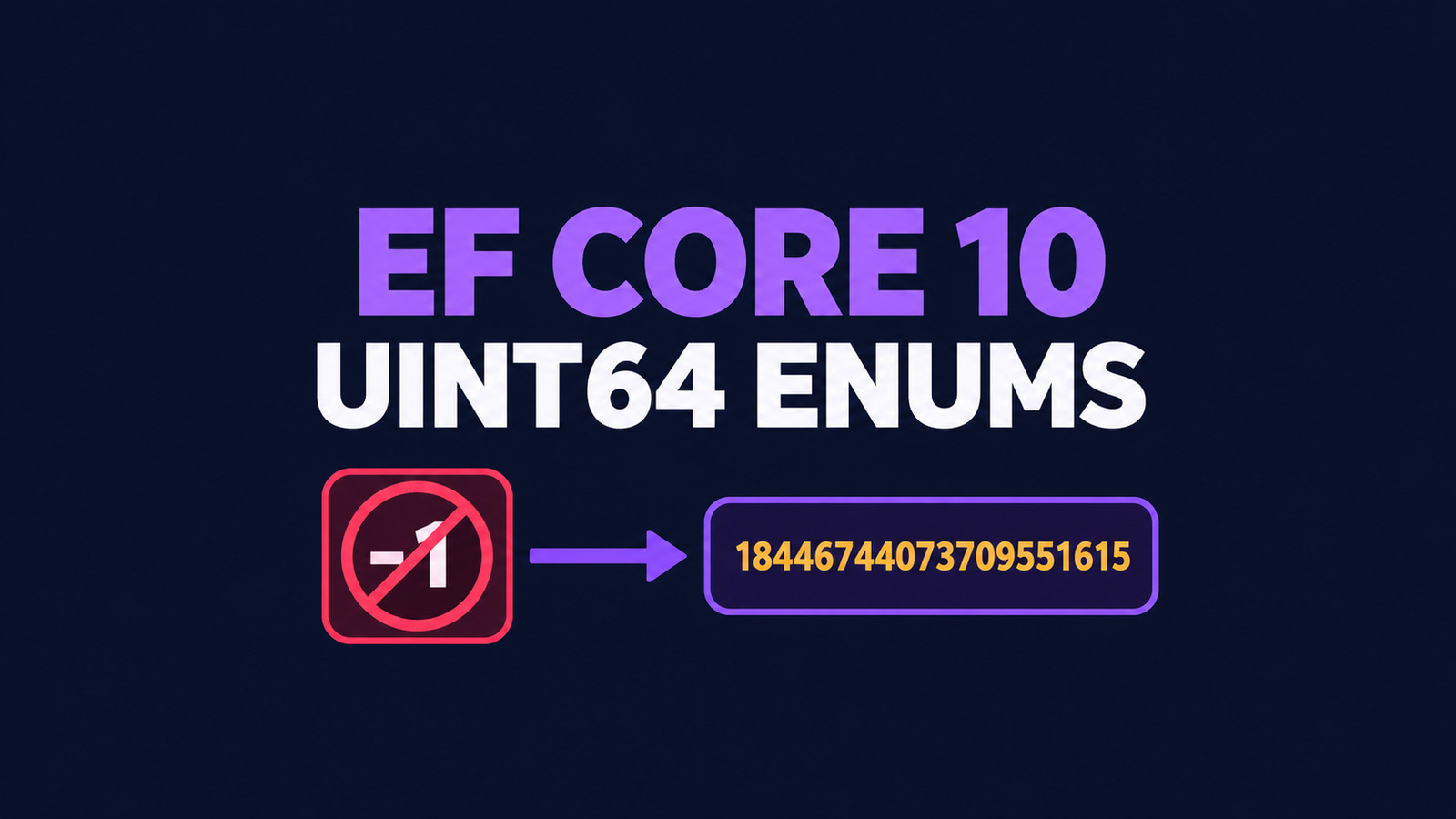
The built-in EF Core 10 ulong enum converter can corrupt boundary values in EF Core 10.0.13 when the property uses EnumToNumberConverter<TEnum, decimal>. Values above long.MaxValue cross a signed long intermediate: 2^63 becomes -9223372036854775808, and ulong.MaxValue becomes -1.
The problem is more than a display bug. A write can persist the wrong sign, while reading the intended positive decimal can throw OverflowException. This guide shows how to prove whether your mapping is affected, replace it with an explicit converter, audit existing data, and remove the workaround only after a fixed EF Core package is actually released and verified.
Table of Contents
Recognize the unsigned boundary
The affected shape has three parts:
- The enum declares
: ulong. - The mapping uses the built-in
EnumToNumberConverter<TEnum, decimal>, either directly or through an equivalent built-in conversion. - A real value can exceed
9223372036854775807, which islong.MaxValue.
Small values are not a useful control by themselves. Values from zero through long.MaxValue survive the signed intermediate, so ordinary tests can pass for years. The failure starts exactly where the high bit of the ulong value becomes set.
public enum AccessMask : ulong
{
    Read = 1,
    HighBit = 1UL << 63,
    AllBits = ulong.MaxValue
}
The upstream EF Core fix changes the converter so it goes through the enum’s real underlying type instead of always going through long. That fix was merged to the EF Core repository on October 15, 2026. Do not infer a fixed NuGet version from a merged source change; verify the package you restore.
Reproduce the EF Core 10.0.13 behavior
A converter-level probe is the fastest way to isolate this behavior from a database provider. Pin the current released package and compile both conversion expressions.
<ItemGroup>
  <PackageReference Include="Microsoft.EntityFrameworkCore"
                    Version="10.0.13" />
</ItemGroup>
using Microsoft.EntityFrameworkCore.Storage.ValueConversion;
var builtIn = new EnumToNumberConverter<AccessMask, decimal>();
var toProvider = builtIn.ConvertToProviderExpression.Compile();
var fromProvider = builtIn.ConvertFromProviderExpression.Compile();
foreach (var value in new[]
{
AccessMask.Read,
AccessMask.HighBit,
AccessMask.AllBits
})
{
var stored = toProvider(value);
Console.WriteLine($"{(ulong)value} -> {stored}");
try
{
var read = fromProvider((decimal)(ulong)value);
Console.WriteLine($"read {(ulong)read}");
}
catch (OverflowException ex)
{
Console.WriteLine($"read failed: {ex.GetType().Name}");
}
}| Enum value | Built-in decimal on write | Built-in read from intended decimal |
|---|---|---|
1 | 1 | Read |
9223372036854775808 | -9223372036854775808 | OverflowException |
18446744073709551615 | -1 | OverflowException |
This result was executed with .NET SDK 10.0.401 and Microsoft.EntityFrameworkCore 10.0.13 on Linux x64. The probe tests EF Core’s converter expressions directly; it does not claim that every provider or every column mapping uses this exact path.
Use an explicit EF Core 10 ulong enum converter
Until a fixed package is available and verified, make the unsigned path explicit. The converter below casts through ulong in both directions.
using Microsoft.EntityFrameworkCore.Storage.ValueConversion;

var converter = new ValueConverter<AccessMask, decimal>(
    value => (decimal)(ulong)value,
    value => (AccessMask)(ulong)value);
decimal can represent every ulong integer exactly, so this mapping does not need a floating-point round trip. It also fails rather than silently wrapping if the provider value is negative or exceeds ulong.MaxValue. Keep that checked boundary: a negative database value should trigger investigation, not be reinterpreted as an unsigned flag set.
Apply the converter to the model
Apply the converter explicitly to the affected property. For SQL Server, a decimal(20,0) column can hold the full ulong range without a fractional component.
protected override void OnModelCreating(ModelBuilder modelBuilder)
{
    var converter = new ValueConverter<AccessMask, decimal>(
        value => (decimal)(ulong)value,
        value => (AccessMask)(ulong)value);

    modelBuilder.Entity<ApiClient>()
        .Property(entity => entity.Permissions)
        .HasConversion(converter)
        .HasColumnType("decimal(20,0)");
}
Generate a migration and inspect it before applying it. If the column is already decimal(20,0), the model change may not require a schema alteration, but the converter change still affects every future read and write. Different providers have different numeric type systems, so replace the SQL Server column choice with a provider-specific exact integer representation when necessary.
Audit existing decimal values
Deploying the new converter does not repair values that were already stored with the wrong sign. First find suspicious negatives in the dedicated unsigned-enum column.
SELECT Id, Permissions
FROM dbo.ApiClients
WHERE Permissions < 0;

SELECT MIN(Permissions) AS MinValue,
       MAX(Permissions) AS MaxValue,
       COUNT_BIG(*) AS RowCount
FROM dbo.ApiClients;
Do not update those rows blindly. A negative value is suspicious only when the column is exclusively owned by an unsigned enum and the application never intentionally stored signed legacy data. Recover each value from an authoritative source, an append-only event, an audit log, or a reproducible business rule. The wraparound mapping is mathematically reversible by adding 18446744073709551616 to the negative signed value, but use that transformation only after proving that the row came from this converter defect.
-- Preview only. Validate lineage before any UPDATE.
SELECT Id,
       Permissions AS StoredValue,
       Permissions + CAST(18446744073709551616 AS decimal(20,0))
           AS CandidateUnsignedValue
FROM dbo.ApiClients
WHERE Permissions < 0;
Take a backup, record the affected primary keys, repair in a transaction, and re-read through the application model before committing. If any row has ambiguous provenance, quarantine it for manual reconciliation instead of guessing.
Add boundary regression tests
A useful test matrix must cross the signed boundary. Test zero, a normal flag, long.MaxValue, long.MaxValue + 1, and ulong.MaxValue.
[Theory]
[InlineData(0UL)]
[InlineData(1UL)]
[InlineData(9223372036854775807UL)]
[InlineData(9223372036854775808UL)]
[InlineData(18446744073709551615UL)]
public void Explicit_converter_round_trips_ulong_boundaries(ulong raw)
{
    var converter = new ValueConverter<AccessMask, decimal>(
        value => (decimal)(ulong)value,
        value => (AccessMask)(ulong)value);

    var write = converter.ConvertToProviderExpression.Compile();
    var read = converter.ConvertFromProviderExpression.Compile();
    var model = (AccessMask)raw;

    Assert.Equal((decimal)raw, write(model));
    Assert.Equal(raw, (ulong)read((decimal)raw));
}
Add a provider integration test too. Create the real schema, save every boundary value, clear tracking, and query the rows back. The direct converter test catches the EF Core regression quickly; the integration test catches precision, column-type, and provider translation mistakes.
Roll out and remove the workaround safely
- Inventory every
ulong-backed enum and every numeric conversion applied to it. - Run the converter probe with the exact EF Core package restored by the application.
- Audit existing database values before changing the mapping.
- Add the explicit converter and the direct plus provider boundary tests.
- Deploy to a canary and monitor conversion failures and unexpected negative values.
- When EF Core publishes a package containing the upstream fix, run the same test matrix against that package.
- Remove the workaround only if the built-in converter produces identical exact values in both directions and the provider integration test passes.
Keep the explicit EF Core 10 ulong enum converter until the restored package passes the same signed-boundary matrix. Central package management can make the source project look correct while the deployed graph resolves a different patch. Record dotnet list package --include-transitive, the restored assembly version, and the lock-file diff with the test result. Treat the removal as a normal production change, not a cleanup-only refactor.
Know the evidence limits
The executed proof covers .NET SDK 10.0.401 and the converter in Microsoft.EntityFrameworkCore 10.0.13. It verifies three values—1, 2^63, and ulong.MaxValue—and confirms that the explicit converter round-trips them. It does not execute SQL Server, prove a particular database migration, identify the first future fixed package, or establish behavior for every EF Core provider. A converter-level pass is necessary evidence, not a substitute for your provider integration test.
References
- dotnet/efcore PR #39228 — convert enum numbers through their underlying type
- Microsoft Learn — Value Conversions in EF Core
- Microsoft Learn — Entity property precision and scale
Found this useful? Support more practical developer content.