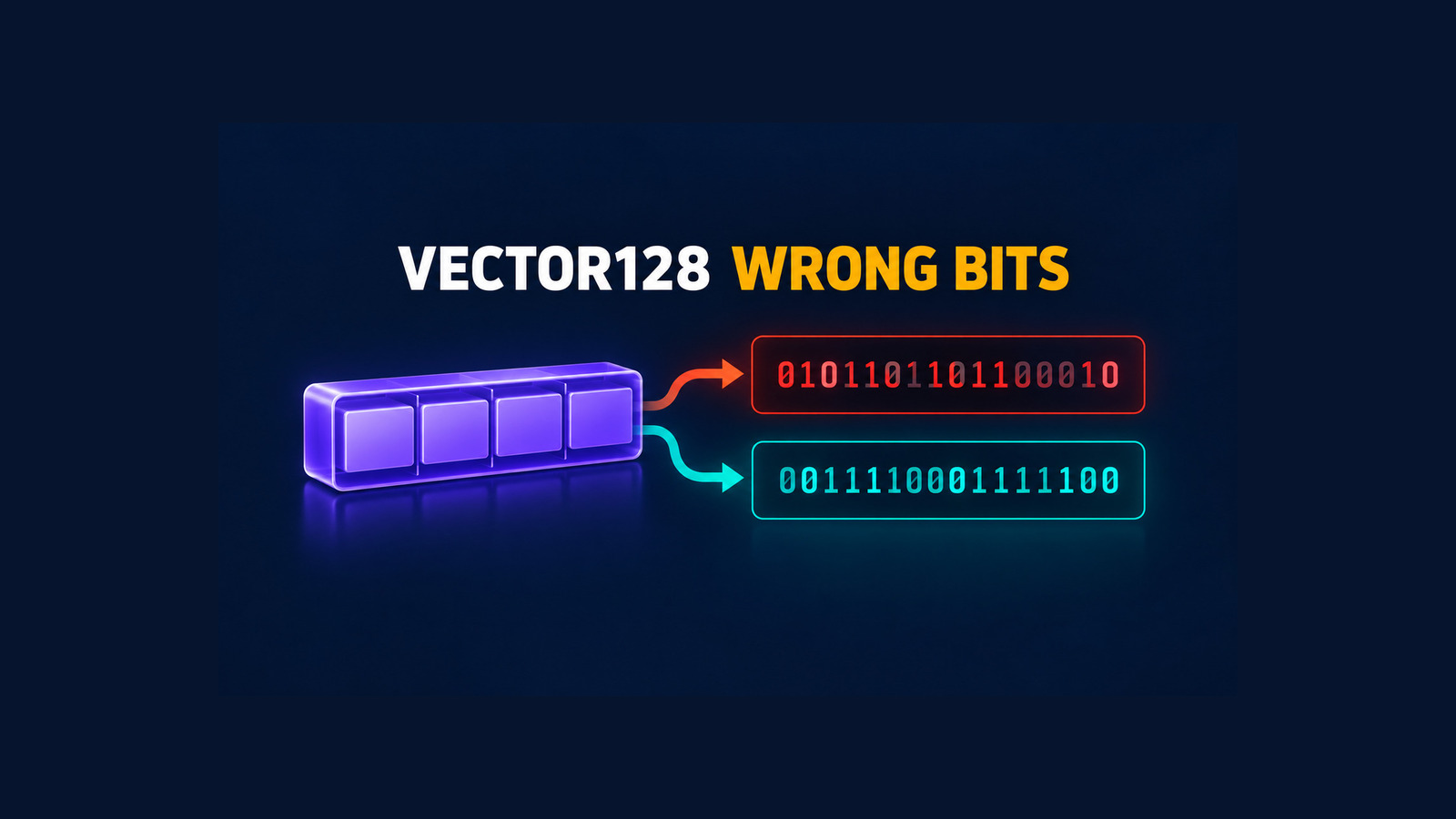
.NET 10 Vector128 wrong bits are a silent correctness problem on x64. In an optimized build, a scalar bit reinterpretation such as Vector128.CreateScalar(value).As<double, ulong>().ToScalar() can return zero or a pointer-like value instead of the IEEE-754 bits stored in the input.
The dangerous part is not an exception or a failed build. The method returns an ordinary integer and lets the application continue. This guide shows how to detect the affected code shape, verify the deployed runtime in Release mode, replace the scalar conversion with BitConverter, and keep a regression gate until a released .NET runtime proves the original path safe.
Table of Contents
Recognize the affected Vector128 pattern
The reported .NET 10 x64 failure combines three operations:
Vector128.CreateScalar(x)places a scalar value in the first vector element.As<double, ulong>()reinterprets those bits without a numeric conversion.ToScalar()extracts the first reinterpreted element.
The API contract is straightforward: create the first element, reinterpret the vector, then return the first element. On the affected optimized x64 path, the generated method does not move the value from the vector register into the integer return register. The upstream report shows a self-move of the return register instead. The result is whatever value happens to be there—zero in the verified Linux run and a pointer-like value in the reported Windows run.
Treat this as silent data corruption, not as a performance-only JIT issue. A plausible integer can flow through normal validation and persistence.
The exact risk depends on what the bits represent. Runtime libraries, numeric code, serializers, tagged-value implementations, hash functions, and compact protocol encoders can all reinterpret floating-point storage. If the extracted value becomes a key, checksum, wire value, or branch condition, the error can survive far beyond the original method.
Run a .NET 10 Vector128 wrong bits detector
Create a minimal net10.0 console project. Keep the method separate and prevent inlining so the detector preserves the reported code shape.
using System.Runtime.CompilerServices;
using System.Runtime.Intrinsics;

static class Program
{
    [MethodImpl(
        MethodImplOptions.NoInlining |
        MethodImplOptions.AggressiveOptimization)]
    static ulong VectorBits(double value) =>
        Vector128.CreateScalar(value)
            .As<double, ulong>()
            .ToScalar();

    static int Main()
    {
        const double value = 1.5;

        ulong actual = VectorBits(value);
        ulong expected = BitConverter.DoubleToUInt64Bits(value);

        Console.WriteLine($"runtime={Environment.Version}");
        Console.WriteLine($"actual={actual}");
        Console.WriteLine($"expected={expected}");

        return actual == expected ? 0 : 1;
    }
}
Run the probe in Release mode on the same architecture and runtime image used by the application:
dotnet run -c Release
echo "exit=$?"

dotnet --info
dotnet --list-runtimes
The task-local proof used .NET SDK 10.0.401 and Microsoft.NETCore.App 10.0.12 on Linux x64. For 1.5, the affected Vector128 path returned 0; BitConverter.DoubleToUInt64Bits returned 4609434218613702656. The process exited with failure as intended.
| Check | Expected | Executed result |
|---|---|---|
| Vector128 scalar reinterpretation | 4609434218613702656 | 0 — affected |
BitConverter.DoubleToUInt64Bits | 4609434218613702656 | Matched — safe control |
| Configuration | Release, x64, .NET 10 | Release, Linux x64, runtime 10.0.12 |
Do not accept a Debug-only pass. The failure is a code-generation problem in optimized code. Also do not run only against the developer machine if production uses a different runtime layer, container base image, CPU architecture, or self-contained deployment.
Replace scalar bit-casts explicitly
If the goal is to read the raw bits of one scalar, use the API that states that intent directly:
static ulong ReadDoubleBits(double value) =>
    BitConverter.DoubleToUInt64Bits(value);

static uint ReadSingleBits(float value) =>
    BitConverter.SingleToUInt32Bits(value);
This is not a numeric cast. It preserves the existing IEEE-754 bit pattern, including the sign bit of negative zero and the payload bits present in a NaN value. It also avoids constructing a vector when the application needs only one scalar result.
Keep the replacement narrow. Do not mechanically replace vector operations that actually process several elements, and do not use a numeric conversion such as (ulong)value; that changes the value rather than reinterpreting its storage. The risky shape is a scalar value placed into a vector only to be reinterpreted and immediately extracted.
Audit the codebase for risky shapes
Start with a text search, then inspect syntax rather than relying on one exact line layout:
rg -n 'CreateScalar|CreateScalarUnsafe|ToScalar|\.As<' --glob '*.cs' src testsReview every result that has this semantic sequence:
- A floating-point scalar enters
Vector128.CreateScalar. - The vector is reinterpreted as an integer element type with
As. - The first element is returned through
ToScalar. - The method is reachable in an optimized .NET 10 x64 build.
Search generated code and vendored source separately. If the pattern is inside a dependency, first check whether a fixed dependency release exists. Avoid copying an internal runtime patch into application code. A local scalar replacement is easier to test, review, and remove.
For a large codebase, add a temporary analyzer or syntax test that flags the sequence. A plain regex is a discovery tool, not a proof: calls can be split across locals, helper methods, or extension methods. The runtime detector remains the authoritative guard for the deployed binary.
Add a runtime regression gate
Turn the detector into a small CI test that covers ordinary values and edge cases. Run it under Release configuration and require the exact target architecture.
[Theory]
[InlineData(0.0)]
[InlineData(-0.0)]
[InlineData(1.5)]
[InlineData(double.PositiveInfinity)]
public void Scalar_bit_extraction_matches_BitConverter(double value)
{
    ulong expected = BitConverter.DoubleToUInt64Bits(value);
    ulong actual = VectorBits(value);

    Assert.Equal(expected, actual);
}
Keep one failing test for the original path while the deployed runtime is affected, but do not block the application after you replace every production call site. A practical pipeline uses two checks:
- Application safety check: production code uses
BitConverterand its tests pass on every supported runtime. - Runtime removal check: the isolated original Vector128 pattern is executed against candidate runtime updates. When a released runtime passes, the team can decide whether the temporary audit rule is still needed.
Record the runtime version in the test output. A green run without the resolved runtime and architecture is not enough evidence for a rollout decision. This keeps the .NET 10 Vector128 wrong bits check tied to the exact binary environment that matters.
Control rollout and workaround removal
The upstream report associates the defect with .NET 10 x64 and points to an existing main-branch JIT fix. That does not establish a released servicing version. Use a release-based gate:
- Inventory the affected pattern in application and dependency code.
- Replace application-owned scalar bit extraction with
BitConverter. - Run the Release detector on the exact production image before deployment.
- Pin or document the runtime version used by each deployment lane.
- For a candidate servicing update, rerun both the original affected path and the replacement control.
- Remove temporary blocking rules only after a released runtime passes on every supported x64 environment.
Do not use a JIT environment switch as a permanent workaround unless the .NET team documents it for this defect and you have measured the wider consequences. Disabling optimization can change performance across the process and still leave unreviewed code paths. The explicit scalar conversion is the smallest application-level correction.
Know the evidence limits
The independent proof covers one Linux x64 environment, SDK 10.0.401, runtime 10.0.12, Release configuration, AVX2-capable hardware, and the double-to-ulong scalar shape. The upstream report adds .NET 10.0.13 on Windows x64 and states that float-to-int/uint fails in the same way. Those additional cases were not independently executed here.
The evidence does not establish every CPU feature combination, self-contained deployment, ReadyToRun image, Native AOT build, arm64 target, or future servicing version. It also does not mean that every use of Vector128 is unsafe. The verified failure is the scalar create–reinterpret–extract shape. Test the exact method and deployment artifact you own.
References
- dotnet/runtime issue 135923: .NET 10 x64 Vector128 scalar reinterpretation returns garbage
- dotnet/runtime issue 129642: original scalar reinterpretation code-generation defect
- dotnet/runtime PR 129644: JIT fix on main
- Microsoft Learn: Vector128 APIs
- Microsoft Learn: Vector128.ToScalar
- Microsoft Learn: BitConverter.DoubleToUInt64Bits
Found this useful? Support more practical developer content.