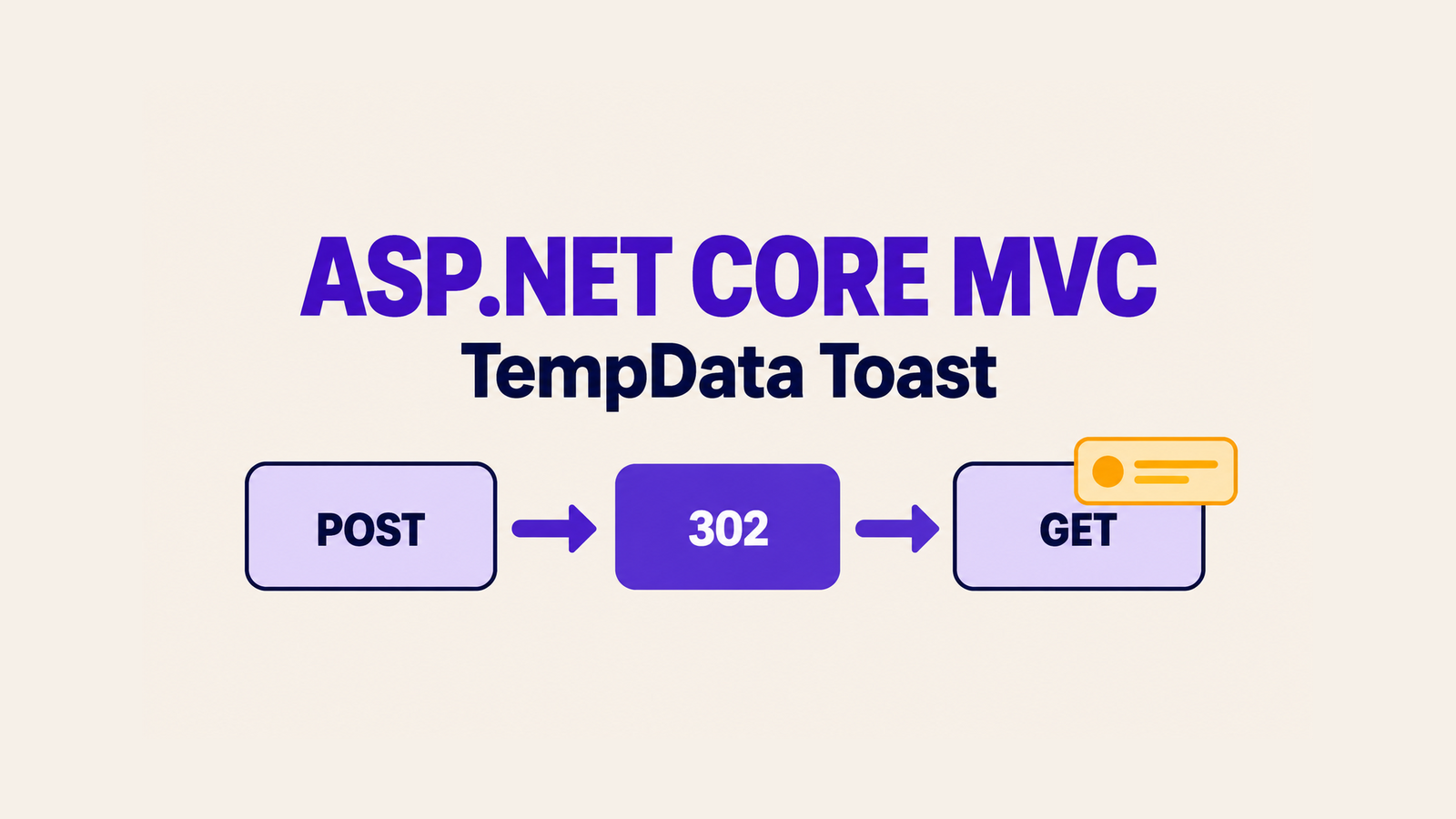
An ASP.NET Core MVC toast after redirect needs to survive the form POST but appear only on the resulting GET. Put the short message in TempData, redirect, and read the value once in the Razor layout. This .NET 10 example also checks the generated antiforgery token and keeps user supplied text out of raw HTML and JavaScript.
Table of Contents
ASP.NET Core MVC toast after redirect: the flow
The form posts to Save. The action assigns a message and a fixed kind, then returns a redirect to Index. The layout reads both values on the next request and renders the notification. A subsequent refresh is a new GET, so the message should be gone. This is a server rendered MVC flash message; it does not require a toast package.
using Microsoft.AspNetCore.Mvc;

namespace MvcToastProof.Controllers;

public sealed class HomeController : Controller
{
    [HttpGet]
    public IActionResult Index() => View();

    [HttpPost]
    [ValidateAntiForgeryToken]
    public IActionResult Save(string? name)
    {
        // This sample proves the notification flow, not a database write.
        if (string.IsNullOrWhiteSpace(name))
        {
            TempData["ToastMessage"] = "Enter a name before saving.";
            TempData["ToastKind"] = "error";
        }
        else
        {
            TempData["ToastMessage"] = $"Simulated save for {name.Trim()}.";
            TempData["ToastKind"] = "success";
        }

        return RedirectToAction(nameof(Index));
    }
}
The branch exists to make success and invalid input observable without adding a database to the proof. In a real controller, set the success message only after the actual save succeeds; handle validation and persistence failures honestly. Avoid putting sensitive information or large objects in the message.
Render one message in the Razor layout
Read the two keys once near the top of Views/Shared/_Layout.cshtml. Do not use Peek or Keep for a one-time notice: those APIs retain the value. Restrict the CSS class to known server chosen values rather than copying arbitrary text into an attribute.
@{
    var toastMessage = TempData["ToastMessage"] as string;
    var toastKind = TempData["ToastKind"] as string;
    var toastClass = toastKind == "error" ? "toast--error" : "toast--success";
}

<main>
    @RenderBody()
</main>
@if (!string.IsNullOrEmpty(toastMessage))
{
    <div class="toast @toastClass" role="status" aria-live="polite" data-proof-toast>
        <span>@toastMessage</span>
        <button type="button" aria-label="Dismiss notification"
                onclick="this.parentElement.remove()">×</button>
    </div>
}
Place the snippet inside the existing layout’s body; do not replace its document shell. Razor encodes @toastMessage in this HTML text context, so a name such as <script>alert(1)</script> is displayed as text. Do not change it to Html.Raw or concatenate the name into a JavaScript string. The fixed dismiss handler never receives the message. role="status" supplies a polite status region; the HTTP proof below checks markup, not announcements in every screen reader and browser combination.
The small demo leaves the message visible until the user dismisses it or navigates. Its CSS positions the notice and includes a visible focus outline for the button:
.toast {
  position: fixed; right: 1rem; bottom: 1rem;
  max-width: min(25rem, calc(100vw - 2rem));
  padding: .75rem 1rem; border: 2px solid;
  background: white; display: flex; gap: 1rem;
}
.toast--success { border-color: #127347; color: #123b2b; }
.toast--error { border-color: #a52727; color: #6e1515; }
.toast button:focus-visible { outline: 3px solid #174ea6; outline-offset: 2px; }
Use a protected form and a real redirect
The demo form posts to the controller and includes exactly one antiforgery input. It disables the Form Tag Helper’s automatic antiforgery field because it inserts the helper explicitly; either approach is valid, but do not accidentally add two tokens while copying the sample.
<form asp-controller="Home" asp-action="Save"
      asp-antiforgery="false" method="post">
    @Html.AntiForgeryToken()
    <label for="name">Name</label>
    <input id="name" name="name" autocomplete="off" />
    <button type="submit">Simulate save</button>
</form>
With a normal MVC Form Tag Helper POST form, you can omit both asp-antiforgery="false" and @Html.AntiForgeryToken() and let the Tag Helper generate the token. Keep [ValidateAntiForgeryToken] on the action. RedirectToAction makes the browser request the page with GET after the POST; rendering the view directly from the POST would not demonstrate the same refresh behavior.
Verify the one-time behavior and safe output
From the demo folder, run the .NET 10 ProofRunner. It starts the MVC app on a loopback port, keeps a cookie jar, extracts the form token, posts a script-shaped name without following the redirect automatically, requests the redirected page twice, and stops the app.
dotnet run --project .\ProofRunner\ProofRunner.csprojOn September 27, 2026, the Windows two-terminal run and the revised one-command runner on Linux each passed nine assertions: the initial GET had no toast; a valued antiforgery input existed; the POST returned 302 with a location; the redirected GET contained one toast; script-shaped input was HTML encoded with no raw script; and a refresh had no toast. Browser captures from the Windows run separately showed a notice after submission and no notice after refresh. Those observations prove this fixture’s HTTP and rendered-page behavior, not real database persistence or universal assistive-technology behavior.
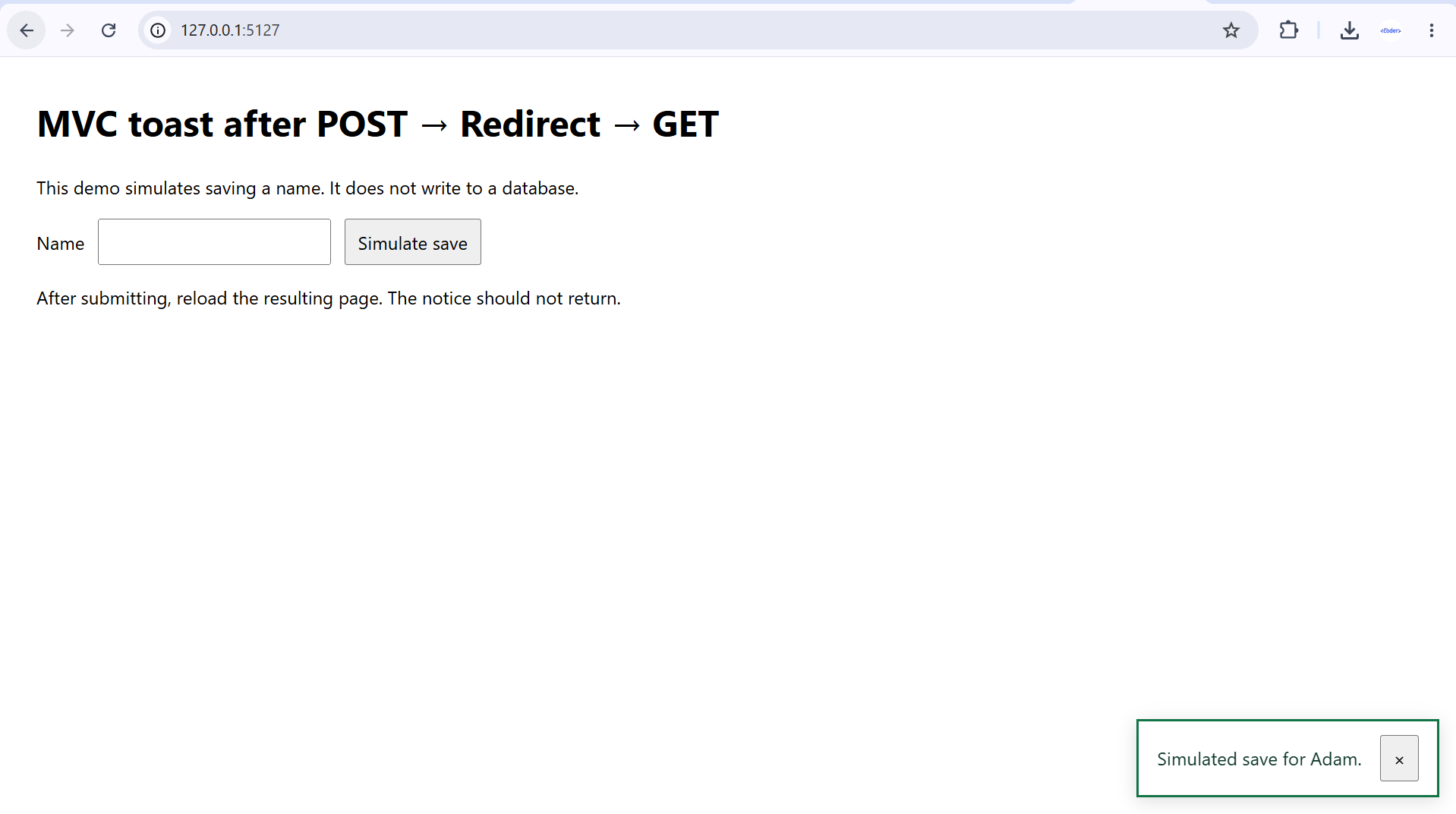
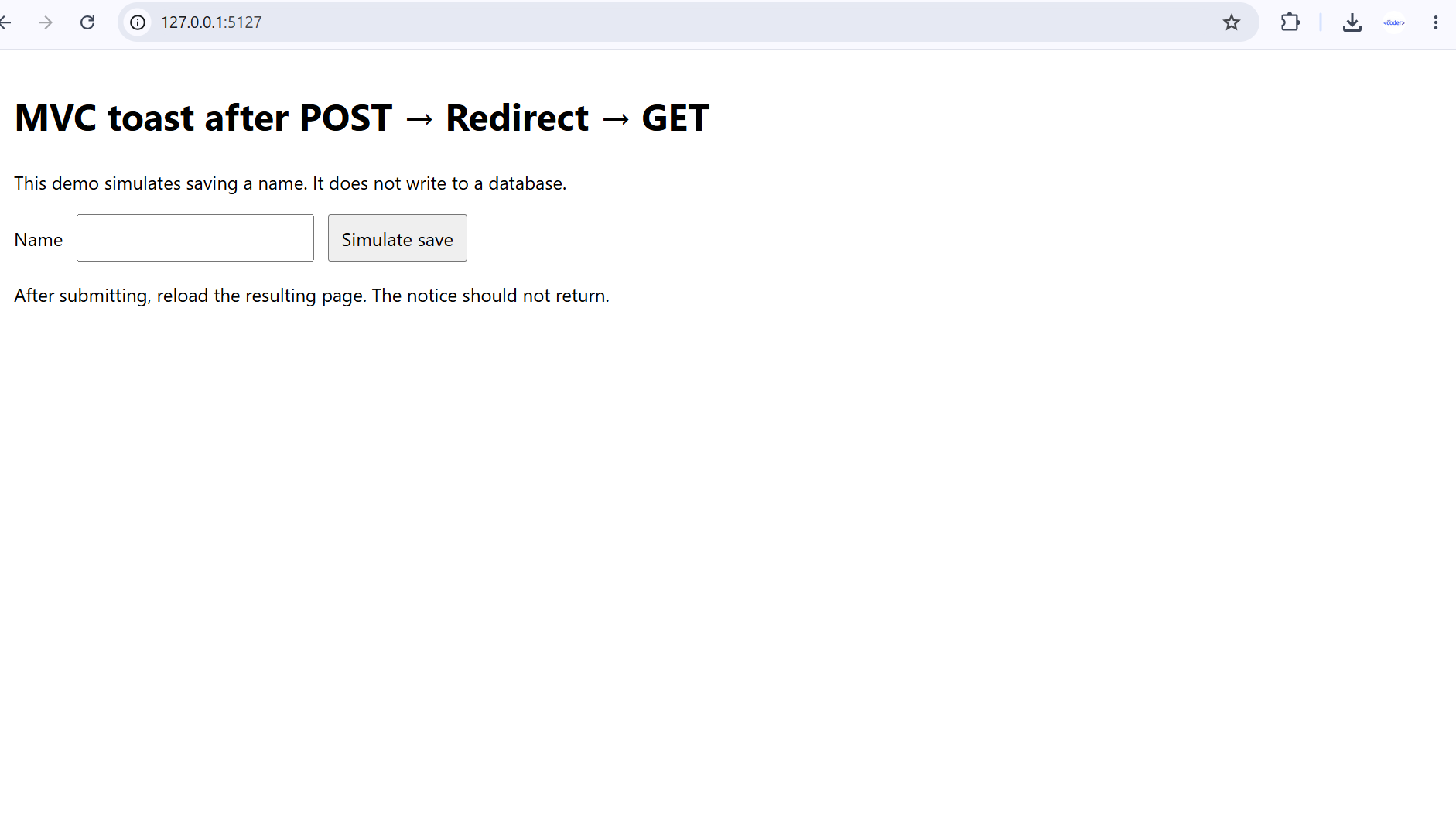
If the notice repeats, inspect where the layout or a partial uses Peek or Keep, and check whether code repopulates TempData on GET. If it never appears, confirm the redirect reaches the expected layout and that the client’s cookies survive the POST and redirected GET. A direct GET in a different browser session is not the same test.
Production limits of TempData
ASP.NET Core’s default TempData provider stores protected data in cookies; Microsoft documents cookie size limits and recommends small payloads. The sample uses two short strings. In a multi-instance deployment, configure Data Protection key persistence so a redirected request routed to another instance can read protected cookies. Test that topology separately rather than treating this local process as proof of it. TempData is a transient message mechanism, not a record of whether a database transaction committed.
For an application with important errors, do not rely on a transient toast as the only route to the information. The demo’s polite status markup and focus styling are useful starting points; evaluate the real page with keyboard and assistive technology before claiming accessibility compliance. If your UI runs in Blazor rather than server rendered MVC, the site has a separate guide to a reusable Blazor toast component. Its state and navigation model differs from MVC TempData.
References
- Microsoft Learn: Session and TempData in ASP.NET Core
- Microsoft Learn: Form Tag Helper and antiforgery token
- Microsoft Learn: Razor output encoding and XSS
- Microsoft Learn: Data Protection key configuration
Demo source code: View the complete runnable example on GitHub.
Found this useful? Support more practical developer content.