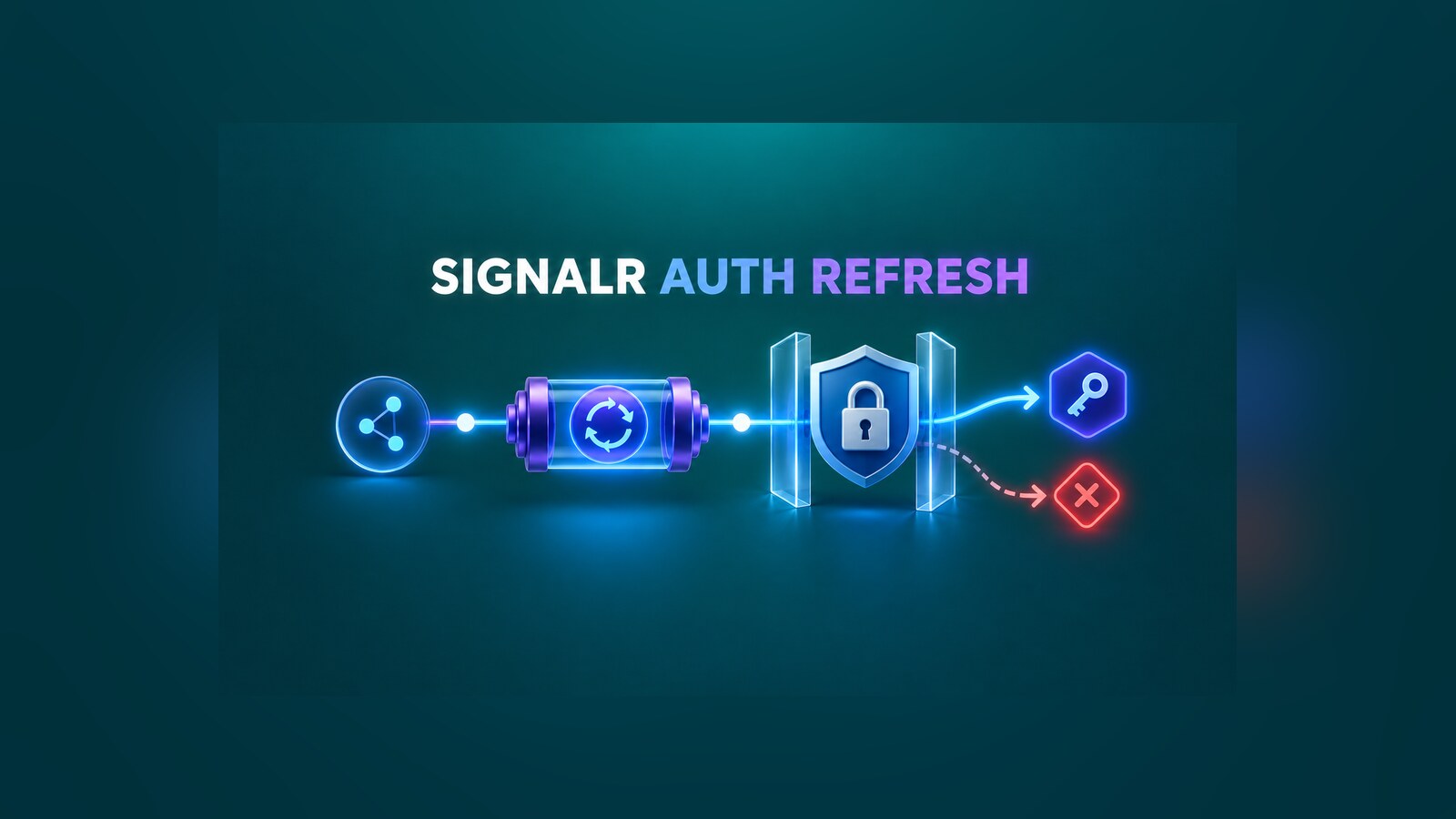
Long-lived SignalR connections create an awkward authentication boundary. A browser or service can obtain a new access token while the hub connection still carries the principal established at connect time. The .NET 11 SignalR authentication refresh APIs, finalized in RC1, let supported clients replace an expiring token without reconnecting. The useful part is not merely keeping the socket open: the server gets a gate before it publishes the new principal, so an application can reject an identity switch.
This guide configures that gate, enables the .NET client’s automatic refresh, handles an immediate claims update, and defines tests for the failure modes that matter in production. The API is in .NET 11 RC1, so pin your SDK and packages to the same RC build while evaluating it.
Table of Contents
The security boundary to preserve
Authentication refresh re-runs authentication for the refresh request. It does not make every new principal safe for an existing logical connection. A SignalR connection may already belong to groups, hold connection-scoped state, or be routed through IUserIdProvider. Publishing a principal for a different tenant or subject onto that connection can cross authorization boundaries.
Treat refresh as credential rotation for the same logical identity. At minimum, compare an immutable subject claim. In a multi-tenant system, compare both tenant and subject. Role or permission claims may change because that is often why an application refreshes, but the identity key used for routing must remain stable.
ASP.NET Core’s SignalR layer also rejects a refresh that changes the resolved SignalR user identifier. An explicit application callback remains valuable because it can enforce a stronger tenant-plus-subject invariant before the new principal becomes visible.
Configure .NET 11 SignalR authentication refresh
Enable refresh on each hub that supports it. Do not apply it blindly to every connection endpoint.
using System.Security.Claims;

app.MapHub<OperationsHub>("/hubs/operations", options =>
{
    options.EnableAuthenticationRefresh = true;
    options.CloseOnAuthenticationExpiration = true;
    options.OnAuthenticationRefresh = context =>
    {
        var previousKey = IdentityKey.TryCreate(context.PreviousUser);
        var candidateKey = IdentityKey.TryCreate(context.NewUser);

        return Task.FromResult(
            previousKey is not null && previousKey == candidateKey);
    };
});

file sealed record IdentityKey(string Tenant, string Subject)
{
    public static IdentityKey? TryCreate(ClaimsPrincipal principal)
    {
        var tenant = principal.FindFirstValue("tid");
        var subject = principal.FindFirstValue("sub")
            ?? principal.FindFirstValue(ClaimTypes.NameIdentifier);

        return string.IsNullOrWhiteSpace(tenant) ||
               string.IsNullOrWhiteSpace(subject)
            ? null
            : new(tenant, subject);
    }
}
EnableAuthenticationRefresh exposes the refresh path for this hub. CloseOnAuthenticationExpiration preserves a fail-closed boundary if the client cannot install a valid replacement before the current ticket expires. The callback allows only a principal with the same tenant and subject; a missing stable identity is rejected.
Do not perform a database authorization sweep in this callback. It runs on the refresh request and should complete quickly. Put current permissions in the renewed principal, then keep normal hub authorization policies as the enforcement point.
If the application uses a custom IUserIdProvider, make its output derive from the same immutable identity key. Otherwise the application callback and SignalR’s routing check can disagree about what “the same user” means.
Configure the .NET client
The .NET client needs both a token provider and authentication-refresh options. The provider must return the newest token each time it is called; returning a token captured during startup defeats refresh.
await using var connection = new HubConnectionBuilder()
    .WithUrl(serverUrl, http =>
    {
        http.AccessTokenProvider = tokenStore.GetCurrentAccessTokenAsync;
    })
    .WithAuthenticationRefresh(options =>
    {
        options.EnableAutoRefresh = true;
        options.RefreshBeforeExpiration = TimeSpan.FromMinutes(2);
    })
    .WithAutomaticReconnect()
    .Build();

connection.AuthenticationRefreshed += context =>
{
    logger.LogInformation(
        "SignalR authentication refreshed; token lifetime {Lifetime}",
        context.NewTokenLifetime);
    return Task.CompletedTask;
};

connection.AuthenticationRefreshFailed += context =>
{
    logger.LogWarning(
        context.Exception,
        "SignalR authentication refresh failed");
    return Task.CompletedTask;
};

await connection.StartAsync(stoppingToken);
Automatic refresh uses the lifetime reported by the server to schedule an attempt before expiration. The two events are observations, not places to acquire another token. Keep their handlers short: refresh awaits registered handlers, and the RC1 implementation invokes multiple handlers serially.
WithAutomaticReconnect is still useful, but it solves a different problem. Authentication refresh tries to preserve the existing connection. Reconnect creates a new connection after transport loss; it should remain the recovery path when the current connection is closed.
Refresh immediately after a claims change
Automatic refresh covers token expiry. Some applications obtain a replacement immediately after a role, consent, or policy change. Store that token first, then ask the existing connection to refresh.
var renewed = await tokenClient.AcquireForCurrentUserAsync(cancellationToken);
await tokenStore.ReplaceAsync(renewed, cancellationToken);

try
{
    await connection.RefreshAuthenticationAsync(cancellationToken);
}
catch (HttpRequestException exception)
{
    logger.LogWarning(exception, "The hub rejected authentication refresh");
}
The order matters. RefreshAuthenticationAsync calls the configured access-token provider, so the new token must already be visible to that provider. Serialize token replacement per account or use an atomic snapshot; otherwise two concurrent renewals can race and install an older token after a newer one.
A rejected refresh does not authorize the candidate identity. In the hardened RC1 behavior, a change to the SignalR user identifier returns an HTTP 403 while the connection remains associated with its original user. Restore or retain the valid token used by transports that make subsequent HTTP requests, and decide whether the client should keep the original connection or stop and require a fresh sign-in.
If you are building the surrounding Microsoft Entra sign-in flow for a Blazor Server application, the existing Blazor Server authentication with Microsoft Entra ID guide covers that separate setup. Authentication refresh begins only after the application can reliably acquire replacement access tokens.
Migrate from .NET 11 previews
RC1 changed preview-only names and callback locations. When moving from Preview 7:
- Subscribe to
HubConnection.AuthenticationRefreshedandHubConnection.AuthenticationRefreshFailedinstead of assigning callbacks onAuthenticationRefreshOptions. - Use
Microsoft.AspNetCore.Connections.Features.AuthenticationRefreshContextinstead of the earlier HTTP-connections namespace. - Replace lower-level
IConnectionUserRefreshFeaturereferences withIConnectionAuthenticationRefreshFeature.
Compile all server and client projects against the same RC1 API surface. A partial upgrade can leave examples compiling in one project while another still references preview-only names.
Verify the complete contract
Do not stop at a successful connection. Exercise the refresh request and verify the principal used by a hub invocation after it.
- Issue a short-lived token for tenant
t1, subjectu1, roleviewer; connect and invoke a method allowed toviewer. - Issue a new token for
t1/u1with roleoperator, replace the client token, and callRefreshAuthenticationAsync. - Invoke a method that requires
operator. Confirm it succeeds without a reconnect and that the connection ID did not change. - Try a token for
t1/u2, then fort2/u1. Confirm each refresh is rejected and neither candidate principal becomes visible to the hub. - Try an expired token, a token with the wrong audience, and a token signed by an untrusted key. Confirm the failure event is observed and the old identity is not replaced.
- Let the current authentication ticket expire while refresh keeps failing. With
CloseOnAuthenticationExpirationenabled, confirm the connection closes and the client follows the sign-in or reconnect policy you selected.
Run the matrix for every transport your deployment permits. WebSockets carry the established connection, while Server-Sent Events and Long Polling involve different HTTP request patterns. Also repeat it behind the actual reverse proxy and load balancer so the refresh path, query-string connection token, authentication middleware, and affinity settings match production.
Capture metrics for attempts, successes, rejections, failures by exception category, and time remaining at refresh. Never log access tokens or complete claim sets. A sudden rise in rejections can indicate an identity-key mismatch; failures close to expiration can point to clock skew, token-provider latency, or an unavailable identity provider.
Production checklist
- Pin server and clients to compatible .NET 11 RC1 packages while the release is still prerelease.
- Opt in per hub and keep the existing authentication middleware and authorization policies in place.
- Compare stable tenant and subject keys before publishing a new principal.
- Align a custom
IUserIdProviderwith that same identity key. - Return the latest token from
AccessTokenProvider; do not capture the startup token. - Serialize replacement-token writes and refresh requests per account.
- Keep refresh-event handlers and the server callback fast and cancellation-aware.
- Fail closed at authentication expiration and define the re-sign-in path.
- Test same-user success, identity-switch rejection, invalid-token failure, expiration, every enabled transport, and the production proxy topology.
- Log outcomes and timings, never credentials.
SignalR authentication refresh is most useful when it is treated as a constrained identity transition, not a convenience toggle. With the server gate, a current token provider, and an explicit failure policy, applications can rotate credentials on a long-lived connection without turning that connection into a shortcut around authorization boundaries.
References
- .NET 11 RC1 ASP.NET Core release notes
- ASP.NET Core PR #68702: Finalize SignalR authentication refresh APIs
- ASP.NET Core PR #68593: Harden SignalR authentication refresh
- SignalR security considerations
Found this useful? Support more practical developer content.