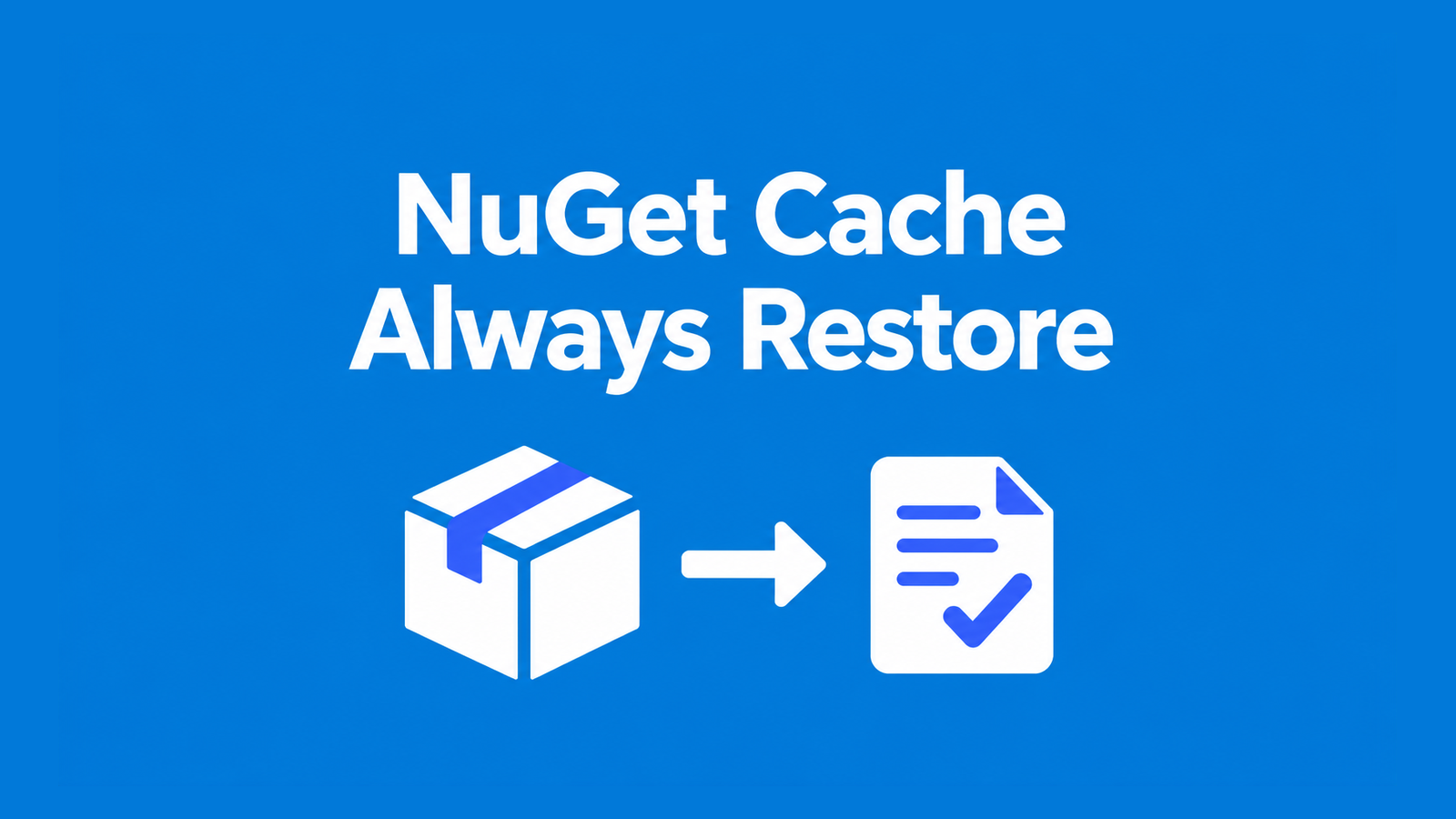
An Azure Pipelines NuGet cache hit can restore every package your application needs while leaving a clean agent unable to build. For SDK-style PackageReference projects, keep dotnet restore --locked-mode on every run: it recreates the project dependency graph and checks the committed lock files. Cache the package directory, then build with --no-restore.
The job below puts SDK selection, feed authentication, lock-file checks and package reuse in one place. It targets a C# .NET solution on Ubuntu 24.04; adapt the solution path and package-source URL to your repository. The command checks described later were run locally with .NET SDK 10.0.401, not against a hosted Azure pipeline or a private feed.
Table of Contents
Configure the Azure Pipelines NuGet cache job
Commit a root global.json with an exact SDK version that your repository supports. This example uses the version checked for this article. Disabling roll-forward makes a missing SDK fail explicitly instead of selecting a different one; review SDK servicing updates and regenerate affected locks as a deliberate change.
{
  "sdk": {
    "version": "10.0.401",
    "rollForward": "disable"
  }
}
Enable lock files for the projects built by the solution, for example in the root Directory.Build.props. If that file already exists, merge the property into its existing group. Run the following restore locally with the selected SDK, inspect the resulting dependency changes, and commit each project’s packages.lock.json before enabling the CI guard.
<Project>
  <PropertyGroup>
    <RestorePackagesWithLockFile>true</RestorePackagesWithLockFile>
  </PropertyGroup>
</Project>
dotnet restore MyApp.sln --use-lock-file --configfile NuGet.ConfigKeep a credential-free NuGet.Config beside the solution. For an Azure Artifacts feed, copy its source URL from Connect to feed and give the pipeline’s build identity the feed-read permissions it needs. Replace the illustrative organization, project and feed names below. Keep nuget.org only when your dependency policy permits it; retain any existing package-source mapping and audit configuration.
<?xml version="1.0" encoding="utf-8"?>
<configuration>
  <packageSources>
    <clear />
    <add key="CompanyFeed"
         value="https://pkgs.dev.azure.com/ORG/PROJECT/_packaging/FEED/nuget/v3/index.json" />
    <add key="nuget.org" value="https://api.nuget.org/v3/index.json" />
  </packageSources>
</configuration>
The authentication task supplies credentials to subsequent .NET CLI commands. For a feed in another organization or a supported external repository, configure the appropriate NuGet service connection and its nuGetServiceConnections input. Do not put tokens in the committed configuration or in the cache. Ubuntu 24.04 guidance uses this task with the .NET CLI rather than the older NuGetCommand@2 workflow.
trigger:
- main

pool:
  vmImage: ubuntu-24.04

variables:
  solution: MyApp.sln
  buildConfiguration: Release
  NUGET_PACKAGES: $(Pipeline.Workspace)/.nuget/packages

steps:
- checkout: self
  clean: true

- task: UseDotNet@2
  displayName: Install repository SDK
  inputs:
    packageType: sdk
    useGlobalJson: true
    workingDirectory: $(Build.SourcesDirectory)

- bash: |
    set -euo pipefail
    project_count=0
    while IFS= read -r -d '' project; do
      case "/$project/" in
        */bin/*|*/obj/*) continue ;;
      esac
      lock="$(dirname "$project")/packages.lock.json"
      git ls-files --error-unmatch -- "$lock" >/dev/null
      test -s "$lock"
      ((project_count+=1))
    done < <(git ls-files -z -- '*.csproj')
    test "$project_count" -gt 0
    dotnet --version
  displayName: Require committed source lock files
  workingDirectory: $(Build.SourcesDirectory)

- task: NuGetAuthenticate@1
  displayName: Authenticate package sources

- task: Cache@2
  displayName: Restore package cache
  inputs:
    key: '"nuget-v1" | "$(Agent.OS)" | global.json | **/packages.lock.json,!**/bin/**,!**/obj/**'
    restoreKeys: |
      "nuget-v1" | "$(Agent.OS)" | global.json
    path: $(NUGET_PACKAGES)
    cacheHitVar: NUGET_CACHE_RESULT

- bash: |
    set -euo pipefail
    printf 'Package cache result: %s\n' "$CACHE_RESULT"
    dotnet restore "$SOLUTION" --locked-mode --configfile NuGet.Config
  displayName: Validate locks and restore project graph
  workingDirectory: $(Build.SourcesDirectory)
  env:
    CACHE_RESULT: $(NUGET_CACHE_RESULT)
    SOLUTION: $(solution)

- bash: |
    set -euo pipefail
    dotnet build "$SOLUTION" --configuration "$BUILD_CONFIGURATION" --no-restore
  displayName: Build the restored solution
  workingDirectory: $(Build.SourcesDirectory)
  env:
    SOLUTION: $(solution)
    BUILD_CONFIGURATION: $(buildConfiguration)
There is deliberately no cache-hit condition on the restore step. The preflight requires a tracked, nonempty lock file beside every tracked C# project, so a newly added project cannot quietly disappear from the cache key. This conservative guard suits a repository that enables locks for all those projects; adapt it explicitly for custom NuGetLockFilePath, generated projects or a solution that builds only a subset.
The key uses the operating system, SDK selection file and source lock-file contents. The prefix fallback keeps SDK and OS boundaries while allowing a changed dependency set to reuse packages from an older cache. Excluding bin and obj prevents copied lock files in build output from changing the key. A shared cache does not replace the feed’s authentication or repository trust policy.
Keep package bytes, project assets and locks separate
Three files or directories serve different purposes. NUGET_PACKAGES contains extracted package content. Each project’s obj/project.assets.json describes its resolved dependency graph for the current restore context, including package paths. The committed lock file records the expected package closure and content hashes. Restoring the first directory cannot establish either of the other contracts on a fresh checkout.
Microsoft’s caching guide and an existing practitioner answer already explain the missing-assets fix: remove the condition that skips restore. The integrated job adds SDK installation, feed credentials, committed-lock preflight and locked-mode validation to that fix. Authentication prepares access to configured sources; restore still decides what is needed and produces the graph that build consumes.
| Cache result | Meaning | Restore decision |
|---|---|---|
true | Exact key matched. | Run locked restore; assets and graph validation are still required. |
inexact | A restore-key prefix matched. | Run locked restore; additional packages may be needed. |
false | No cached package directory was restored. | Run locked restore; fetch required packages from permitted sources. |
Keep the hit variable for diagnostics, not as a readiness signal. An exact cache match says nothing about whether the project files were changed without updating their locks. Locked mode should fail that mismatch rather than silently update the approved dependency graph.
Verify the graph contract before rollout
In an isolated local check using SDK 10.0.401 and a synthetic package feed, the application first restored and built successfully. Its package directory was retained while its obj directory was removed. The next dotnet build --no-restore failed with NETSDK1004, despite the package bytes still being available. Locked restore recreated the assets file, kept the lock and cached package hashes unchanged, and allowed the build to succeed.
Changing the application’s requested package version from 1.0.0 to 1.1.0 without updating its lock produced NU1004. Those checks verify the CLI boundaries, not Azure’s cache storage, private-feed access or execution time. Use a disposable checkout to repeat the essential graph check with your own solution; do not delete build output from a workspace that another job is using.
# Run from a disposable checkout with its pinned SDK and source access.
dotnet restore MyApp.sln --locked-mode --configfile NuGet.Config
dotnet build MyApp.sln --configuration Release --no-restore

# Remove only the selected project's generated restore output.
rm -rf src/MyApp/obj

# Expected for that project: NETSDK1004, although packages remain cached.
dotnet build src/MyApp/MyApp.csproj --configuration Release --no-restore

# Regenerate the graph, then expect the solution build to succeed.
dotnet restore MyApp.sln --locked-mode --configfile NuGet.Config
dotnet build MyApp.sln --configuration Release --no-restore
git diff --exit-code -- '**/packages.lock.json'
Then validate the pipeline itself in your organization. A first run should log a cache miss; a subsequent clean-agent run with unchanged inputs should log an exact hit, execute restore anyway, and build successfully. In a temporary branch, change a real PackageReference without changing its lock and confirm that the restore step fails. Review and regenerate the lock locally to accept a legitimate dependency update, then check the changed graph into source control.
Diagnose failures without weakening restore policy
| Observation | Check | Safe response |
|---|---|---|
NETSDK1004 after a cache hit | Did restore run for this project and the same target framework/context? | Remove the skip condition; restore the actual solution. |
NU1004 | SDK, project inputs, target frameworks and committed lock diff. | Review the intended change and regenerate locks locally; retain locked mode in CI. |
| Feed authentication failure | Source URL, build identity permissions and service connection. | Fix access; do not cache credentials or assume a warm cache proves access. |
| Cache-key file pattern failure | Tracked source locks and unexpected copied/generated files. | Fix the inputs before Cache@2; preserve bin/obj exclusions. |
| Package corruption or persistent bad cache | Whether failure is package content rather than graph drift. | After diagnosis, bump the quoted cache namespace; caches are immutable. |
| Cache overhead exceeds download savings | Cache restore/save time and total job duration on equivalent runs. | Remove caching if it loses time; retain authenticated locked restore. |
Locked mode is a dependency-graph check, not a vulnerability policy. Keep your approved audit settings and severity handling; the .NET 10 NuGet Audit triage workflow explains how to fix dependency owners without disabling auditing. Package-source mapping and permissions also remain relevant when packages are reused.
This example ends at build. If a later stage publishes for a specific runtime identifier or changes restore-affecting properties, supply that same context during its restore and validate it separately. Do not copy obj between unrelated agents or assume this job proves a deployment package is correct. On self-hosted agents, isolate caches according to workload trust and avoid broad cleanup commands that disrupt concurrent builds.
Caching can help when package downloads cost more than restoring and saving the cache, but the balance depends on the agent and dependency set. Compare representative total job times before keeping the optimization. The reliability contract remains the same either way: authenticate the configured sources, validate committed locks, recreate project assets and build the graph that restore produced.
References
- Microsoft: Cache NuGet packages — cache keys, missing-assets troubleshooting and Ubuntu guidance.
- Microsoft: Cache@2 task — exact, inexact and missed cache results.
- Microsoft: UseDotNet@2 task — install SDKs from global.json.
- Microsoft: NuGetAuthenticate@1 task — feed authentication and service connections.
- Microsoft: PackageReference lock files — dependency closure and locked restore behavior.
- Microsoft: dotnet restore and dotnet build — restore and –no-restore command contracts.
Found this useful? Support more practical developer content.