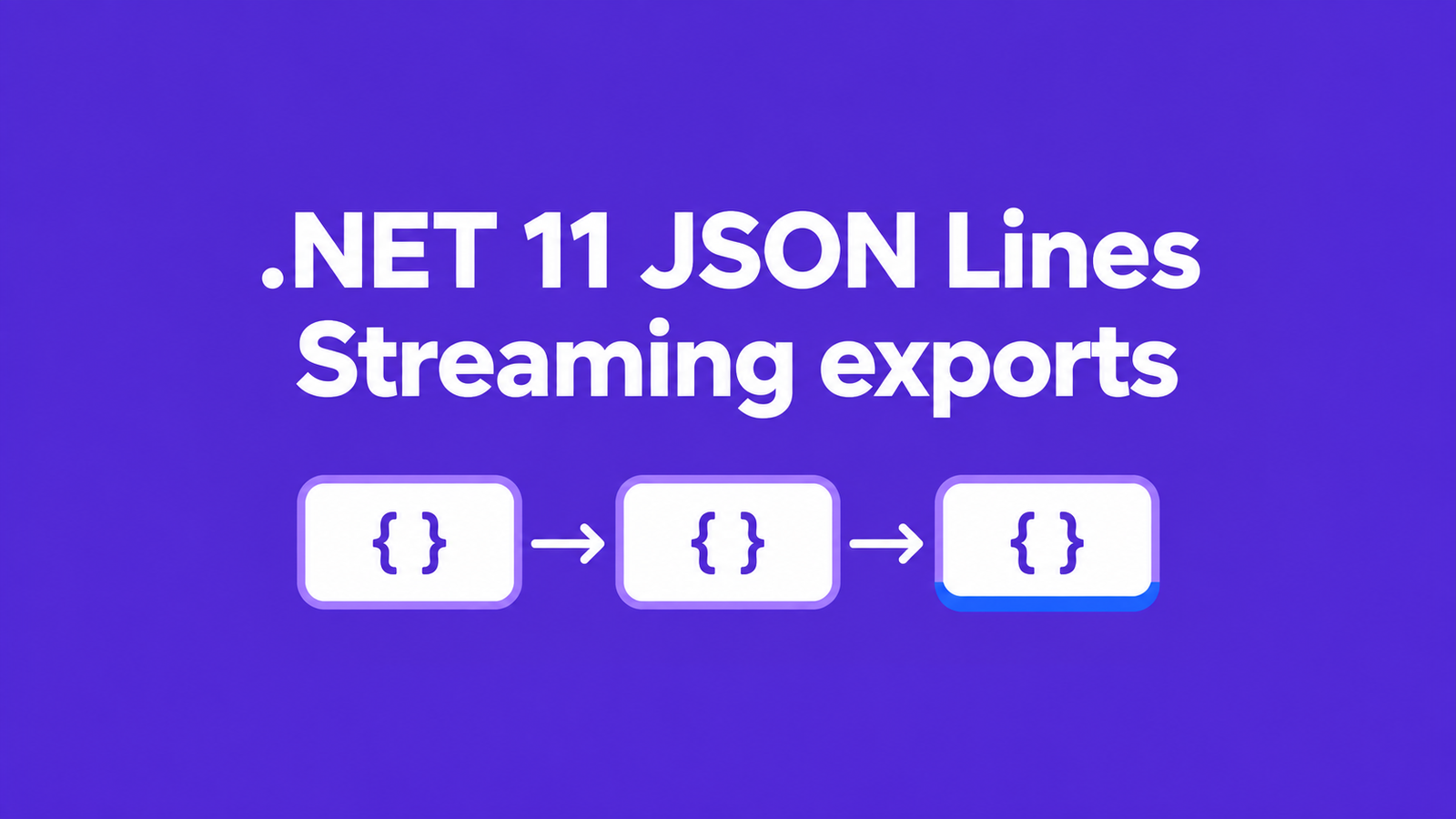
.NET 11 JSON Lines lets an ASP.NET Core export write an IAsyncEnumerable<T> as separate JSON records. Use JsonSerializer.SerializeAsyncEnumerable with topLevelValues: true, pass RequestAborted through the serializer and producer, and have the client read lines as they arrive. Before relying on that path, prove three things: a record can arrive while the producer is still running, closing the client stops the producer, and a failed export is reported as incomplete.
The API is prerelease. The examples were built on SDK 11.0.100-rc.1.26425.128 with runtime 11.0.0-rc.1.26425.128; the HTTP evidence below comes from local Kestrel over HTTP/1.1. It does not establish behavior through your reverse proxy or compression middleware.
Table of Contents
Write .NET 11 JSON Lines from an endpoint
Create a minimal web project targeting net11.0 with the tested SDK, then replace its Program.cs with this example. Pin that SDK in global.json while evaluating the prerelease so a later machine does not silently test a different build.
dotnet new web --framework net11.0 -n JsonLinesExport
cd JsonLinesExport
using System.Runtime.CompilerServices;
using System.Text.Json;
var builder = WebApplication.CreateBuilder(args);
var app = builder.Build();
app.MapGet("/export", async (HttpContext context) =>
{
var token = context.RequestAborted;
context.Response.ContentType = "application/x-ndjson; charset=utf-8";
await context.Response.StartAsync(token);
try
{
await JsonSerializer.SerializeAsyncEnumerable(
context.Response.Body,
ReadRows(token),
topLevelValues: true,
cancellationToken: token);
}
catch (OperationCanceledException) when (token.IsCancellationRequested)
{
app.Logger.LogInformation("Export canceled by the caller.");
}
catch (Exception error)
{
app.Logger.LogError(error, "Export failed after response start.");
context.Abort();
}
});
app.Run();
static async IAsyncEnumerable<ExportRow> ReadRows(
[EnumeratorCancellation] CancellationToken token)
{
yield return new ExportRow(1, new string('a', 200));
await Task.Delay(TimeSpan.FromSeconds(2), token);
yield return new ExportRow(2, "last row");
}
sealed record ExportRow(int Id, string Text);The sample producer returns one row, waits two seconds, and returns a second. Replace it with your application’s authorized data source, forwarding the same token into database or remote-service operations. The delay makes the sample observable; it is not a polling strategy or a throughput test.
The response uses application/x-ndjson to describe newline-delimited JSON. topLevelValues: true selects that framing; omitting it retains an array. Starting the response commits its headers before enumeration, so perform authentication, authorization, and any validation that should return an ordinary error response before StartAsync. This intentionally public, synthetic endpoint contains no production access-control implementation.
dotnet run --urls http://127.0.0.1:5080

# In another terminal:
curl --no-buffer http://127.0.0.1:5080/export
Expect two independently parseable objects, each followed by a newline. The first has Id 1 and a 200-character Text value; the second has Id 2 and Text equal to last row. Keep normal server diagnostics in the log, never in the export body.
Consume complete records without buffering the response
A .NET client should request ResponseHeadersRead and parse complete lines from the response stream. Network reads can split one record across several chunks or return several records together, so treating each read as a JSON document is unsafe. StreamReader.ReadLineAsync handles those boundaries for the small-record example below.
Use this as a console project targeting net11.0, with the endpoint URL as its first argument. Its deadline covers both the initial request and later reads; the client’s separate built-in timeout is disabled so that cancellation has one visible owner.
using System.Text.Json;

using var deadline = new CancellationTokenSource(TimeSpan.FromSeconds(30));
var token = deadline.Token;
using var client = new HttpClient { Timeout = Timeout.InfiniteTimeSpan };
using var response = await client.GetAsync(
    args[0], HttpCompletionOption.ResponseHeadersRead, token);
response.EnsureSuccessStatusCode();
using var stream = await response.Content.ReadAsStreamAsync(token);
using var reader = new StreamReader(stream);

while (await reader.ReadLineAsync(token) is { } line)
{
    var row = JsonSerializer.Deserialize<ExportRow>(line)
        ?? throw new JsonException("Expected an export record.");
    Console.WriteLine($"{row.Id}: {row.Text}");
}

Console.WriteLine("Transfer completed.");

sealed record ExportRow(int Id, string Text);
HTTP status is checked before consuming records. JSON or transport failures escape the loop, so the completion message is reached only after a clean end of the HTTP body. A normal transport end still cannot prove that a business export contains every expected record: when completeness matters, define an expected count, export manifest, or explicit completion record that the consumer verifies.
This parser assumes bounded records and the exact ExportRow shape. For untrusted or potentially huge lines, impose a record-size limit with a bounded incremental parser; ReadLineAsync does not provide that limit. If records trigger writes elsewhere, stage them until completion or use an explicit idempotent checkpoint policy.
Verify framing and incremental delivery separately
The independent RC1 proof used both the Stream and PipeWriter overloads. It set WriteIndented = true and NewLine = "\r\n", then inspected the output bytes. JSON Lines remained compact with LF separators and a final LF; embedded newlines, quotes, and Unicode inside string values round-tripped through JSON deserialization.
An empty sequence produced zero JSON Lines bytes, while array mode produced []. Those are different response contracts. Agree with the client whether zero records is a valid successful export rather than interpreting an empty body as an automatic failure.
To prove early delivery, the HTTP test yielded a first record with a 200-character payload and blocked the producer on an unreleased gate. The client had to receive and deserialize that record before the test released the producer. This passed with serializer buffer sizes of 16,384 and 128 bytes. The assertion concerns ordering; it is not a latency benchmark or a guarantee that every yield becomes an immediate network packet.
| Check | Observed result |
|---|---|
| Public API on the pinned runtime | Four SerializeAsyncEnumerable overloads found |
| Stream and PipeWriter framing | One compact JSON value per LF-delimited line |
| Default mode and empty sequences | Array default retained; empty JSONL body has zero bytes |
| Gated HTTP producer, two buffer sizes | First record received before producer release |
| Client closes unfinished response | RequestAborted canceled the blocked producer |
| Producer throws after first record | Initial 200, valid first line, then client IOException |
These are nine named checks, all passing. Only the options-based overloads were exercised for serialization; finding the source-generated overloads by reflection does not establish an AOT test. The exact endpoint and client printed above were also built, and the endpoint passed a separate two-record HTTP smoke check.
JSON Lines is useful because each completed record is independently parseable. JSON arrays can also be streamed: ASP.NET Core stopped buffering System.Text.Json-backed IAsyncEnumerable<T> MVC results in .NET 6. Choose the framing your consumers need rather than claiming that arrays inherently require full-response buffering.
Treat cancellation and partial failure as export states
Cancellation needs to reach the work that produces records. Passing RequestAborted only to the serializer is insufficient if a database call or a producer wait ignores it. In the proof, the client closed the response after its first line while the producer’s gate remained unreleased; the server observed cancellation instead of being allowed to finish normally.
The exception filter in the endpoint separates caller cancellation from other failures. Once headers have started, an error handler cannot replace the response with a fresh JSON error document and a different status. The sample logs the failure and aborts the connection, making the unfinished transfer visible to the consumer; never append an ordinary error object into an otherwise uniform row stream unless your schema explicitly defines such an envelope.
The failure-injection test returned a valid first line, then threw from the producer. Its client had already observed HTTP 200, but reading the remainder raised IOException. Successfully parsing the prefix therefore did not make the export successful. Keep a distinct incomplete state and avoid silently treating previously received rows as the complete result.
Retrying the entire endpoint after partial progress can duplicate records. Restart into a fresh staging area, or define stable record identifiers and a resumable checkpoint whose semantics you can verify. The same commitment problem appears in Microsoft.Extensions.AI failover after streaming output is committed, where recovery also depends on what the consumer has already seen.
Repeat the proof through the deployed path
Local success establishes the behavior of the pinned runtime and test server. Run the same gated first-record, cancellation, and producer-failure tests through the actual ingress, compression, and client stack before enabling the export for users. A proxy may buffer output, and a disconnected downstream client may not cancel the upstream request as quickly as the loopback test did.
Measure time to first record and resource use separately if they affect your rollout. An async sequence does not guarantee constant memory when a query materializes its entire result, a record is very large, or a downstream component buffers the body. For a database-backed export, also decide how long a reader or transaction may stay open and what consistency promise the export makes while data changes.
Keep the evaluation behind an application-owned endpoint, retain the previous supported path, and rerun the checks on any later .NET 11 build you adopt. Enable the path after your consumer can distinguish complete, canceled, and failed exports and the same boundaries hold across the deployed route.
References
- Microsoft Learn: .NET 11 libraries — JSON Lines output
- Microsoft Learn: JsonSerializer.SerializeAsyncEnumerable API
- Microsoft Learn: HttpContext and request cancellation
- Microsoft Learn: MVC no longer buffers IAsyncEnumerable with System.Text.Json
Demo source code: dotnet-11-json-lines-export-proof.
Found this useful? Support more practical developer content.