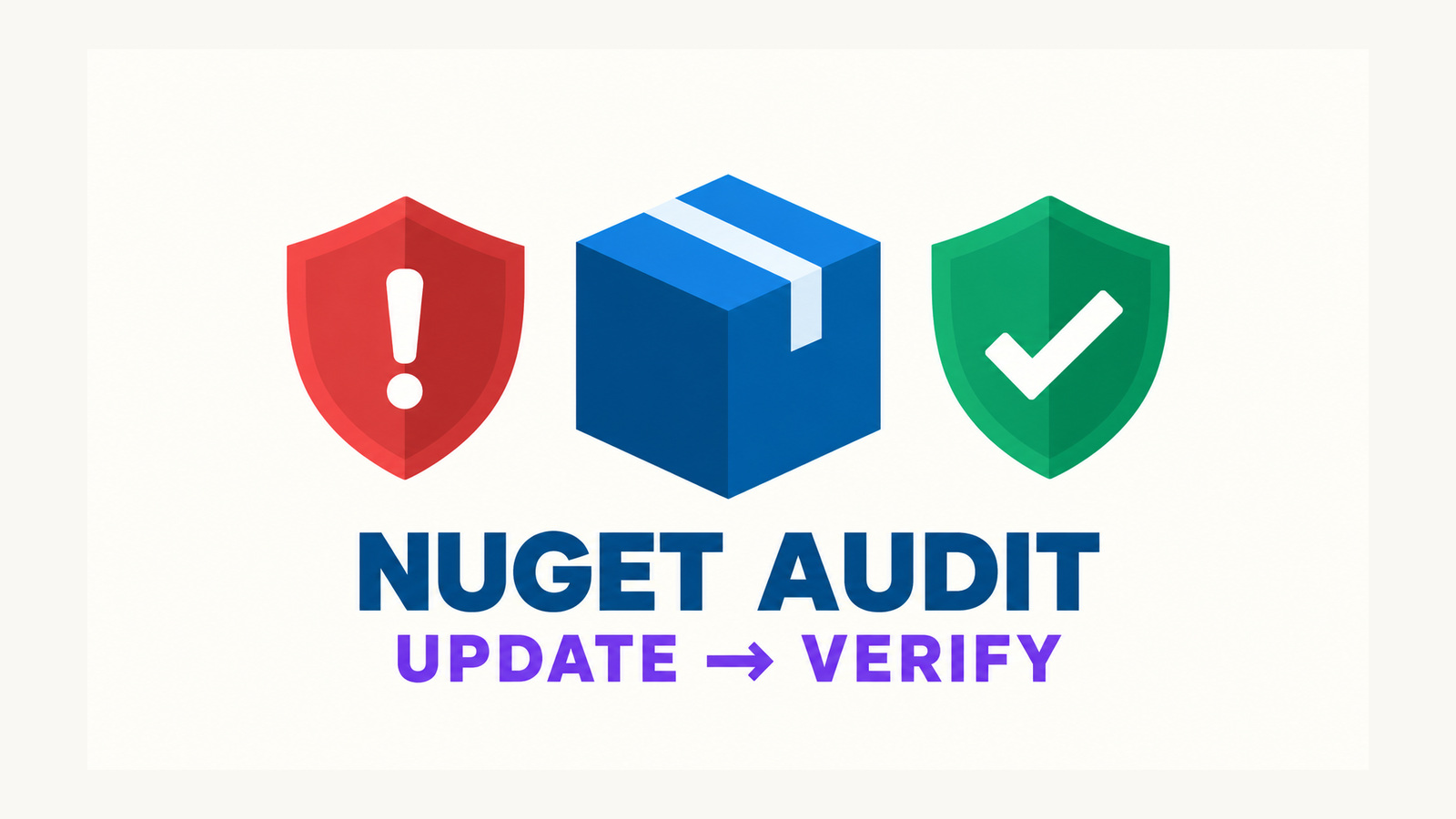
A .NET 11 vulnerable package update fixes an awkward remediation loop in strict NuGet audit: restore finds a vulnerable dependency, TreatWarningsAsErrors promotes NU1901–NU1904, and the preview restore inside dotnet package update --vulnerable stops before the command can replace that dependency. Teams then face a bad choice between weakening repository-wide warning policy and editing package versions by hand under incident pressure.
.NET 11 RC1 breaks that loop without changing the project file’s policy. NuGet relaxes audit-warning promotion only in the command’s in-memory vulnerability-scan restore, selects updates, and leaves the normal restore to enforce the repository’s real settings. The safe workflow is therefore: pin the expected SDK, start from a clean tree, run the update in isolation, review the dependency diff, restore again under full policy, test, and check for residual advisories.
Table of Contents
Why strict NuGet audit could block its own fix
NuGet audit runs as part of restore and reports known vulnerabilities as NU1901, NU1902, NU1903, or NU1904 for low, moderate, high, or critical severity. A repository that sets TreatWarningsAsErrors can promote those warnings into errors. That is often deliberate: the build should fail when a new advisory crosses the team’s acceptance threshold.
<Project>
  <PropertyGroup>
    <TreatWarningsAsErrors>true</TreatWarningsAsErrors>
    <NuGetAudit>true</NuGetAudit>
    <NuGetAuditMode>all</NuGetAuditMode>
  </PropertyGroup>
</Project>
The problem appeared because dotnet package update --vulnerable also needs a restore-like preview. It must read the dependency graph, identify vulnerable versions, and determine safe candidate updates before writing a manifest. In the reported failure, the same vulnerability that motivated the command caused that preview to fail. Manually changing Directory.Packages.props worked, but bypassed the command’s intended selection flow.
A permanent WarningsNotAsErrors entry for all four audit codes can unblock restore, but it also changes normal builds. That may be correct for a repository with a separate security gate; it is not equivalent to keeping vulnerabilities build-blocking everywhere. The .NET 11 fix targets the narrower circular dependency.
What .NET 11 changes—and what it does not
The RC1 implementation detects projects whose audit warnings would be errors. For the vulnerability scan, it clones the in-memory package specification, clears the global all-warnings-as-errors switch in that clone, and removes NU1901–NU1904 from any explicit warnings-as-errors set. The project and central package files are not rewritten to weaken policy. Projects that already keep all four audit codes as warnings reuse their original specification.
- Scoped: the relaxation belongs to the vulnerability-scan restore inside the update command.
- Temporary: it lives in a cloned dependency-graph specification, not committed MSBuild properties.
- Purpose-specific: it lets the command inspect the vulnerable graph and choose remediation.
- Not a bypass: ordinary restore, build, and test still evaluate the repository’s configured warning policy.
There is an important boundary. When TreatWarningsAsErrors is the only promotion mechanism, the scan clone clears that blanket setting; it does not reconstruct every non-audit warning as an explicit error. The change is designed for the update scan, not as evidence that the preview enforces every normal build warning. NuGet’s release note promises that unrelated restore failures still stop the update, but the final strict restore remains the authoritative policy check.
Pin the remediation environment
This behavior arrives with the NuGet client in .NET 11 RC1. Do not assume that an unpinned hosted runner has it. Pin the intended SDK in global.json, allow prerelease resolution only while the repository deliberately tests RC1, and record dotnet --info in the job log.
{
  "sdk": {
    "version": "11.0.100-rc.1.25451.107",
    "rollForward": "latestPatch",
    "allowPrerelease": true
  }
}
Use the exact RC1 build approved by your team rather than copying the example blindly. A preview or release-candidate SDK is a deployment decision, not merely a command-line convenience. If production does not permit RC builds, validate the workflow on a remediation branch and keep manual version edits as the supported fallback until the final .NET 11 SDK is approved.
dotnet --version
dotnet --info
git status --short
The tree must be clean before automation changes package versions. Otherwise a security update becomes mixed with unrelated edits, and neither rollback nor review can attribute the resulting dependency graph confidently.
Run a .NET 11 vulnerable package update
Keep the update in its own CI step and preserve its complete console output. The script below refuses to run on a dirty checkout, invokes the dedicated vulnerable-package path, and saves the manifest diff as a review artifact. pipefail prevents tee from hiding a failed command.
#!/usr/bin/env bash
set -euo pipefail

if [[ -n "$(git status --porcelain)" ]]; then
  echo "Refusing package remediation on a dirty tree." >&2
  exit 20
fi

dotnet --info
dotnet package update --vulnerable 2>&1 \
  | tee nuget-vulnerable-update.log

git diff -- '*.csproj' '*.fsproj' '*.vbproj' \
  'Directory.Packages.props' 'packages.lock.json' \
  > nuget-vulnerable-update.patch

if [[ ! -s nuget-vulnerable-update.patch ]]; then
  echo "No package-file change was produced; review command output." >&2
  exit 21
fi
A zero exit code means the command completed; it does not approve the chosen versions for production. A missing diff can mean no non-vulnerable update was available, the vulnerable package was transitive, the wrong solution was targeted, or the audit source did not return the expected data. Treat it as a result that needs classification, not as automatic success.
For Central Package Management, review Directory.Packages.props alongside every project that consumes the changed version. For repositories without CPM, review each changed project file. Do not let the remediation job commit automatically until owners have seen the version range, target frameworks, and package graph affected.
Verify the changed dependency graph
The .NET 11 vulnerable package update is only the first stage; the decisive check happens afterward under the repository’s original policy. Run a fresh restore without overriding TreatWarningsAsErrors. Then build and test without another implicit restore so the results correspond to the graph you just audited.
dotnet restore --force-evaluate
dotnet build --no-restore --configuration Release
dotnet test --no-build --configuration Release

dotnet package list --vulnerable --include-transitive \
  2>&1 | tee nuget-residual-vulnerabilities.log
The first restore reactivates the normal warning contract. A remaining NU1901–NU1904 promoted to an error blocks the job, as intended. The final listing is still useful when policy permits lower-severity warnings, because it makes residual direct and transitive findings visible in an artifact rather than relying on a reviewer to scan a long restore log.
- Confirm only expected package manifests and lock files changed.
- Read every advisory URL and verify the selected version is outside the affected range.
- Review release notes for breaking changes between the old and new package versions.
- Run compile, unit, integration, and compatibility tests against the restored graph.
- Re-run the vulnerability listing with transitive dependencies included.
- Require a package-owner review before merge and preserve the command log with the PR.
If the repository uses lock files, keep the existing locked-mode policy. Let the controlled update refresh the lock file, review that diff, and require later validation jobs to restore in locked mode. Deleting a lock file to make the update pass removes evidence about the graph under review.
Handle transitive packages and unavailable fixes
An audit finding does not always map to a direct reference that the command can safely rewrite. For a transitive vulnerability, first identify why the package is present:
dotnet nuget why Vulnerable.Package
dotnet package list --vulnerable --include-transitive
Prefer updating the nearest direct dependency that brings the vulnerable package into the graph. Adding the transitive package as a direct reference can be a temporary containment measure, but it creates ownership and cleanup work. With Central Package Management, transitive pinning can also change the dependency surface of packages your repository produces, so inspect pack output before choosing it.
If no fixed version exists, keep the CI failure visible and record a time-bounded risk decision. NuGetAuditSuppress suppresses a specific advisory URL and should be a last resort after confirming exploitability and mitigations. Disabling NuGetAudit hides all findings and is not a remediation strategy.
Audit data can also fail operationally. NU1900 indicates a problem retrieving vulnerability information, while NU1905 identifies an audit source that provides no vulnerability database. Separate those conditions from “no vulnerable packages found.” A green job is trustworthy only when the expected projects were audited against an available source.
Production risks and rollout checks
- Preview scope: the update scan temporarily relaxes warning promotion in memory. Never substitute its result for a normal strict restore.
- Package compatibility: the first version without a known advisory may still introduce API, serialization, database, or runtime changes. Tests and release-note review remain mandatory.
- Audit freshness: advisory databases change after a build completes. Schedule recurring audits and rerun them before release.
- Source trust: define approved package and audit sources. A reachable but unintended source can change both available versions and vulnerability data.
- Transitive drift: a direct upgrade may reshape many transitive versions. Review lock-file and assets-file changes rather than only the edited version line.
- RC adoption: separate testing the NuGet fix from approving an RC SDK for production workloads.
Roll out the command first as a PR-producing remediation job. Require a clean starting tree, attach the update log and diff, run the repository’s ordinary restore and tests, and leave merging to the package owner. Once the final .NET 11 SDK is approved, the same workflow can become scheduled automation without changing the security policy that guards every normal build.
The value of the .NET 11 vulnerable package update is narrow but consequential: the tool can now reach the version change that strict auditing demanded. The surrounding process should remain strict—temporary scan exception, explicit diff, full-policy restore, compatibility tests, residual advisory check, and accountable review.
References
- .NET 11 RC1 NuGet release notes: vulnerable updates with warnings as errors
- NuGet.Client PR #7605:
dotnet package update --vulnerablewithTreatWarningsAsErrors - NuGet/Home issue #14988: remediation command blocked by an audit warning promoted to an error
- Microsoft Learn: Auditing package dependencies for security vulnerabilities
- Microsoft Learn: NU1901–NU1904 severity and remediation guidance
Found this useful? Support more practical developer content.