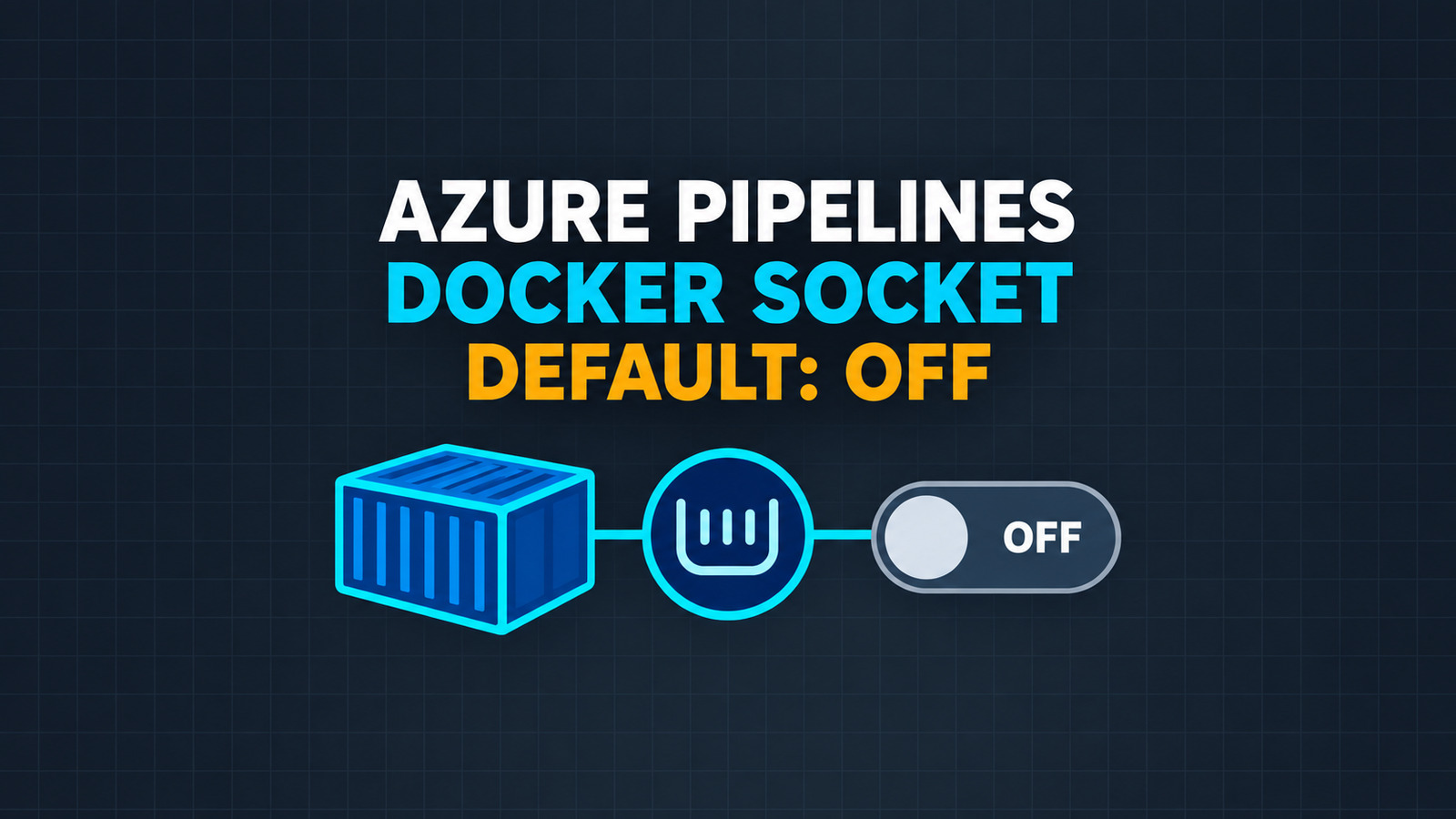
The Azure Pipelines mapDockerSocket setting changes a quiet but important security default in agent 5.279.0 for Linux container jobs: the host Docker socket is no longer mounted into the job container automatically. That is safer for jobs that only need an isolated toolchain, but a pipeline that builds, inspects, or pushes containers through the host daemon can start failing when the new agent reaches its pool.
The right migration is not to restore the old behavior everywhere. Inventory the jobs that intentionally need the host daemon, opt in only those container resources with mapDockerSocket: true, and add a fail-fast check that proves both the socket and daemon are usable. This guide applies that pattern to .NET build pipelines without confusing a container job with a nested Docker daemon.
Table of Contents
What changed in Azure Pipelines agent 5.279.0
Before agent 5.279.0, a Linux container job could receive the host socket at /var/run/docker.sock without declaring that dependency in YAML. Starting with 5.279.0, mapDockerSocket defaults to false. Microsoft describes the change as a least-privilege improvement: jobs that do not need Docker-in-container behavior should not receive control of the host daemon.
The phrase Docker-in-container matters here. Azure Pipelines is not starting a second Docker daemon inside the job container. A Docker CLI inside the container talks through the mounted Unix socket to the daemon on the agent host. If the socket disappears, commands such as docker build, docker inspect, and docker push cannot reach that daemon.
Treat access to
/var/run/docker.sockas privileged host access, not as an ordinary build-tool dependency.
Identify jobs that really need the host Docker daemon
Do not add the opt-in to every container definition. First separate jobs by what they execute:
- No socket required:
dotnet restore,dotnet build,dotnet test, linters, source generators, and artifact packaging that never invoke Docker. - Socket required: Dockerfile builds, image inspection, registry login and push through the host daemon, Docker Compose integration tests, or scripts that query
docker info. - Review carefully: .NET SDK container publishing.
dotnet publish /t:PublishContainercan publish directly to a registry or produce an archive, so a Docker socket is not automatically required. The answer depends on the exact publish target and surrounding scripts.
Search the repository before editing YAML. Include templates because the Docker command might be several levels away from the job declaration:
rg -n --glob '*.yml' --glob '*.yaml' \
  'docker (build|buildx|compose|login|push|pull|inspect|info)|/var/run/docker.sock|DOCKER_HOST' \
  .azure-pipelines pipelines templates
For generated or parameterized templates, also inspect the expanded pipeline for one representative run. A text search is evidence of a dependency, not proof that every matching path executes in the affected job.
Configure Azure Pipelines mapDockerSocket on the container resource
Put the Azure Pipelines mapDockerSocket exception on the named container resource that needs it. This makes the privileged dependency visible during review and keeps unrelated container jobs on the safer default.
resources:
  containers:
  - container: dotnet_container_builder
    image: mcr.microsoft.com/dotnet/sdk:10.0
    mapDockerSocket: true

jobs:
- job: BuildContainerImage
  displayName: Build the API image
  pool:
    vmImage: ubuntu-latest
  container: dotnet_container_builder
  steps:
  - checkout: self

  - bash: |
      set -euo pipefail
      test -S /var/run/docker.sock
      docker version
    displayName: Verify host Docker access

  - bash: |
      set -euo pipefail
      docker build \
        --file src/Orders.Api/Dockerfile \
        --tag "orders-api:$(Build.SourceVersion)" \
        .
    displayName: Build image
Keep a separate container resource for ordinary .NET work, without mapDockerSocket:
resources:
  containers:
  - container: dotnet_build
    image: mcr.microsoft.com/dotnet/sdk:10.0

jobs:
- job: Test
  pool:
    vmImage: ubuntu-latest
  container: dotnet_build
  steps:
  - script: dotnet test --configuration Release
Leaving the property absent in this second resource deliberately accepts the new default. Do not set it to true merely to keep the two resource blocks visually identical.
Fail fast before the .NET container build
A socket path alone is insufficient evidence. It might be the wrong file type, or the process inside the container might lack permission to use it. Test both the mount and daemon communication before spending time on restore, compilation, or integration tests:
set -euo pipefail

if [[ ! -S /var/run/docker.sock ]]; then
  echo "The host Docker socket is not mounted." >&2
  echo "Review mapDockerSocket on this container resource." >&2
  exit 70
fi

if ! docker info >docker-info.txt 2>docker-info.err; then
  echo "The socket exists, but the job cannot reach the host Docker daemon." >&2
  sed -n '1,40p' docker-info.err >&2
  exit 71
fi

docker version --format \
  'client={{.Client.Version}} server={{.Server.Version}}'
Do not publish the complete docker info output blindly. Depending on the agent configuration, it can disclose host, registry, storage-driver, or network details that do not belong in a public build log. Preserve the diagnostic file as a restricted artifact only when incident analysis requires it.
Keep the Docker socket boundary narrow
Microsoft’s container-job documentation warns that code with access to the socket can run as root on the Docker host. That changes the threat model of pull-request builds and third-party tasks. A container boundary does not protect the host when the container can control the host daemon.
- Do not expose the socket to untrusted fork or pull-request code.
- Pin external tasks and container images according to the repository’s supply-chain policy.
- Separate image-building jobs from compilation and unit-test jobs.
- Keep registry credentials scoped to the required registry and repository.
- Prefer a disposable hosted agent or an isolated self-hosted pool for privileged image builds.
- Remove the opt-in when a job moves to direct registry publishing or no longer invokes Docker.
Do not try to reproduce the old behavior with a broad --privileged startup option. That expands permissions beyond the documented socket opt-in and makes the effective boundary harder to review.
Use the agent fallback only as a temporary bridge
For self-hosted fleets where editing every YAML file immediately is impractical, Microsoft documents the agent-host environment variable AZP_AGENT_DEFAULT_MAP_DOCKER_SOCKET_TO_FALSE=false. It restores the former default, in which Linux container jobs receive the socket unless YAML explicitly says otherwise.
This is a migration bridge, not the target state. It grants the socket to jobs that may never have declared or needed it. If the bridge is necessary, constrain it operationally:
- Apply it only to a dedicated agent pool.
- Record the pool, owner, reason, and removal date.
- Add explicit
mapDockerSocketvalues to every affected container resource. - Canary the new default on one agent after the YAML changes merge.
- Remove the environment override and recycle the remaining agents.
Avoid using the fallback on Microsoft-hosted agents: the host environment is managed by Azure Pipelines, while the YAML resource property is the portable and reviewable control available to the pipeline.
Roll out and roll back without hiding failures
Use one representative pipeline as a canary. Record the current agent version and whether the job expects host-daemon access, then test these paths:
- Negative path: a container resource without the opt-in must not receive
/var/run/docker.sock. - Positive path: the privileged image job has a Unix socket and
docker versionreaches both client and server. - Build path: the image build uses the expected Dockerfile, context, tag, and registry target.
- Trust path: the privileged job cannot run for an untrusted contribution event.
- Cleanup path: temporary images, builders, and credentials are removed according to the pool’s policy.
If the canary fails, roll back the YAML change or temporarily isolate the affected workload on a pool using the documented host fallback. Do not suppress the preflight check: a later Docker error is slower to diagnose and can make a missing socket look like a registry, Dockerfile, or .NET publishing problem.
The durable result is simple: most Linux container jobs keep the safer no-socket default, while the few that control the host Docker daemon declare that privilege explicitly and prove it before use.
References
- Azure Pipelines Sprint 279 release notes
- Azure Pipelines container jobs: Docker socket mapping
- Azure Pipelines agent 5.279.0 release
Found this useful? Support more practical developer content.