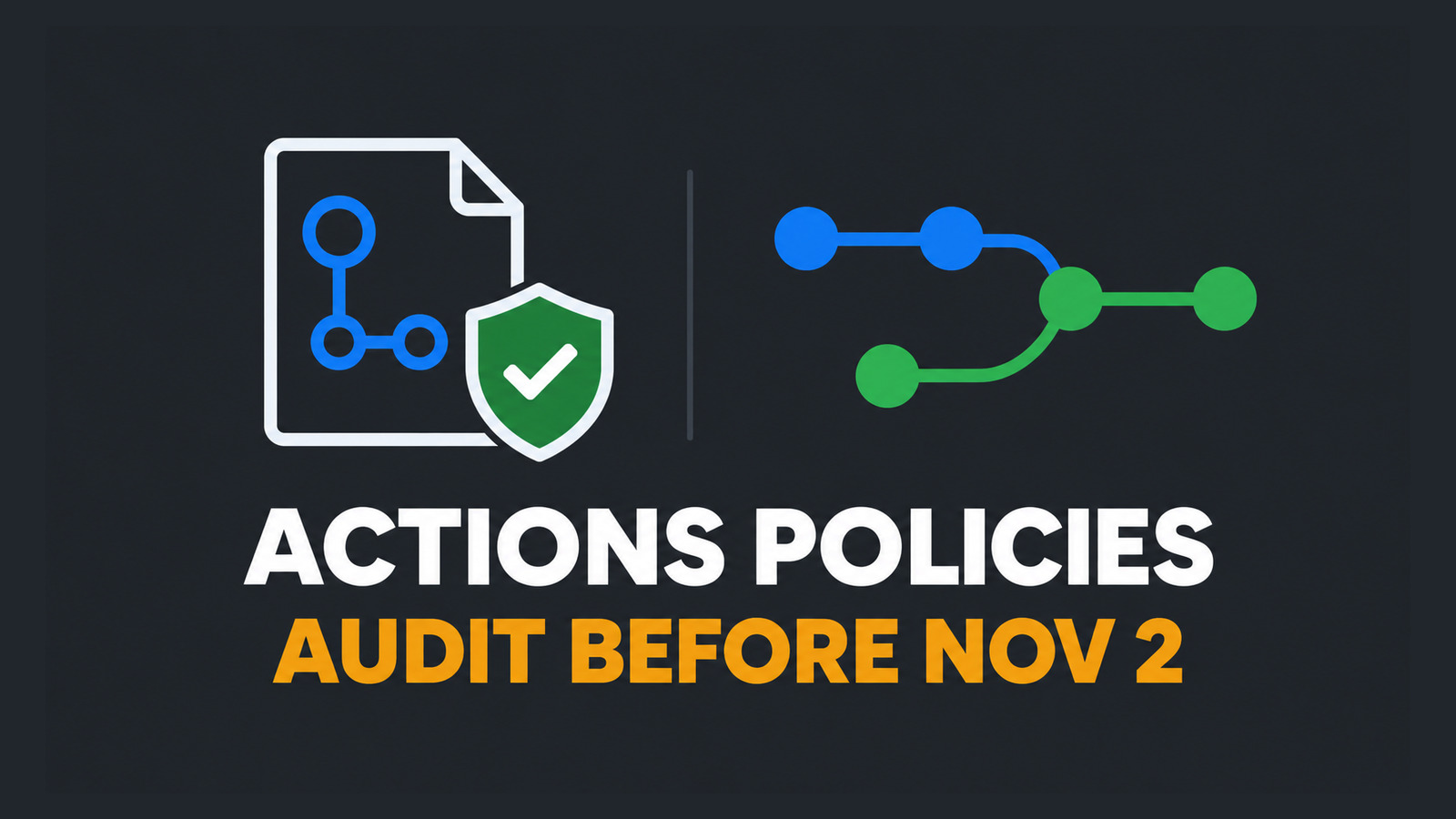
GitHub will begin enforcing a safer default for pull_request_target in affected public repositories on November 2, 2026. The new GitHub Actions workflow execution protections let administrators control who may trigger workflows and which events may run, target rules to workflow files, inspect policy impact, and manage the controls through the REST API.
This is not a reason to allow every blocked workflow. pull_request_target executes in the base repository context and can receive privileged credentials, so an unsafe workflow can expose secrets or write access when it checks out and runs untrusted pull-request code. The correct job is to inventory the event, evaluate narrow policies, prove the effective result, and retain a rollback that does not silently reopen broad execution.
Table of Contents
Why GitHub Actions workflow execution protections matter
GitHub announced workflow execution protections as generally available at enterprise, organization, and repository scope. A policy can restrict workflow execution by actor, by event, and by workflow-file path. Both actor and event rules are evaluated, so passing one rule does not cancel a denial from the other.
The dated change is narrower than “all repositories will block the event.” When no applicable event policy exists, the new default blocks pull_request_target for public repositories. GitHub’s announcement excludes private and internal repositories from that default. An administrator can retain the block or define an applicable event policy that explicitly allows justified workflow files.
Do not translate the deadline into a repository-wide exception. First determine whether each workflow actually needs pull_request_target, which privileges it receives, and whether it ever executes data or code controlled by the pull request. A workflow that only labels an issue is not equivalent to one that checks out a contributor branch and runs a package script.
Find workflows affected before November 2
Start with a repository-local inventory. Search both YAML extensions, keep the file paths, and review the complete workflow rather than the trigger line alone:
git grep -n "pull_request_target" -- \
  '.github/workflows/*.yml' \
  '.github/workflows/*.yaml'
For every match, record the workflow path, granted permissions, available secrets, environments, reusable workflows, third-party actions, checkout ref, and every command that can consume pull-request-controlled input. Mark a workflow high risk when it combines a privileged base context with an explicit checkout of the pull-request head or executes scripts assembled from contributor-controlled files.
- Remove the event when the job can run safely on
pull_requestwith read-only permissions. - Split the workflow when an unprivileged build can produce evidence for a later trusted workflow.
- Keep and constrain it only when the base-context capability is necessary and no untrusted code path reaches privileged execution.
- Block it when ownership, secrets, or code provenance cannot be proved.
Separate actor and event policies
Actor rules answer who may cause a workflow to execute. Event rules answer which trigger types and workflow files may execute. Treat them as independent controls. A trusted actor is not proof that a broad event policy is safe, and an allowed event does not make every actor trustworthy.
Build small policies with one responsibility instead of a single catch-all rule. GitHub’s policy model supports multiple defined policies, and policies can exist at enterprise, organization, and repository scope. Keep a short decision record for each policy: owner, scope, included repositories, targeted workflow paths, actor condition, event condition, enforcement mode, expiry or review date, and rollback owner.
Apply least privilege inside the workflow even after policy approval. Set explicit token permissions, isolate environments, pin third-party actions according to your supply-chain policy, and never use policy admission as a substitute for reviewing checkout and execution behavior.
Use Evaluate mode before enforcement
Evaluate mode lets administrators observe what a policy would affect before enforcing it. The current GitHub documentation limits this mode to GitHub Enterprise Cloud. If that capability is available, run it long enough to include contributor pull requests, bot updates, release automation, deployment workflows, and scheduled maintenance.
Use policy Insights to classify each match. A blocked unsafe workflow is an expected protection; a blocked release or deployment is a compatibility finding; a workflow that never appears may indicate insufficient observation traffic rather than safety. Do not declare success from an empty report.
- Exercise at least one expected-allow and one expected-deny case for every policy.
- Record the repository, workflow path, actor, event, expected decision, observed decision, and reviewer.
- Resolve false positives by narrowing path and condition scope, not by allowing all workflows.
- Require a second review before changing from Evaluate to active enforcement.
Scope exceptions to workflow files
Workflow-path targeting is the key control for the November change. If one reviewed pull_request_target workflow must continue, target that file instead of allowing the event for every workflow in the repository. The exception should name a stable path and have an owner who reviews future edits to that file.
Combine the path exception with repository rules that protect changes to .github/workflows. Require code-owner review for the approved workflow and re-run the security assessment when its permissions, checkout logic, reusable workflow target, or executed commands change. A path-scoped policy limits admission; it does not freeze the contents of the admitted file.
When a workflow can be redesigned, prefer eliminating the privileged event over documenting a permanent exception. A common safe boundary is an unprivileged workflow that produces an artifact or status, followed by a trusted workflow that consumes only verified outputs and does not execute contributor code.
Verify the effective layered policy
A successful mutation response is not proof that the intended protection is effective. Another policy at enterprise, organization, or repository scope may still alter the outcome. After every reviewed change, perform an independent GET through the exact REST endpoint documented for the selected scope and archive the response:
READ_ENDPOINT="<exact endpoint from the GitHub Actions policies REST reference>"

gh api --method GET --paginate "$READ_ENDPOINT" \
  > actions-policy-readback.json

jq -e . actions-policy-readback.json >/dev/null
Do not invent a payload or endpoint from a UI screenshot. Copy the path and required API version from GitHub’s current REST reference, use credentials with only the required administrative scope, and review the returned policy name, mode, target scope, event conditions, actor conditions, and workflow paths. Then trigger a known-allow and known-deny workflow to prove behavior rather than configuration shape alone.
Store the readback with the change request, timestamp, policy owner, and test runs. This separates “the API accepted my request” from “the effective layered policy produced the intended decision.”
Rollback and production checklist
The safest rollback is prepared before enforcement. Preserve the previous policy readback, identify who can restore it, and define the maximum time a temporary exception may remain. If enforcement blocks critical automation, roll back the narrow policy change or move it to Evaluate mode where available; do not disable every policy at the parent scope.
- Inventory every
pull_request_targetworkflow and its permissions, secrets, checkout behavior, and executed code. - Confirm whether the repository is public and therefore affected by the November 2 default when no applicable event policy exists.
- Separate actor and event decisions, and target only justified workflow files.
- Use Evaluate mode on GitHub Enterprise Cloud and exercise representative allow and deny cases.
- Read back the exact policy at enterprise, organization, and repository scope as applicable.
- Protect edits to approved workflow files and re-review material changes.
- Keep the prior configuration, rollback owner, expiry date, and post-change test evidence.
The practical goal of GitHub Actions workflow execution protections is not merely to survive the deadline. It is to make privileged workflow admission explicit, narrow, observable, and reversible before the secure default changes on November 2.
References
- GitHub Actions workflow execution protections generally available
- About GitHub Actions policies
- Control workflow execution
- REST API endpoints for GitHub Actions policies
Found this useful? Support more practical developer content.