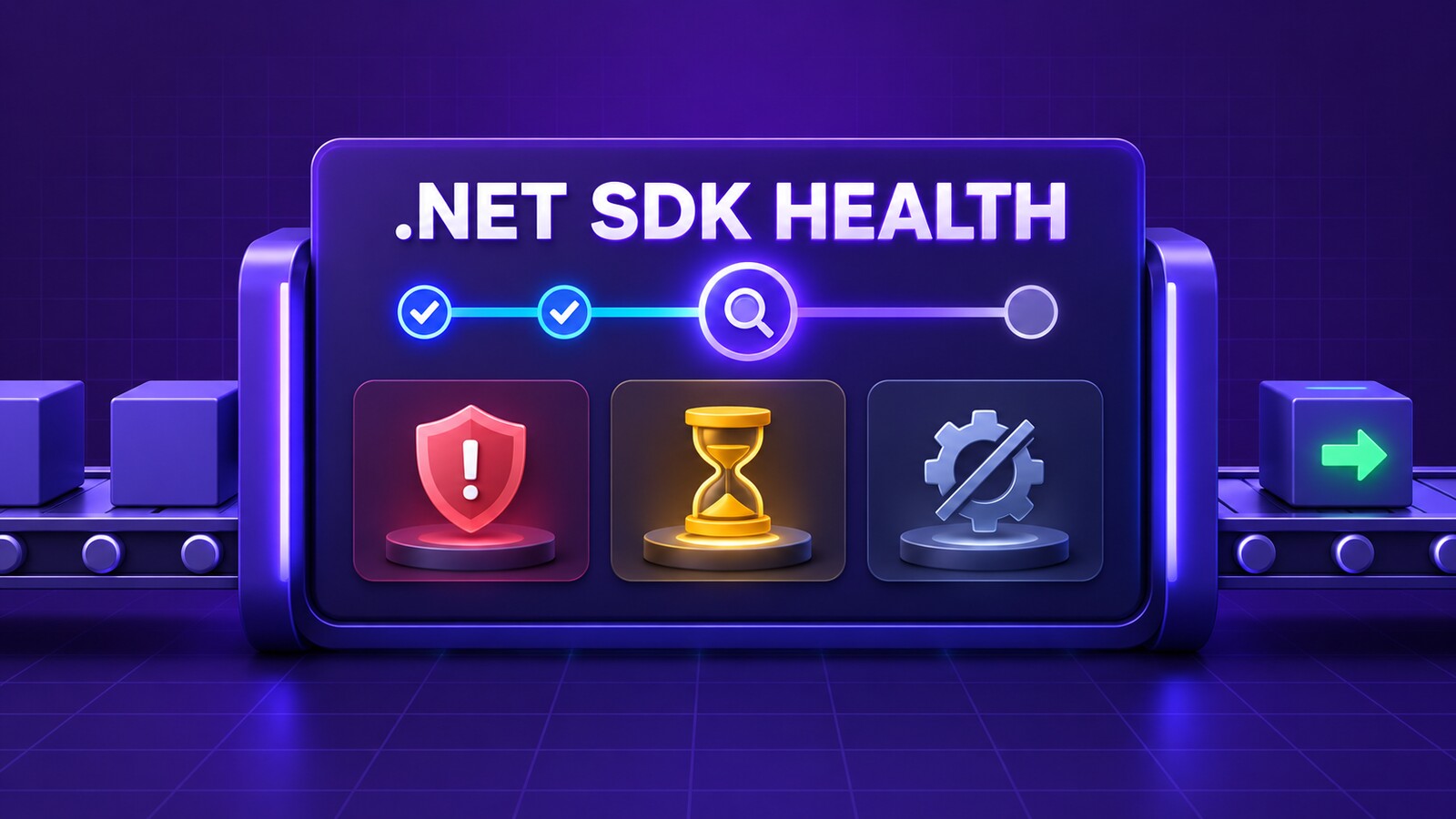
A repository can audit NuGet packages and still compile with an unhealthy .NET SDK. Starting with the .NET 11 Preview 5 SDK, CheckSdkVulnerabilities can warn when the SDK that actually runs the build has known vulnerabilities, is out of support, or belongs to a discontinued feature band. The check is opt-in, so CI receives none of those warnings until the property is enabled.
The practical policy is to enable the check centrally, make only NETSDK1238, NETSDK1239, and NETSDK1240 fatal in CI, and update the repository’s global.json instead of suppressing the signal. There is one important limit: the build reads a local metadata cache and performs no network request. A clean machine with no cache can therefore produce no warning. Treat the feature as an additional SDK-health guard, not as complete proof that every package, target framework, runtime, and deployed artifact is supported.
Table of Contents
Enable CheckSdkVulnerabilities once for the repository
Put the property in a repository-level Directory.Build.props so every SDK-style project receives the same check:
<Project>
  <PropertyGroup>
    <CheckSdkVulnerabilities>true</CheckSdkVulnerabilities>
  </PropertyGroup>
</Project>
This requires a .NET 11 Preview 5 or later SDK to run the build. The application can still target an earlier framework that the selected SDK supports; the diagnostic describes the resolved build SDK, not the target framework. Confirm the SDK at the same working directory that CI uses because the CLI searches upward from that directory for the first applicable global.json.
dotnet --version
dotnet --list-sdks
If the command reports an older SDK, the property cannot provide this guard. Update the agent image or setup step first. Do not interpret an older SDK’s clean build as a passing SDK-health check.
Turn the three SDK warnings into CI policy
The check produces three different decisions:
| Diagnostic | Meaning | Required response |
|---|---|---|
NETSDK1238 | The selected SDK has known CVEs. | Install a patched SDK and update the pin. |
NETSDK1239 | The selected SDK is end of life. | Move to a supported SDK line. |
NETSDK1240 | The selected feature band has no newer servicing release although another band on the same major version does. | Move the pin to the recommended feature band. |
A targeted CI escalation keeps these failures visible without turning every compiler or analyzer warning into an emergency. Keep the repository configuration focused on enabling the check:
<Project>
  <PropertyGroup>
    <CheckSdkVulnerabilities>true</CheckSdkVulnerabilities>
  </PropertyGroup>
</Project>
Then enable the escalation in the protected CI build:
dotnet restore
dotnet build --configuration Release --no-restore -warnaserror:NETSDK1238,NETSDK1239,NETSDK1240
The MSBuild -warnaserror switch applies to warnings raised by MSBuild tasks and accepts a comma- or semicolon-separated code list. That distinction matters here: the C# compiler’s WarningsAsErrors project property is not the right enforcement mechanism for SDK task diagnostics. If your repository commits lock files, use its normal locked restore command. Keep the warning list narrow so unrelated warnings remain governed by the repository’s existing policy.
Do not let the metadata cache become a blind spot
The SDK refreshes release metadata in the background, by default at most once every 24 hours, under ~/.dotnet/sdk-vulnerability-cache/. MSBuild reads that cache and makes no network call during the check. On a machine that has never obtained the metadata, Microsoft documents that no warning is emitted.
That behavior is useful for build stability but prevents a fail-closed security claim. A green job can mean either “the selected SDK is healthy according to cached metadata” or “the agent had no usable cache.” Design CI accordingly:
- Use maintained runner or container images that already receive current .NET servicing updates.
- Allow the normal CLI metadata refresh in a persistent, network-capable build environment.
- Run
dotnet sdk checkor an equivalent SDK inventory step as a separate maintenance signal; do not assume that it converts this cache-backed check into an online attestation. - Monitor the resolved version explicitly in build logs so an unexpected SDK selection is visible.
- Do not delete the cache immediately before the protected build. An empty cache can remove the warnings you intended to enforce.
DOTNET_SDK_VULNERABILITY_CHECK_INTERVAL_HOURS changes the refresh interval. DOTNET_SDK_VULNERABILITY_CHECK_DISABLE=true disables both the refresh and build-time check. Treat either environment-variable change as a security-policy change and review it like code.
Separate SDK health from application support
SDK health is only one layer of a .NET delivery chain. Keep these checks separate so one green signal cannot hide another failure:
| Layer | Question | Representative check |
|---|---|---|
| Build SDK | Is the SDK that runs the build vulnerable, EOL, or on a discontinued band? | CheckSdkVulnerabilities and NETSDK1238–NETSDK1240 |
| Target framework | Is the project’s TFM supported? | NETSDK1138 and the official support policy |
| NuGet graph | Do direct or transitive packages have known vulnerabilities? | NuGet audit during restore |
| Runtime and artifact | Which runtime and packages are present in the deployed workload? | Deployment inventory and production verification |
For example, a supported .NET 11 SDK can build a net8.0 application, but that does not extend the support lifetime of net8.0. Conversely, a supported target framework does not make an old build SDK safe. After deployment, verify the runtime and artifact separately; the DotNetCoder guide .NET Security Updates: How to Prove Your Production App Actually Received the Fix covers that production boundary.
Update global.json without hiding failures
When the guard fails, fix SDK selection rather than adding the diagnostic to NoWarn. Install the approved patched SDK on developer machines and CI agents, then update global.json with the exact approved version:
APPROVED_SDK_VERSION="<PATCHED_SDK_VERSION>"

dotnet new globaljson   --sdk-version "$APPROVED_SDK_VERSION"   --roll-forward latestPatch   --force
latestPatch permits servicing patches only within the selected feature band. That is appropriate when reproducibility matters, but NETSDK1240 exists precisely because a feature band can stop receiving releases while a newer band on the same major version continues. In that case, change the pinned feature band deliberately and run the full build and test suite; changing only rollForward can make SDK selection less predictable across agents.
Verify selection from the repository root and from any subdirectory used as a CI working directory:
dotnet --version
dotnet --info
dotnet sdk check
The first command must match the intended pin or allowed roll-forward result. The second records the active SDK, host, runtimes, architecture, and environment. The third helps identify available SDK and runtime updates, but it does not replace a successful repository build.
Roll out the guard without breaking every branch
Introduce the policy in two short stages:
- Observe. Enable
CheckSdkVulnerabilities, logdotnet --version, and run the normal build without escalating the three diagnostics. Inventory every runner image andglobal.jsonpin that resolves to an unhealthy or unexpected SDK. - Enforce. Patch the images and pins, then add
-warnaserror:NETSDK1238,NETSDK1239,NETSDK1240to protected-branch and release builds. Keep pull-request and release jobs on the same SDK-selection policy.
If an emergency suppression is unavoidable, scope it to one diagnostic, record an owner and expiration date, and keep the SDK upgrade work open. Disabling CheckSdkVulnerabilities or setting the disable environment variable removes all three signals and should not be the default workaround.
Also decide who owns runner images. Updating global.json before the approved SDK exists on every required agent turns a security repair into a “compatible SDK not found” outage. Updating agents without a repository pin can make different branches select different SDKs. The change plan must cover both sides.
Verification checklist
- A .NET 11 Preview 5 or later SDK runs the build.
CheckSdkVulnerabilitiesis enabled from the expectedDirectory.Build.props.- CI uses the MSBuild
-warnaserrorswitch to escalate onlyNETSDK1238,NETSDK1239, andNETSDK1240for this policy. dotnet --versionresolves to the approved SDK in every CI working directory.- The agent has a maintained SDK installation and an intentional metadata-cache strategy.
- No global or repository environment sets
DOTNET_SDK_VULNERABILITY_CHECK_DISABLE=true. - The target framework and NuGet graph have their own support and vulnerability checks.
- The built artifact passes the repository’s tests and the deployed runtime is verified independently.
The configuration and commands above are based on current Microsoft documentation. They are an implementation pattern, not a claim that they were executed against your repository. Validate them on the agent images and shell used by your own CI system before enforcing the gate.
References
- NETSDK1238: The current .NET SDK has known vulnerabilities
- NETSDK1239: The current .NET SDK is end of life
- NETSDK1240: The current .NET SDK feature band is discontinued
- Select which .NET version to use
- MSBuild command-line reference
- .NET environment variables
- The official .NET support policy
Found this useful? Support more practical developer content.