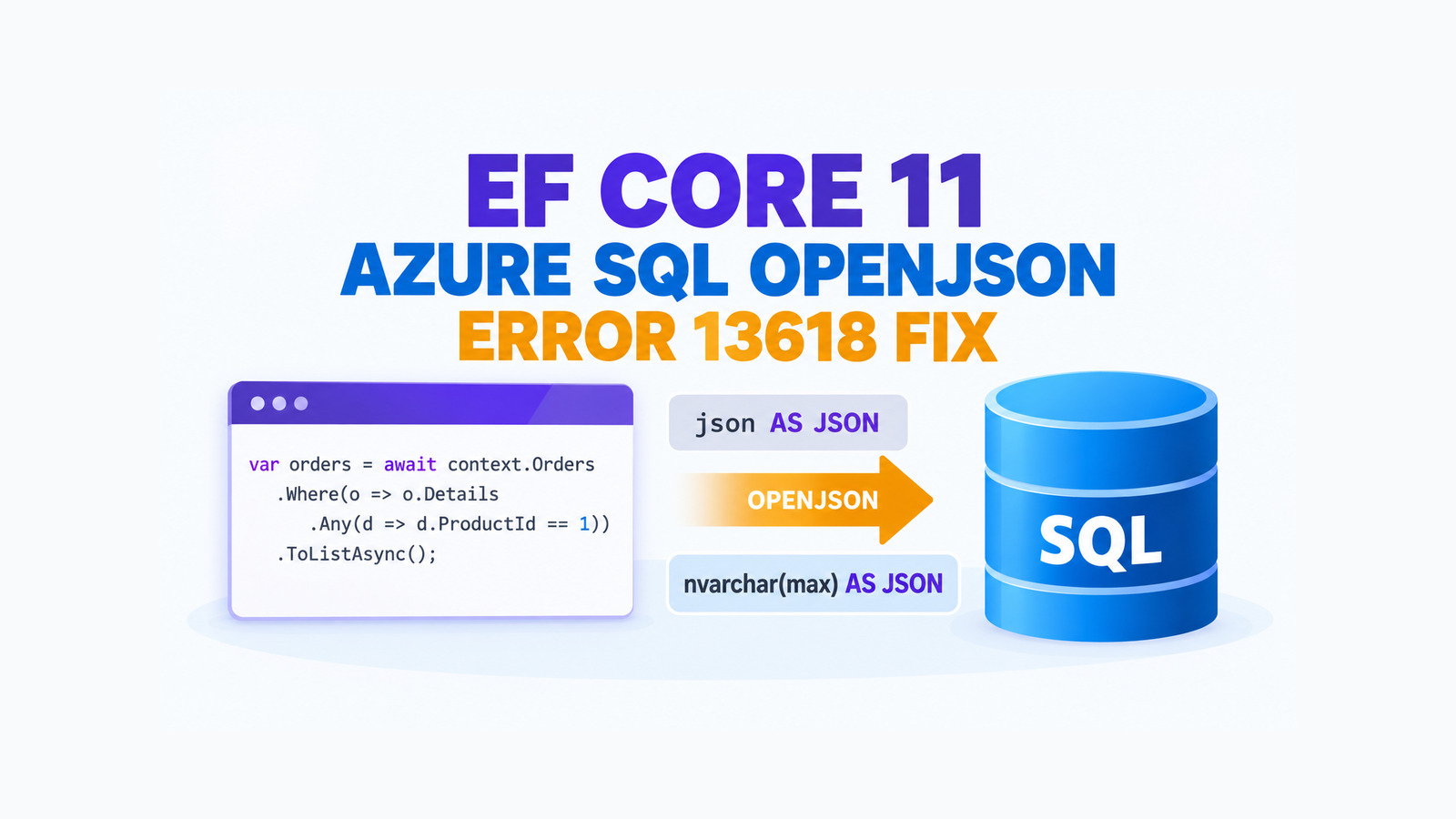
The EF Core Azure SQL error 13618 can appear even when the same query works against SQL Server 2025. The affected shape is narrow: a query traverses a primitive collection nested inside a complex object stored in a native json column, and EF Core emits an OPENJSON ... WITH projection that combines the native json type with AS JSON. Azure SQL at compatibility level 170 rejects that type in this position.
EF Core 11 RC1 fixes the translation. For Azure SQL, the nested value is projected as nvarchar(max); supported on-premises SQL Server 2025 keeps the native json type. The practical response is to capture the failing SQL, confirm that it matches this exact shape, upgrade the SQL Server provider, and keep a generated-SQL regression test so a future provider change cannot silently restore the invalid projection.
Table of Contents
Recognize the EF Core Azure SQL error 13618 signature
Do not treat every JSON-related failure as this bug. The confirmed case has four boundaries:
- The database is Azure SQL running at compatibility level 170.
- The mapped column uses the native
jsondata type rather thannvarchar(max). - The LINQ query traverses a nested primitive collection inside JSON, commonly through
SelectMany. - The generated
OPENJSONstatement contains aWITHcolumn declared asjson ... AS JSON.
The failing SQL has this essential form:
CROSS APPLY OPENJSON(
    [c].[CarConfiguration],
    '$.optionPackages'
) WITH (
    [partNumbers] json '$.partNumbers' AS JSON
)
Azure SQL accepts native json columns, but it does not accept the native type for this AS JSON projection. Microsoft documents the native data type as generally available in Azure SQL, while the EF Core fix records this particular engine difference. The mismatch explains why schema creation and ordinary JSON reads can succeed before one nested-collection query fails.
Error 13618 is the symptom. The decisive evidence is the generated
OPENJSON WITHclause and the database engine that executes it.
A query that uses an nvarchar(max) JSON column, a flat property, or a different provider belongs to a separate investigation. Keep the scope narrow before upgrading or rewriting application code.
Understand the EF Core 11 translation fix
EF Core 11 RC1 changes SQL generation at the provider boundary. When the provider emits a WITH column for a nested JSON value and uses AS JSON, it checks whether the target engine supports the native type in that position. Azure SQL receives nvarchar(max); on-premises SQL Server 2025 can retain json.
-- Azure SQL after the fix
CROSS APPLY OPENJSON(
    [c].[CarConfiguration],
    '$.optionPackages'
) WITH (
    [partNumbers] nvarchar(max) '$.partNumbers' AS JSON
)
This is a query-translation fix, not a schema migration. It does not convert the underlying column from json to nvarchar(max), and it does not ask you to abandon the native type. The substitution exists only inside the generated OPENJSON WITH projection where Azure SQL requires it.
That distinction matters during review. A migration that changes the table column would broaden the blast radius, affect storage and indexing decisions, and hide whether the provider fix actually works. Upgrade and verify the translation first.
Capture the SQL before changing the query
Use ToQueryString() on the failing query in a diagnostic test or local reproduction. It gives you the provider SQL without executing the database command:
var query = db.Cars
    .Where(car => car.Configuration.OptionPackages
        .SelectMany(package => package.PartNumbers)
        .Contains(requiredPartNumber));

var generatedSql = query.ToQueryString();

File.WriteAllText(
    "artifacts/azure-sql-json-query.sql",
    generatedSql);
The model names are illustrative; keep the query shape from your application. Inspect the artifact for AS JSON and the projected store type. Also capture the provider package versions and the database engine metadata so the result can be compared after the upgrade:
SELECT
    SERVERPROPERTY('EngineEdition') AS EngineEdition,
    SERVERPROPERTY('ProductVersion') AS ProductVersion,
    d.compatibility_level
FROM sys.databases AS d
WHERE d.name = DB_NAME();
Run that metadata query through the same controlled diagnostic path you use for production incidents. Do not print connection strings, tokens, or unrelated database configuration into CI logs.
Upgrade EF Core without splitting provider versions
The fix is included in the EF Core 11 RC1 release notes. Update the SQL Server provider and the other EF Core packages as one set. Do not leave Microsoft.EntityFrameworkCore.SqlServer on a different feature band from Microsoft.EntityFrameworkCore, design-time tooling, or migrations tooling.
dotnet list src/Orders.Api/Orders.Api.csproj package \
  --include-transitive

dotnet restore --locked-mode
dotnet build --configuration Release --no-restore
dotnet test --configuration Release --no-build
Pin the exact RC1 package version in Directory.Packages.props or the project file according to your repository policy, commit the lock-file changes, and review the dependency diff. Avoid a floating prerelease range in a production branch: a later prerelease could change SQL generation again without an intentional pull request.
If your application cannot move to EF Core 11 RC1, check the release notes for the supported version you run and verify whether the fix has been serviced there. Do not copy the internal provider change into application code or rely on a hand-edited SQL string unless Microsoft documents that route for your supported line.
Add an Azure SQL regression test
A useful test proves both translation and execution. The translation assertion catches the invalid store type early, while an integration test against Azure SQL proves the engine accepts the final command.
[Fact]
public async Task Nested_json_collection_query_uses_azure_sql_projection()
{
    await using var db = CreateAzureSqlContext();

    var query = db.Cars
        .Where(car => car.Configuration.OptionPackages
            .SelectMany(package => package.PartNumbers)
            .Contains("P-100"));

    var sql = query.ToQueryString();

    Assert.Contains("nvarchar(max)", sql, StringComparison.OrdinalIgnoreCase);
    Assert.Contains("AS JSON", sql, StringComparison.OrdinalIgnoreCase);
    Assert.DoesNotContain(
        "json '$.partNumbers' AS JSON",
        sql,
        StringComparison.OrdinalIgnoreCase);

    _ = await query.ToListAsync();
}
Keep this test in an Azure SQL integration-test lane. An in-memory provider, SQLite, or an on-premises SQL Server container cannot prove the Azure SQL restriction. If credentials or cost prevent that lane from running on every pull request, run the translation assertion on each change and schedule the engine-backed test in an approved environment.
Do not snapshot the entire generated statement unless your team already maintains provider SQL baselines. A focused assertion on the nested projection is less brittle, while still protecting the behavior that caused error 13618.
Handle production rollout and rollback
Roll the provider update through one nonproduction Azure SQL database at the same compatibility level as production. Compare the generated SQL before and after the package change, execute the affected query with representative nested data, and watch the normal database error and latency signals.
- Positive case: a row containing the requested nested primitive value is returned.
- Negative case: a row without the value is not returned.
- Null and empty cases: missing or empty collections keep the application’s previous semantics.
- Engine check: the test really uses Azure SQL at compatibility level 170.
- SQL check: only the nested
AS JSONprojection changes tonvarchar(max).
If the upgrade introduces another regression, roll back the package set and the lock-file change together. A short-term query rewrite may be reasonable for a critical incident, but record it as a workaround with its own test and removal condition. Do not change the database column type simply to make one generated statement pass.
For this exact EF Core Azure SQL error 13618, the durable fix leaves the native JSON schema intact, lets EF Core generate an Azure-compatible nested projection, and keeps an engine-backed regression test around the query shape that previously failed.
References
- Entity Framework Core in .NET 11 RC1 release notes
- EF Core pull request 38665: fix OPENJSON AS JSON on Azure SQL
- Microsoft Learn: JSON data type
- Microsoft Learn: viewing generated SQL in EF Core
Found this useful? Support more practical developer content.