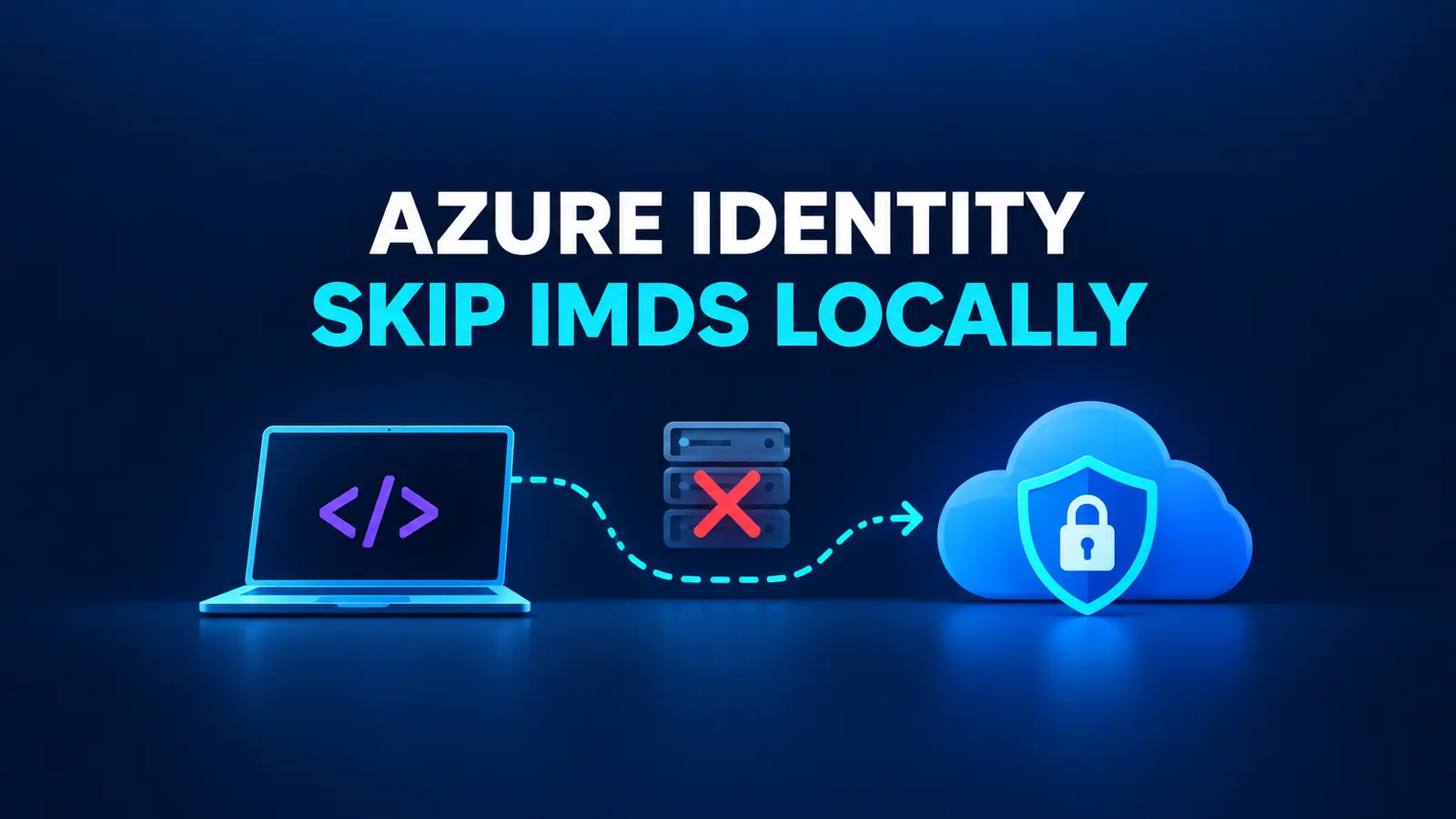
A DefaultAzureCredential local timeout can occur before a credential chain reaches a developer login that would succeed. The chain is convenient because the same application can run on a developer workstation and on Azure, but a local machine cannot normally reach the Azure Instance Metadata Service (IMDS). A September 2026 Azure SDK issue reports that Azure.Core 1.59.0 through 1.62.0 can spend roughly 25 seconds in the managed-identity leg before the chain reaches Visual Studio or Azure CLI credentials. A caller with a shorter timeout, including a SQL connection using Authentication=Active Directory Default, may cancel first.
Treat the timing as a reported regression, not as a universal benchmark. The production-safe response is still useful without reproducing the exact number: make local credentials deterministic, keep managed identity explicit in Azure, and verify the selected credential from Azure Identity diagnostics. Do not “fix” the symptom by increasing every timeout or by allowing developer credentials in production.
Table of Contents
Understand where the delay occurs
The documented DefaultAzureCredential order starts with environment and workload identity, then attempts managed identity before developer tools such as Visual Studio, Azure CLI, Azure PowerShell, and Azure Developer CLI. On a laptop, managed identity normally cannot succeed because IMDS is an Azure-host endpoint. The chain should eventually continue, but the failed leg still consumes the caller’s timeout budget.
The open Azure SDK issue describes a narrower regression. Its reporter observed five IMDSv2 capability-probe attempts with exponential backoff when the link-local address was unreachable. Azure SQL authentication then timed out at 15 seconds before the chain reached a working developer credential. The issue is still open, so avoid promising that a particular package version contains a fix.
First confirm that this is the failing leg. An authentication timeout by itself is not proof: firewall rules, expired Azure CLI sessions, tenant restrictions, DNS, and SQL connectivity can produce similar symptoms.
Capture Azure Identity diagnostics safely
Add a temporary AzureEventSourceListener in a local diagnostic build. Filter on the Azure-Identity event source and do not enable PII or HTTP body logging.
using System.Diagnostics.Tracing;
using Azure.Core.Diagnostics;

using var identityListener = new AzureEventSourceListener(
    (eventArgs, message) =>
    {
        if (eventArgs.EventSource.Name == "Azure-Identity")
        {
            Console.WriteLine(message);
        }
    },
    EventLevel.Informational);
Run the failing local operation once and answer three questions from the log:
- Does the chain enter
ManagedIdentityCredential? - Does it reach a developer credential before the caller cancels?
- Which credential is ultimately selected when the call succeeds?
Store diagnostic output as a short-lived CI artifact only if the job’s access policy allows it. Even with content logging disabled, authentication diagnostics can reveal tenant, account, host, or topology information. Remove the listener after the incident is understood.
Fastest local mitigation: restrict the chain to developer credentials
Azure Identity documents the AZURE_TOKEN_CREDENTIALS environment variable. Setting it to dev removes deployed-service credentials—including managed identity—from DefaultAzureCredential while retaining supported developer-tool credentials.
For a local shell:
export AZURE_TOKEN_CREDENTIALS=dev
dotnet run
For PowerShell:
$env:AZURE_TOKEN_CREDENTIALS = 'dev'
dotnet run
Keep the setting in a developer launch profile, local environment manager, or development-only run configuration. Do not put credentials in launchSettings.json; the category selector itself is not a secret, but the file must never become a place for tokens or client secrets.
This is particularly useful when a library constructs DefaultAzureCredential internally and does not expose a TokenCredential parameter. It also covers Authentication=Active Directory Default in SqlClient because the environment variable is visible to the process before the driver creates its chain.
Restart the process after changing the variable. Credential instances and token caches are intended to be reused, so changing a process environment variable after clients have been constructed is not a reliable reconfiguration mechanism.
Prefer an explicit credential factory when your code owns the client
An explicit factory makes the security boundary visible in code. Developer environments use only developer-tool credentials. Staging and production use only managed identity.
using Azure.Core;
using Azure.Identity;
using Microsoft.Extensions.Configuration;
using Microsoft.Extensions.Hosting;

static TokenCredential CreateCredential(
    IHostEnvironment environment,
    IConfiguration configuration)
{
    if (environment.IsProduction() || environment.IsStaging())
    {
        string? clientId = configuration["Azure:ManagedIdentityClientId"];

        return string.IsNullOrWhiteSpace(clientId)
            ? new ManagedIdentityCredential()
            : new ManagedIdentityCredential(
                ManagedIdentityId.FromUserAssignedClientId(clientId));
    }

    return new ChainedTokenCredential(
        new VisualStudioCredential(),
        new AzureCliCredential(),
        new AzurePowerShellCredential());
}
Register one credential instance and reuse it across Azure SDK clients:
using Microsoft.Extensions.Azure;

TokenCredential credential = CreateCredential(
    builder.Environment,
    builder.Configuration);

builder.Services.AddSingleton(credential);
builder.Services.AddAzureClients(clients =>
{
    clients.AddBlobServiceClient(
        builder.Configuration.GetSection("Azure:Storage"));
    clients.UseCredential(credential);
});
Reusing the credential preserves the SDK’s token-cache behavior and avoids repeated authentication work. If you are building a reusable API client rather than registering an Azure SDK client, keep token acquisition outside the HTTP transport boundary; the existing HttpClient and Entra ID guide shows the broader separation of concerns.
Choose the local credential order deliberately. Put the tool your team actually uses first. Do not include InteractiveBrowserCredential in unattended builds, because a headless CI job cannot complete the prompt. A CI workload should normally use workload identity, a service principal, or managed identity through a production-specific configuration—not a developer chain.
Add a production guard against dev
Environment drift can turn a local workaround into a production outage. Fail startup if a non-development deployment receives the developer-only selector while any component may still construct DefaultAzureCredential:
string? credentialMode =
    Environment.GetEnvironmentVariable("AZURE_TOKEN_CREDENTIALS");

if (!builder.Environment.IsDevelopment() &&
    string.Equals(credentialMode, "dev", StringComparison.OrdinalIgnoreCase))
{
    throw new InvalidOperationException(
        "AZURE_TOKEN_CREDENTIALS=dev is allowed only in Development.");
}
Also add a deployment-policy check. The following shell guard inspects the rendered environment for a production workload before deployment:
set -euo pipefail

if [[ "${DEPLOY_ENVIRONMENT:-}" != "development" ]] &&
   [[ "${AZURE_TOKEN_CREDENTIALS:-}" == "dev" ]]; then
  echo "Refusing production deployment with developer credentials enabled." >&2
  exit 1
fi
Do not rely on the guard as the primary credential design. Production code should still instantiate ManagedIdentityCredential (or the one credential type required by that host) explicitly. The guard protects components you do not own and catches deployment drift.
Verify the DefaultAzureCredential local timeout mitigation
Use behavioral checks instead of asserting that every machine must authenticate within an arbitrary number of seconds.
Local verification
- Sign in with the expected developer tool, such as
az loginor Visual Studio. - Set
AZURE_TOKEN_CREDENTIALS=dev, restart the process, and repeat the operation. - Confirm the Azure Identity log does not enter
ManagedIdentityCredential. - Confirm the log names the expected developer credential as selected.
- Confirm the original operation succeeds within its existing caller timeout.
- Unset the variable and restart once to prove that the test is actually sensitive to the configuration.
The last negative check prevents a false conclusion when a cached token, different code path, or already-successful credential hides the change.
Staging verification
- Ensure
AZURE_TOKEN_CREDENTIALSis absent or is notdev. - Confirm the deployed identity has only the required Azure RBAC roles.
- Start the application with the explicit
ManagedIdentityCredentialbranch. - Verify a real, read-only request to the target service.
- Temporarily remove or deny the required role in a controlled environment and confirm the application fails closed rather than falling through to Azure CLI or another developer identity.
Restore the role immediately after the negative test. Do not run destructive authorization tests against production data.
Avoid tempting but unsafe fixes
Increasing Connect Timeout can make the reported SQL scenario reach a later credential, but it preserves a slow and nondeterministic chain. It also increases the time before genuine connection failures surface. Use a longer timeout only as an emergency diagnostic measure, not as the durable authentication design.
Setting ExcludeManagedIdentityCredential=true globally is also too broad. It is appropriate for a development-only DefaultAzureCredentialOptions instance, but the same configuration in Azure disables the identity the workload is supposed to use. Keep the exclusion inside an environment-specific branch.
Do not set AZURE_TOKEN_CREDENTIALS=dev programmatically after startup. Environment variables are process-wide, tests may run in parallel, and libraries may have already created credential instances. Set it before process launch or inject an explicit credential.
Finally, do not copy the issue reporter’s measured retry count or duration into an alert threshold. Network stack, MSAL version, Azure.Core version, caller timeout, and host routing can change the observed duration. Alert on the operational outcome: the wrong credential leg was attempted, the expected credential was never selected, or the caller’s existing service-level timeout was exhausted.
Handle mixed and unusual environments
A developer container, GitHub Codespace, or local Kubernetes cluster may intentionally use workload identity. AZURE_TOKEN_CREDENTIALS=dev excludes deployed-service credentials, so it is the wrong selector for that environment. Build a small explicit chain or use the specific credential required by the platform.
Sovereign Azure clouds add another dimension: authority hosts and service endpoints must match the target cloud. Skipping IMDS locally does not correct a public-cloud authority configured against a sovereign tenant. Validate AuthorityHost, resource endpoints, tenant restrictions, and managed-identity availability independently.
For shared integration-test processes, avoid mutating AZURE_TOKEN_CREDENTIALS in individual tests. Pass a TokenCredential through dependency injection so parallel tests cannot change one another’s process-wide configuration. Use a fake credential only for tests that do not claim to validate Microsoft Entra authentication.
Roll out and roll back cleanly
Roll out the change in two layers. First, narrow the developer chain and verify the selected credential locally. Second, deploy the explicit production credential to staging and run positive and negative authorization checks. Record the package versions and the issue state used for the decision.
Rollback is equally small: remove the local selector or restore the previous injected chain, restart the process, and repeat the identity-log verification. Do not roll back by weakening RBAC, adding client secrets, or enabling a broad fallback chain in production.
Because the Azure SDK issue remains open, recheck it when updating Azure.Core, Azure.Identity, Microsoft.Identity.Client, or SqlClient. If a released fix changes IMDS probing, keep the deterministic production credential design anyway; it addresses identity predictability as well as latency.
References
- Azure SDK for .NET issue #62761: DefaultAzureCredential IMDS fallthrough delay on hosts without IMDS
- Microsoft Learn: Credential chains in the Azure Identity library for .NET
- Microsoft Learn: Authentication best practices with the Azure Identity library for .NET
- Microsoft Learn: DefaultAzureCredentialOptions class
Found this useful? Support more practical developer content.