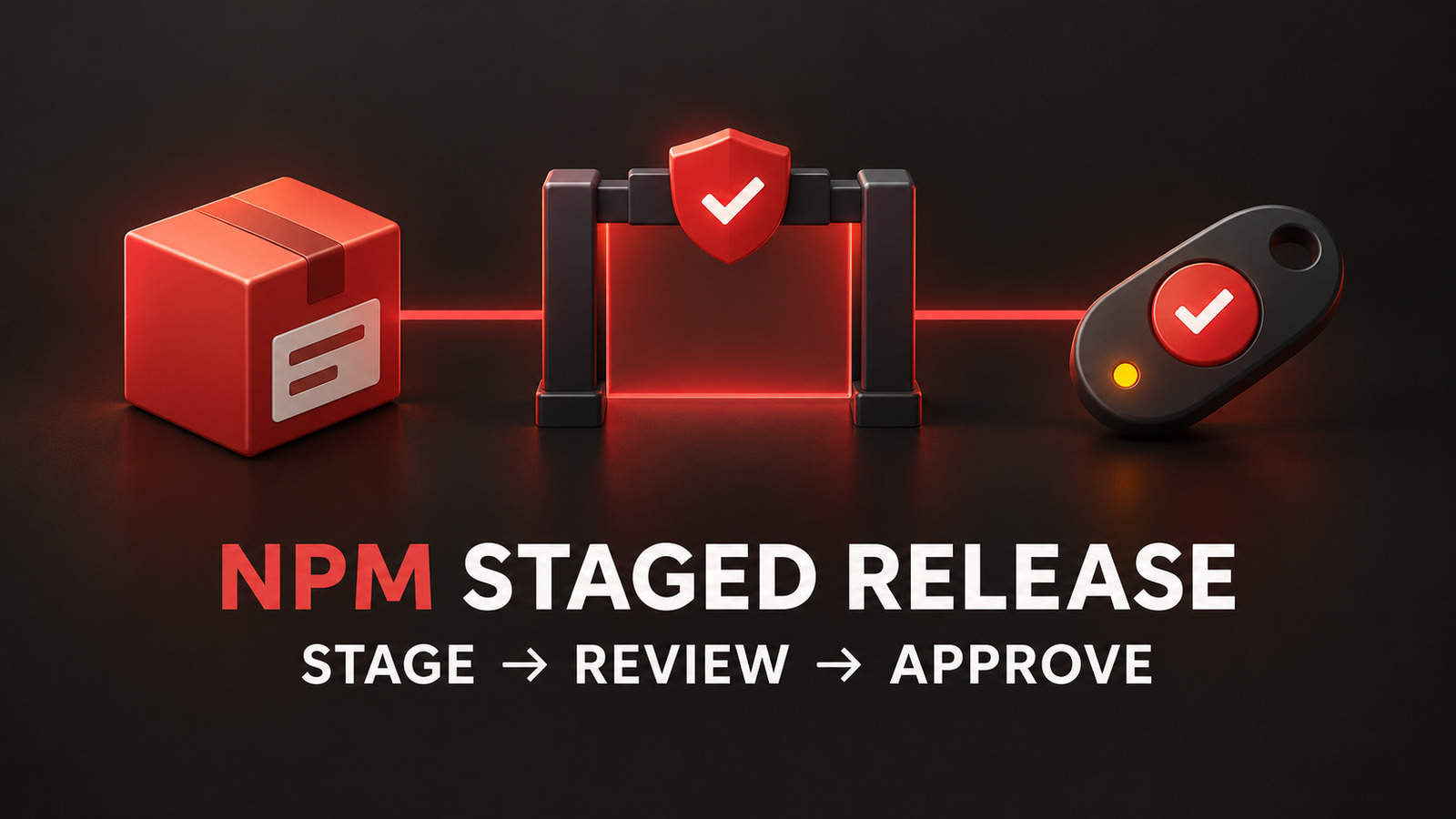
A release token that can publish immediately is convenient, but it also turns one stolen CI secret into a production package release. npm stage-only tokens add a narrower boundary: automation may submit an existing package version for review, while a maintainer must approve the staged artifact with two-factor authentication before it becomes public.
This guide converts a token-based GitHub Actions release from npm publish to npm stage publish. It also adds artifact inspection, negative permission checks, approval ownership, and a rollback plan. The goal is a controlled migration before npm’s January 2027 target for removing direct publishing through bypass-2FA tokens.
Table of Contents
Choose the right npm stage-only tokens boundary
Stage-only tokens are a migration control, not the final answer for every repository. npm trusted publishing uses short-lived OIDC credentials and avoids storing a long-lived write token. Prefer that model when your CI provider and runner are supported. A stage-only granular token is useful when you still need token-based automation but want to remove its authority to make a new version public.
The distinction is precise. A token configured as Read and write (stage only) can submit a version with npm stage publish. npm rejects npm publish with that token, even when the token was configured to bypass 2FA for automation. A maintainer then reviews and approves the staged version with 2FA.
Do not describe this token as read-only. It retains other package write permissions, including moving dist-tags and deprecating versions. Store, rotate, scope, and monitor it as a write credential. The security improvement is that it cannot directly release a new package version.
Prepare the package and maintainer controls
Staged publishing currently requires an existing package on the npm registry, publish access for the account, 2FA on the maintainer account, npm CLI 11.15.0 or later, and Node.js 22.14.0 or later. It cannot bootstrap a brand-new package. Verify those conditions before changing the release job.
node --version
npm --version
npm whoami
npm view @acme/widget name version dist-tags --json

test "$(npm --version | cut -d. -f1)" -ge 11
Create the granular token for only the packages used by this workflow and select the stage-only write permission. Keep the token lifetime short enough for your rotation process, record its owner, and put it in the repository or environment secret store. Never print it or pass it through a build artifact.
Assign two responsibilities explicitly. CI owns building, testing, packing, and staging. A human maintainer owns reviewing the exact staged tarball and approving it with 2FA. If one person can change the workflow, replace the token, and approve the stage without review, the technical boundary exists but the operational control is weak.
Replace direct publishing in GitHub Actions
Keep the release trigger narrow and pin the Node and npm versions that satisfy staged-publishing prerequisites. Build the package once, inspect its manifest, then stage that same workspace. Do not rebuild between review and submission.
name: Stage npm release

on:
  push:
    tags:
      - 'v*'

permissions:
  contents: read

jobs:
  stage:
    runs-on: ubuntu-latest
    environment: npm-staging
    steps:
      - uses: actions/checkout@v6

      - uses: actions/setup-node@v6
        with:
          node-version: '22.14.0'
          registry-url: 'https://registry.npmjs.org'
          package-manager-cache: false

      - run: npm install --global npm@11.15.0
      - run: npm ci
      - run: npm test
      - run: npm run build --if-present

      - name: Inspect package contents
        run: |
          npm pack --dry-run --json | tee npm-pack-report.json
          test "$(jq 'length' npm-pack-report.json)" -eq 1

      - name: Stage package for maintainer review
        env:
          NODE_AUTH_TOKEN: ${{ secrets.NPM_STAGE_TOKEN }}
        run: npm stage publish
The environment name can add repository-side deployment reviewers, but that review is separate from npm approval. The GitHub environment controls whether CI may use the secret. npm approval controls whether the staged package becomes public. Keep both boundaries when your threat model requires them.
Do not add id-token: write unless you are using trusted publishing. A token-based stage-only job does not need OIDC merely because it runs in GitHub Actions. Minimizing job permissions makes unexpected credential paths easier to audit.
Review the exact staged artifact
After CI stages the version, a maintainer can enumerate and inspect accessible stages. The stage identifier is the handle for review and approval; do not approve a package based only on the Git tag or workflow name.
npm stage list @acme/widget
npm stage view <stage-id>
npm stage download <stage-id>

mkdir staged-package
tar -xzf *.tgz -C staged-package

jq '{name, version, files, main, exports, scripts}' +  staged-package/package/package.json

find staged-package/package -type f -print | sort
Compare the staged package name and version with the signed-off release record. Review the file list for source maps, credentials, development configuration, oversized fixtures, and unexpected lifecycle scripts. If provenance is part of your policy, verify it before approval rather than assuming staging adds it automatically.
Only after the artifact passes review should the maintainer run npm stage approve <stage-id> or approve it on npmjs.com. Both paths require 2FA. Record the stage ID, package version, reviewer, approval time, and the commit or tag that produced the tarball.
Make the workflow fail closed
A successful staging command means the artifact entered the review queue; it does not mean a public release exists. Downstream deployment, documentation, and announcement jobs must wait for registry readback after approval. Polling should be bounded and compare the published integrity value, not merely the version string.
PACKAGE='@acme/widget'
VERSION="$(node -p "require('./package.json').version")"

for attempt in 1 2 3 4 5 6; do
  published="$(npm view "$PACKAGE@$VERSION" version 2>/dev/null || true)"
  if [ "$published" = "$VERSION" ]; then
    npm view "$PACKAGE@$VERSION" dist.integrity
    exit 0
  fi
  sleep 20
done

echo "Approved version did not appear within the bounded window" >&2
exit 1
Add one deliberate negative check during migration in a disposable package or approved test scope: the stage-only token must not complete npm publish. Never run a destructive publish test against a real production version. In the production workflow, remove the direct command entirely and alert if anyone reintroduces it.
Also audit operations the token still permits. Dist-tag changes can redirect common install commands, and deprecation messages can influence consumers. Protect those actions with separate workflows or policy checks. “Cannot publish a new version” is not equivalent to “cannot affect package users.”
Roll out and recover safely
- Start with one low-risk existing package and one maintainer approval group.
- Keep the old token revoked or disabled after the first successful staged release; do not leave it as a silent fallback.
- Measure time from stage creation to review and approval so the manual boundary has an operational owner.
- Alert on failed direct-publish attempts, unexpected dist-tag changes, and stages that remain unreviewed past the release window.
- Move supported repositories to trusted publishing when possible, then restrict traditional token access.
If staging fails, preserve the CI logs and local npm pack --dry-run report, rotate a suspected token, and correct the package or permission issue before creating a new stage. If review finds an unexpected artifact, reject or leave the stage unapproved and rebuild from a corrected commit. Never approve first with the intention of fixing the package afterward; npm versions are immutable.
The rollback target is the release process, not a published version. Restore a known-good staging workflow or switch to an approved trusted-publishing configuration. Do not restore a broad direct-publish token merely to meet a deadline. npm stage-only tokens are valuable because a compromised automation credential cannot cross the final human approval boundary by itself.
References
- GitHub Changelog: Stage-only npm tokens for safer automation
- npm Docs: Staged publishing for npm packages
- npm Docs: Trusted publishing for npm packages
Found this useful? Support more practical developer content.