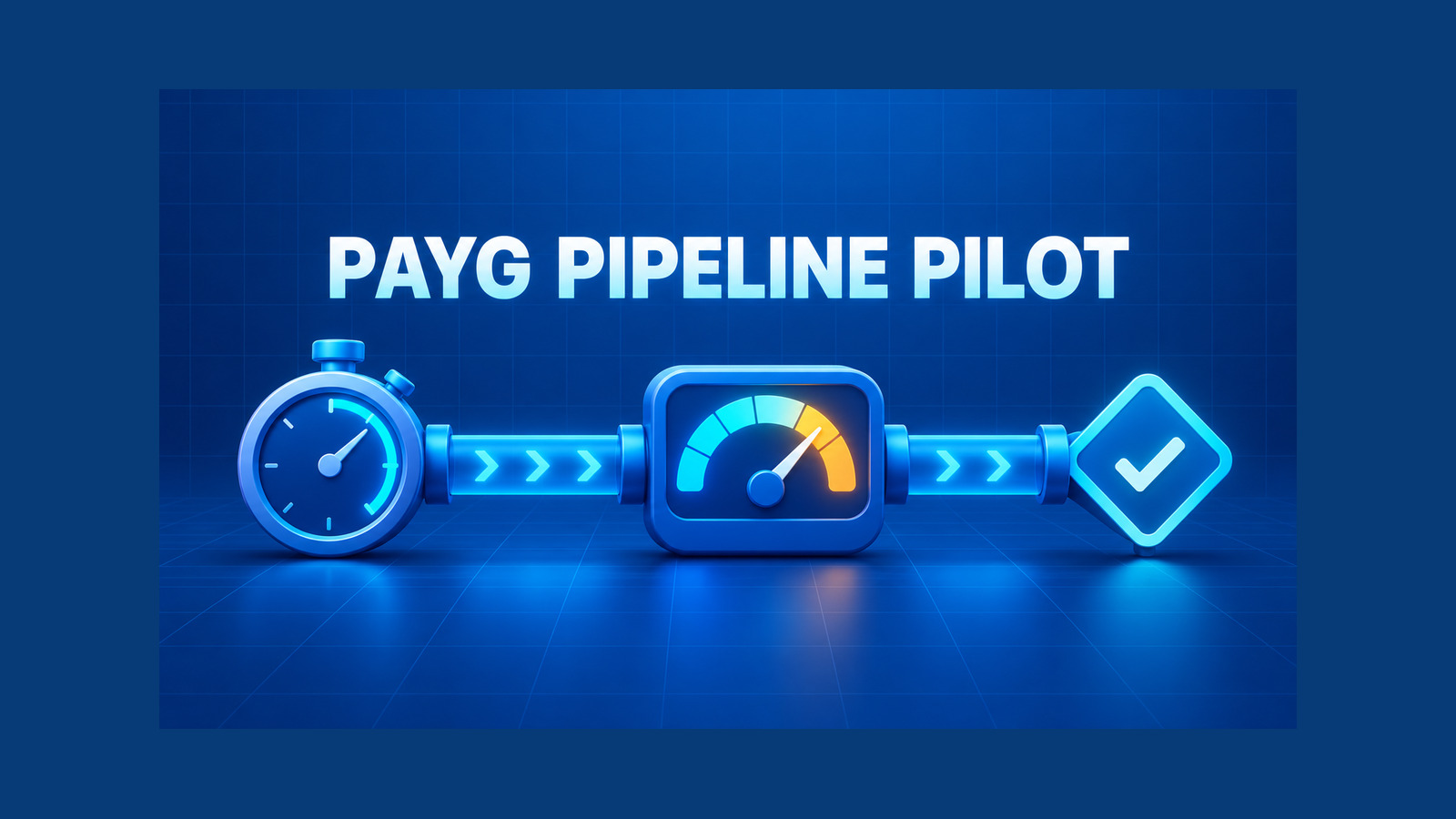
Azure Pipelines PAYG agents create a new compute and billing choice for .NET teams through the GitHub-hosted Agents pool. Instead of buying concurrency for the standard Microsoft-hosted pool, you can send selected jobs to a separate pool with larger machines and pay for their execution minutes. The fastest machine is not automatically the cheapest pipeline, and a lower runtime is not automatically a successful migration.
This guide gives you a measured pilot. You will reject incompatible jobs first, capture an honest baseline, move one job with a two-line pool change, calculate cost per successful run, and keep a tested rollback. It does not promise a universal speedup or hard-code a price that can change; your own Azure DevOps analytics and current Azure rate are the evidence.
Table of Contents
Understand the new Azure Pipelines choice
Microsoft announced general availability of GitHub-hosted agents and pay-as-you-go billing in Azure Pipelines on October 1, 2026. The service adds a separate pool named GitHub-hosted Agents. Jobs in that pool are billed per execution minute according to the selected SKU. They do not consume your existing parallel-job capacity, and they do not receive the free minutes attached to the standard Microsoft-hosted pool.
The pool is related to GitHub Actions because it uses the same hosted-agent infrastructure and specifications, but your pipeline is still an Azure Pipeline. You keep Azure DevOps YAML, service connections, variables, approvals and run history. Enabling billing alone does not move an existing job; a job uses the new pool only after its pool declaration changes.
| Choice | Billing boundary | Operational shape | Best first use |
|---|---|---|---|
| Microsoft-hosted Azure Pipelines pool | Concurrency-based parallel jobs, with the applicable free tier | Standard machines, fresh VM for every job | Predictable general-purpose jobs and organizations already using paid concurrency efficiently |
| GitHub-hosted Agents pool | Per-minute PAYG, no free minutes | More machine sizes; fresh isolated VM for every job | Burst capacity, compute-bound jobs, or an OS/image requirement unavailable in the standard pool |
| Self-hosted or Managed DevOps Pools | Your infrastructure or managed-pool model | Private networking and more control | Jobs that require private endpoints, custom images, durable caches or controlled hardening |
Do not apply the older Azure Pipelines “14 paid hours” guidance to this new pool. That FAQ entry describes a legacy per-minute hosted-agent plan with different rates and a one-job limit. For GitHub-hosted agents, use the current SKU price and the metered minutes reported for this pool.
Reject incompatible jobs before measuring
A benchmark cannot repair an architectural mismatch. Check these hard boundaries before you enable a pilot:
- Private network access: GitHub-hosted agents cannot connect through your corporate ExpressRoute or VPN. Traffic to your servers uses the public network. A job that can reach only a private NuGet feed, database or deployment endpoint needs another pool or a deliberately exposed and secured path.
- Image maturity: the October 1 announcement makes the service and macOS SKUs generally available, while Linux and Windows SKUs remain in public preview. Record that distinction in the pilot approval instead of treating every label as equally mature.
- Regional constraints: the Microsoft Learn documentation says GitHub-hosted macOS agents run in the United States regardless of the Azure DevOps organization location. Check data-location policy before moving a macOS job.
- Hardening requirements: hosted images are isolated and reimaged after every job, but Microsoft states that they do not conform to CIS hardening benchmarks. A policy that mandates your own hardened image points to self-hosted agents or Managed DevOps Pools.
- Ephemeral storage: files, tools and caches disappear after each job. Include restore and setup time in the measurement. Do not compare a warm self-hosted machine with a cold hosted job and call the result an agent-speed comparison.
Also verify that the exact image label is available in your organization. Microsoft notes that pool provisioning can take time and that image rollout may be gradual. Treat “label not found” as a rollout or configuration state, not proof that the announced SKU does not exist.
Build a trustworthy baseline
Choose one repeatable .NET job, not an entire multi-stage pipeline. A good pilot candidate is CPU- or memory-bound, runs often enough to produce data, has deterministic tests, and can reach every dependency over supported networking. Avoid your most critical release job as the first experiment.
Capture at least 20 comparable runs from the current pool. Use the same branch class, build configuration, SDK, dependency graph and test selection. Separate scheduled clean builds from pull-request builds if their caches or change sets differ.
| Metric | Why it matters | Where to read it |
|---|---|---|
| Queue delay | Shows whether new burst capacity improves developer wait time even when execution time is similar | Pipeline run timeline |
| Execution minutes | Primary PAYG usage input | Job timeline; later confirm with pool Analytics metering |
| Restore/setup minutes | Exposes cold-agent overhead and cache effects | Step timings |
| Test minutes | Shows whether more cores help the actual workload | Step timings and test reports |
| Success rate | Prevents a fast but flaky job from looking efficient | Run result and retry count |
| Artifacts and test completeness | Detects a “speedup” caused by missing work | Artifact manifest, TRX count and coverage output |
Lock restore inputs before comparing pools. If package resolution changes between runs, timing and success differences may come from dependency drift instead of compute. The Azure Pipelines NuGet cache and locked restore guide shows why --locked-mode belongs in the restore step even when a cache is restored.
- task: UseDotNet@2
  inputs:
    packageType: sdk
    version: 10.0.x

- script: dotnet restore src/App.sln --locked-mode
  displayName: Restore locked dependencies

- script: dotnet build src/App.sln -c Release --no-restore
  displayName: Build

- script: >
    dotnet test src/App.sln
    -c Release
    --no-build
    --logger "trx;LogFilePrefix=tests"
  displayName: Test

- task: PublishTestResults@2
  condition: succeededOrFailed()
  inputs:
    testResultsFormat: VSTest
    testResultsFiles: '**/tests*.trx'
Keep these steps identical in the pilot. If you tune test parallelism, caching or project layout at the same time, you will not know which change produced the result.
Move one .NET job to the new pool
Create a short-lived pilot branch and change only the pool block. The current Microsoft example for an eight-core Ubuntu machine is:
jobs:
- job: BuildAndTestPaygPilot
  pool:
    name: 'GitHub-hosted Agents'
    vmImage: 'ubuntu-24.04-8-core'
  timeoutInMinutes: 30
  steps:
  - checkout: self
    clean: true
  - task: UseDotNet@2
    inputs:
      packageType: sdk
      version: 10.0.x
  - script: dotnet restore src/App.sln --locked-mode
    displayName: Restore locked dependencies
  - script: dotnet build src/App.sln -c Release --no-restore
    displayName: Build
  - script: >
      dotnet test src/App.sln
      -c Release
      --no-build
      --logger "trx;LogFilePrefix=tests"
    displayName: Test
  - task: PublishTestResults@2
    condition: succeededOrFailed()
    inputs:
      testResultsFormat: VSTest
      testResultsFiles: '**/tests*.trx'
Use the image label currently shown in Microsoft Learn and available in your organization. The example is not a recommendation that every .NET build needs eight cores. Start with the smallest plausible SKU, then move up only if the timeline proves that a parallelizable step is the bottleneck.
Run the same number of comparable jobs as the baseline. Reject any pilot run where the commit, lock file, test selection, service dependency or external incident differs materially. Record failed and retried runs; do not delete them from the cost model.
The rollback is intentionally boring. Restore the original Microsoft-hosted pool block:
pool:
  vmImage: 'ubuntu-latest'
Keep that reversal as a reviewed commit or parameterized template change. A billing toggle is not a rollback for a job that already points at the new pool.
Compare Azure Pipelines PAYG agents by cost per successful run
After the pilot, evaluate Azure Pipelines PAYG agents with the GitHub-hosted Agents pool Analytics view. Filter by agent SKU, project and pipeline. Then reconcile the metered usage in Azure Cost Management with meter category Azure DevOps, meter subcategory Azure Pipelines, and unit of measure 1/Minute.
Use the provider-reported metered minutes rather than inventing a rounding rule. With the current per-minute rate for your selected SKU, calculate:
pilot_cost =
  metered_minutes × current_sku_rate_per_minute

cost_per_successful_run =
  pilot_cost ÷ successful_runs

monthly_forecast =
  cost_per_successful_run × expected_successful_runs
  + retry_and_failure_allowance
Compare that forecast with the marginal cost of your existing arrangement, not with zero. If your organization already pays for parallel jobs and the workload fits inside unused capacity, the existing job may have little additional monthly cost. If the queue is blocking teams or the job requires a machine the standard pool does not provide, the PAYG option may buy more than raw build minutes.
| Decision signal | Interpretation |
|---|---|
| Execution time falls, queue time falls, success rate is unchanged | Strong candidate to keep, subject to cost and policy limits |
| Execution time falls but restore/setup becomes dominant | Fix dependency and tool setup before buying a larger SKU |
| Runtime is similar but queue delay disappears | Value is burst capacity; quantify developer wait-time reduction separately from compute cost |
| Runtime improves but retries increase | Reject the result until flakiness, rate limits or concurrency assumptions are fixed |
| Cost per success is higher and no material wait-time benefit appears | Revert to the existing pool |
| Private endpoints or compliance controls fail | Stop the pilot regardless of performance |
Add production guardrails
- Budget before scale: create an Azure Cost Management budget and alert for Azure DevOps usage before more teams adopt the pool. Filter by organization and project tags where available.
- Allowlisted labels: centralize approved image labels in a template. Do not let every pipeline select an arbitrary large SKU.
- Timeouts: set a realistic
timeoutInMinutes. A hung PAYG job is still consuming execution time. - Concurrency controls: larger capacity can expose rate limits in NuGet feeds, test databases and external APIs. More agents do not make downstream dependencies infinitely parallel.
- Artifact parity: compare file counts or a manifest, test totals and coverage. A faster run that skipped a project is a failed migration.
- Secrets: continue using Azure DevOps secret variables, variable groups and workload identity as appropriate. Do not pass credentials through artifacts to compensate for the ephemeral VM.
- Preview isolation: if you pilot a Linux or Windows preview SKU, keep it out of the only production release path and document the fallback label.
- Auditability: record the pipeline commit, image label, SKU, date range, Analytics export and current pricing URL used for the decision.
A hosted agent is isolated and reimaged after each job, but that does not remove supply-chain responsibilities. Pin critical tools where possible, preserve restore lock files, review image changes, and keep provenance for produced artifacts.
Make the keep-or-revert decision
Approve Azure Pipelines PAYG agents for the selected job only when all four statements are true:
- The job passes network, region, maturity and hardening constraints.
- The pilot performs the same work and preserves artifacts, tests and coverage.
- Queue time, execution time or required compute improves enough to justify the measured cost per successful run.
- The team has a budget alert, an approved SKU and image label, and a tested YAML rollback.
Keep mixed pools when the evidence supports them. A compute-heavy test job may benefit from a larger PAYG machine while a small formatting job remains cheaper in existing concurrency capacity. A macOS build may need the newer Apple silicon image while deployment stays on a controlled pool. The unit of migration is the job, not the organization.
The final evidence package should be small: baseline and pilot windows, comparable run counts, median and slow-run timings, queue delay, metered minutes, success rate, artifact parity, current rate, forecast, policy checks and rollback commit. That is enough to defend the decision without pretending one benchmark applies to every pipeline.
References
- GitHub-hosted agents with pay-as-you-go pricing are generally available in Azure Pipelines
- GitHub-hosted agents for Azure Pipelines
- GitHub-hosted agents FAQ
- Configure and pay for parallel jobs
- Azure DevOps Services pricing
- Azure Pipelines agents
Found this useful? Support more practical developer content.