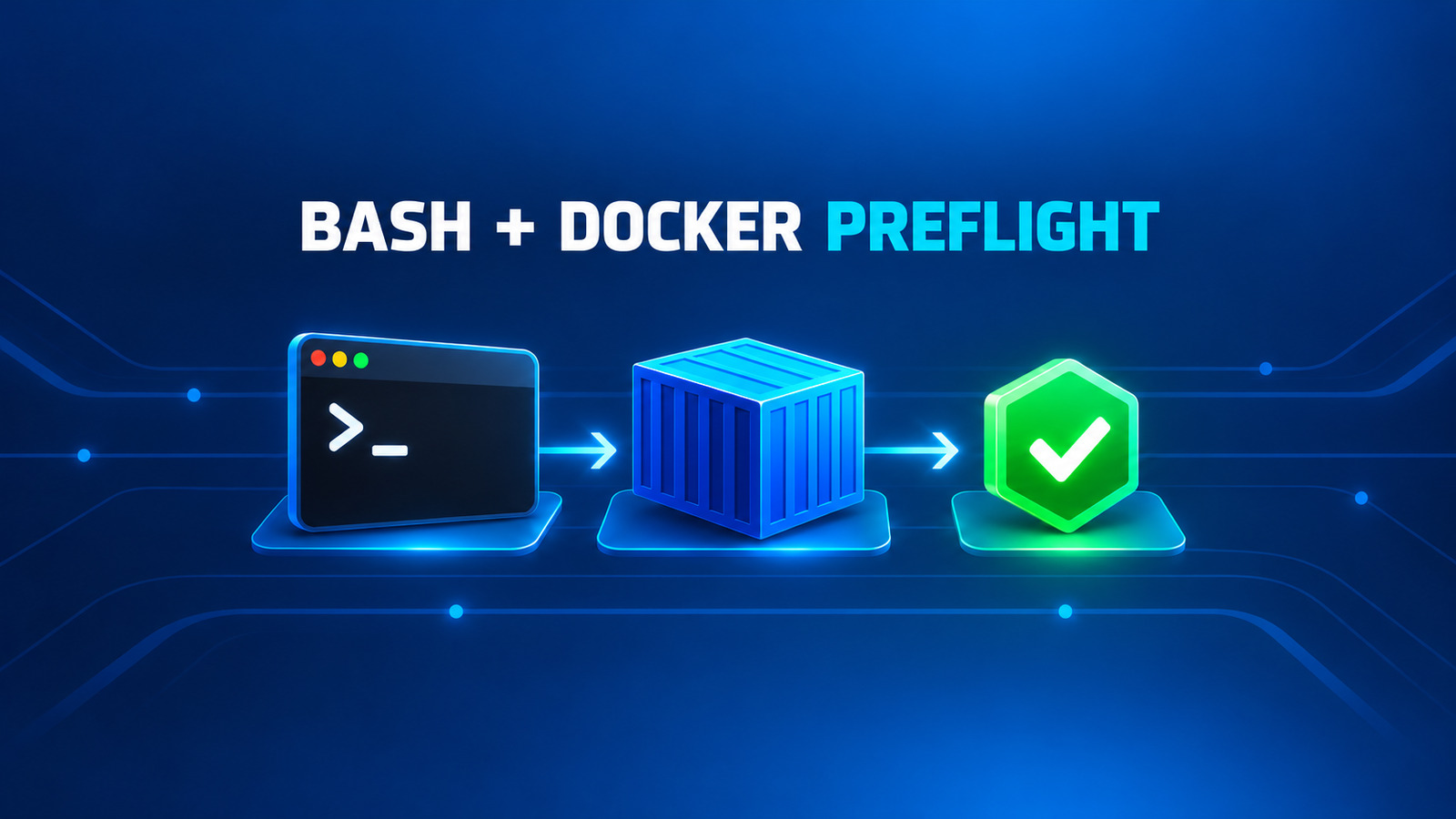
An AzureStaticWebApp self-hosted Windows deployment can fail before it uploads a single file. The AzureStaticWebApp@0 task often reports Unable to locate executable file: 'bash' first. Adding Git Bash may only expose the next boundary: the task launches a Linux Azure Static Web Apps client through docker run.
This guide turns those hidden prerequisites into a deployment decision. You will inspect the current task path, add a fail-fast agent check, and keep a Windows build job while moving only the deployment job to a compatible Linux agent. The goal is not to make every Windows host impersonate Linux; it is to choose an agent boundary you can operate and prove.
Table of Contents
Understand AzureStaticWebApp self-hosted Windows boundaries
The deployment task has two local prerequisites that are easy to miss when a pipeline was designed around Windows-only build tools:
- Shell boundary: the Node task resolves an executable named
bash. If the agent service account cannot find it onPATH, the task stops immediately. - Container boundary: the resolved shell runs
launch-docker.sh, which callsdocker runwithmcr.microsoft.com/appsvc/staticappsclient:stable. The Docker client, daemon, Linux-container capability, registry access and volume mount must all work for that agent identity.
skip_app_build: true and skip_api_build: true do not remove either boundary. Those inputs tell the deployment client not to build the application or API. The task still uses Bash to start the Docker-based deployment client.
This explains why installing Bash can change the error without completing the migration. A Windows host may pass the first check and then fail to run the Linux image, mount the workspace correctly, reach the daemon, or pull the deployment client.
Verify the task path from current source
The current AzureStaticWebAppV0 implementation makes the execution path explicit. Its TypeScript entry point resolves Bash before it writes the environment file or starts deployment:
var bash: trm.ToolRunner = tl.tool(tl.which('bash', true));
var scriptPath: string = path.join(__dirname, 'launch-docker.sh');

bash.arg(scriptPath);
await bash.exec({ failOnStdErr: false });
The shell script then launches the current Static Apps client in Docker:
docker run \\
  --env-file ./env.list \\
  --pull=always \\
  -v "$SWA_WORKING_DIR:$SWA_WORKSPACE_DIR" \\
  "$SWA_DEPLOYMENT_CLIENT" \\
  ./bin/staticsites/StaticSitesClient run
The task sets SWA_DEPLOYMENT_CLIENT to mcr.microsoft.com/appsvc/staticappsclient:stable. That source inspection proves the prerequisites without claiming that every failure with the same message has the same host configuration. It also shows why the official task example uses ubuntu-latest: that agent shape already matches the shell-and-container path shown by the implementation.
Fail fast before the deployment task
Put an explicit preflight immediately before AzureStaticWebApp@0. On a Linux deployment agent, the following Bash step checks the same local boundaries in a cheaper and more readable order:
- bash: |
    set -euo pipefail
    command -v bash
    command -v docker
    docker version
    server_os="$(docker info --format '{{.OSType}}')"
    if [ "$server_os" != "linux" ]; then
      echo "Expected a Linux Docker daemon; got: $server_os" >&2
      exit 1
    fi
    test -d "$(Pipeline.Workspace)/site"
    test -f "$(Pipeline.Workspace)/site/index.html"
  displayName: Validate Static Web Apps deployment agent
This check does not use the deployment token and does not mutate Azure. It proves that the service account can resolve the tools, talk to the daemon, and see the downloaded artifact. Keep the image pull inside the real task unless your operating policy prefers an earlier registry test with docker pull mcr.microsoft.com/appsvc/staticappsclient:stable.
An early pull is useful on a newly provisioned self-hosted agent, but it changes the local image cache and needs outbound access to Microsoft Container Registry. Treat it as a deliberate provisioning check, not as a harmless substitute for docker info.
Keep the Windows build and move deployment to Linux
If the application requires Windows-only build tooling, do not move the entire pipeline. Publish the compiled static site as a pipeline artifact, then deploy that artifact from Ubuntu. This keeps the build and deployment responsibilities explicit.
stages:
- stage: Build
  jobs:
  - job: BuildOnWindows
    pool:
      vmImage: windows-latest
    steps:
    - checkout: self
    - powershell: |
        dotnet publish src/Web/Web.csproj -c Release -o "$(Build.ArtifactStagingDirectory)\\site"
      displayName: Build the static site
    - task: PublishPipelineArtifact@1
      inputs:
        targetPath: $(Build.ArtifactStagingDirectory)/site/wwwroot
        artifact: static-site

- stage: Deploy
  dependsOn: Build
  jobs:
  - job: DeployOnLinux
    pool:
      vmImage: ubuntu-latest
    steps:
    - checkout: none
    - task: DownloadPipelineArtifact@2
      inputs:
        artifact: static-site
        path: $(Pipeline.Workspace)/site
    - bash: |
        set -euo pipefail
        command -v bash
        command -v docker
        test "$(docker info --format '{{.OSType}}')" = "linux"
        test -f "$(Pipeline.Workspace)/site/index.html"
      displayName: Validate deployment inputs
    - task: AzureStaticWebApp@0
      inputs:
        cwd: $(Pipeline.Workspace)/site
        app_location: .
        output_location: ''
        skip_app_build: true
        skip_api_build: true
        azure_static_web_apps_api_token: $(SWA_DEPLOYMENT_TOKEN)
Adjust the published artifact path to your framework. A Blazor WebAssembly publish commonly places the deployable static site under wwwroot; another SPA may emit dist or a project-specific directory. The preflight’s index.html assertion prevents a successful artifact download from becoming an empty or wrong-directory deployment.
Store SWA_DEPLOYMENT_TOKEN as a secret pipeline variable or secret supplied by an approved variable group. Do not echo it, copy it into the build artifact, or pass it between jobs as an output variable.
Harden a self-hosted Linux deployment agent
A self-hosted Linux pool is a valid operational choice when hosted agents cannot reach an internal dependency or when your organization requires controlled egress. Make the agent image a versioned product rather than a manually repaired machine.
- Service identity: run
docker versionas the exact account used by the Azure Pipelines agent service. An interactive administrator test does not prove the service can access the daemon. - Linux daemon: require
docker info --format '{{.OSType}}'to returnlinux. - Registry egress: allow HTTPS access to Microsoft Container Registry and any DNS or proxy path it needs.
- Workspace mounts: verify that
$(Pipeline.Workspace)is visible to the Docker daemon, especially when the agent itself runs in a container. - Disk and cleanup: the task uses
--pull=always; monitor image layers, workspace growth and daemon health. - Concurrency: size the daemon and workspace for parallel deployment jobs. Do not let unrelated builds share a mutable output directory.
- Secrets: restrict the deployment job and token to protected branches or environments. Local Docker access is a privileged boundary of its own.
If your agent itself runs inside a container, mounting only the Docker CLI binary is not enough. The job still needs a reachable daemon or socket and permission to use it. The Azure Pipelines Docker socket migration guide covers that separate host-daemon boundary.
Choose the smallest safe migration
| Current constraint | Recommended deployment boundary | Evidence to require |
|---|---|---|
| No self-hosted requirement | Microsoft-hosted ubuntu-latest | Artifact assertion, task result and Static Web Apps URL |
| Windows-only build tools | Windows build job plus Linux deployment job | Immutable pipeline artifact and Linux preflight |
| Private network or controlled egress | Hardened self-hosted Linux deployment pool | Service-account Docker test, registry reachability and mount test |
| Existing Windows host with Git Bash | Do not assume Bash completes compatibility | Prove Linux Docker execution, volume mounting and a test deployment before production use |
| Windows host cannot run Linux containers | Move deployment; do not keep patching the host | Green Linux deployment and documented rollback to the prior job |
WSL can host a separate Linux Azure Pipelines agent, but that is a new agent boundary, not a hidden capability added to the existing Windows agent service. Register it explicitly, give it its own demands or pool, and apply the same Docker and workspace checks as any other self-hosted Linux worker.
Cover production risks and rollback
- Classic release pipelines: the task implementation is the same. Moving from YAML to Classic does not remove Bash or Docker.
- Build skipping:
skip_app_buildavoids Oryx application compilation, not the Docker deployment client. - Wrong artifact root: validate
index.htmlandstaticwebapp.config.jsonwhere applicable before deployment. - API content: if the site includes an Azure Functions API, publish and validate the API artifact separately rather than setting
skip_api_buildby habit. - Stable image tag: the task pulls a mutable
stableclient image. Preserve task logs and agent diagnostics so a future failure can be tied to the task version and image pull time. - File ownership: Docker-based builds on self-hosted Linux can leave files owned by root. Prebuild the app, use skip-build inputs, and keep the deployment workspace disposable.
- Rollback: keep the former deployment job disabled but intact for one release window. Roll back the pipeline definition, not the application artifact, and never publish from both jobs in the same run.
The verification chain for an AzureStaticWebApp self-hosted Windows migration is short: the preflight passes, the expected artifact is present, AzureStaticWebApp@0 succeeds, and the returned site URL serves the deployed revision. Record the pipeline run and application commit together. A green Windows build alone does not prove the deployment boundary.
References
- AzureStaticWebApp@0 task reference
- AzureStaticWebAppV0 current task entry point
- AzureStaticWebAppV0 Docker launch script
- Azure Pipelines issue #19447: Bash missing on a self-hosted Windows agent
- Azure Pipelines issue #16089: Linux deployment image on a Windows agent
- Azure Static Web Apps build configuration
Found this useful? Support more practical developer content.