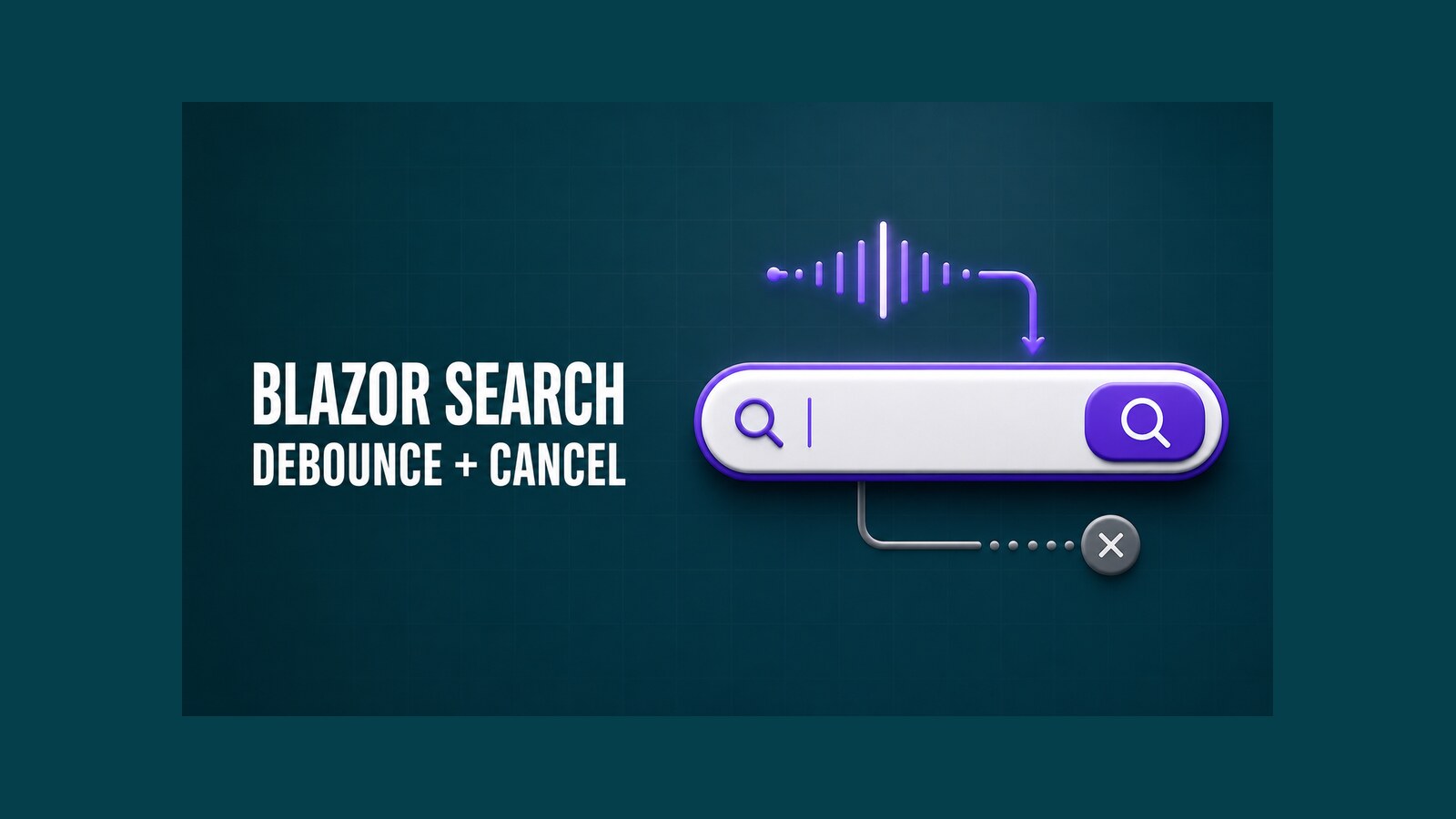
A reusable Blazor search component should do more than raise an event when a button is clicked. It should submit correctly from the keyboard, avoid firing a request for every keystroke, cancel work that has become obsolete, and leave data retrieval to its parent. This guide builds that boundary with debounce and cancellation while keeping the component small enough to reuse across pages.
The original DotNetCoder sample was created for .NET 8 in August 2024. Its repository and recorded result remain linked below as historical material. The newer implementation in this article is an updated design; it has not been presented as a tested upgrade of that repository.
Table of Contents
Define the component boundary
The search box should own interaction state: the current text, debounce timer, submit behavior, loading indicator, and cancellation of its previous callback. It should not know whether the parent searches an in-memory list, calls an API, or queries a database. That separation makes the same control useful on an employee table, product picker, or log viewer.
A callback that accepts both the query and a CancellationToken expresses this contract directly. The parent decides what the search means, while the child can cancel an older request when the user types again. Cancellation is cooperative: the parent must pass the token to APIs such as HttpClient.GetFromJsonAsync for it to stop real work.
public sealed record SearchRequest(string Query, CancellationToken CancellationToken);The request object keeps the public API explicit without introducing an unused generic type parameter. If a page needs typed search results, those results remain in the parent, where loading, errors, pagination, and authorization can be handled in context.
Build the reusable Blazor search component
Create SearchBox.razor in the application or a Razor Class Library. The component uses a real form, so Enter and the Search button follow the same submit path. A visible label is available by default; consumers may hide it visually with CSS while preserving it for assistive technology.
@implements IDisposable

<form class="dnc-search" @onsubmit="SubmitAsync" @onsubmit:preventDefault>
    <label class="@LabelClass" for="@InputId">@Label</label>
    <div class="dnc-search__row">
        <input id="@InputId"
               type="search"
               value="@query"
               @oninput="OnInputAsync"
               placeholder="@Placeholder"
               autocomplete="off"
               aria-describedby="@StatusId" />
        <button type="submit" disabled="@isSearching">
            @(isSearching ? "Searching…" : ButtonText)
        </button>
    </div>
    <span id="@StatusId" class="dnc-search__status" aria-live="polite">
        @status
    </span>
</form>

@code {
    [Parameter, EditorRequired]
    public EventCallback<SearchRequest> SearchRequested { get; set; }

    [Parameter] public string Label { get; set; } = "Search";
    [Parameter] public string LabelClass { get; set; } = "dnc-search__label";
    [Parameter] public string Placeholder { get; set; } = "Search…";
    [Parameter] public string ButtonText { get; set; } = "Search";
    [Parameter] public int DebounceMilliseconds { get; set; } = 300;
    [Parameter] public int MinimumLength { get; set; } = 2;

    private readonly string InputId = $"search-{Guid.NewGuid():N}";
    private readonly string StatusId = $"search-status-{Guid.NewGuid():N}";
    private CancellationTokenSource? pendingSearch;
    private string query = string.Empty;
    private string status = string.Empty;
    private bool isSearching;

    private async Task OnInputAsync(ChangeEventArgs args)
    {
        query = args.Value?.ToString() ?? string.Empty;
        await QueueSearchAsync();
    }

    private async Task QueueSearchAsync()
    {
        CancelPendingSearch();

        if (query.Length != 0 && query.Trim().Length < MinimumLength)
        {
            status = $"Enter at least {MinimumLength} characters.";
            return;
        }

        pendingSearch = new CancellationTokenSource();
        var token = pendingSearch.Token;

        try
        {
            await Task.Delay(DebounceMilliseconds, token);
            await RunSearchAsync(token);
        }
        catch (OperationCanceledException) when (token.IsCancellationRequested)
        {
            // A newer query or component disposal made this search obsolete.
        }
    }

    private async Task SubmitAsync()
    {
        CancelPendingSearch();
        pendingSearch = new CancellationTokenSource();

        try
        {
            await RunSearchAsync(pendingSearch.Token);
        }
        catch (OperationCanceledException) when (pendingSearch.IsCancellationRequested)
        {
        }
    }

    private async Task RunSearchAsync(CancellationToken token)
    {
        var activeSearch = pendingSearch;
        isSearching = true;
        status = "Searching";

        try
        {
            await SearchRequested.InvokeAsync(
                new SearchRequest(query.Trim(), token));
            if (ReferenceEquals(pendingSearch, activeSearch))
            {
                status = "Search complete";
            }
        }
        finally
        {
            if (ReferenceEquals(pendingSearch, activeSearch))
            {
                isSearching = false;
            }
        }
    }

    private void CancelPendingSearch()
    {
        pendingSearch?.Cancel();
        pendingSearch?.Dispose();
        pendingSearch = null;
    }

    public void Dispose() => CancelPendingSearch();
}
Every input event cancels the previous delay before starting a new one. Clearing the field is allowed to trigger a search after the debounce period, which lets the parent restore its unfiltered data. A non-empty query shorter than MinimumLength is not submitted. Pressing Enter bypasses the delay because an explicit submit should feel immediate.
The component disposes the active CancellationTokenSource when it leaves the render tree. That prevents a delayed callback from starting after navigation and signals cooperative cancellation to an in-flight parent operation. The empty cancellation catch is narrow: it suppresses only the cancellation requested by this component, not unrelated failures from the search implementation.
Add isolated component styles
Place the following CSS in SearchBox.razor.css. It uses a responsive grid instead of absolutely positioning the button over the input, so long translations and narrow screens do not overlap.
.dnc-search {
    display: grid;
    gap: .5rem;
    max-width: 44rem;
}

.dnc-search__row {
    display: grid;
    grid-template-columns: minmax(0, 1fr) auto;
    gap: .5rem;
}

.dnc-search input,
.dnc-search button {
    min-height: 2.75rem;
    border-radius: .4rem;
    font: inherit;
}

.dnc-search input {
    min-width: 0;
    padding: .65rem .8rem;
    border: 1px solid #737373;
}

.dnc-search input:focus-visible,
.dnc-search button:focus-visible {
    outline: 3px solid #2563eb;
    outline-offset: 2px;
}

.dnc-search button {
    padding: .65rem 1rem;
    color: #fff;
    background: #512bd4;
    border: 0;
}

.dnc-search button:disabled {
    cursor: wait;
    opacity: .7;
}

.dnc-search__status {
    min-height: 1.5rem;
    color: #4b5563;
}

@media (max-width: 34rem) {
    .dnc-search__row {
        grid-template-columns: 1fr;
    }
}
The purple button is only a default. Applications can override the isolated CSS through a documented class or CSS custom properties if theme integration is required. Keep a strong focus indicator and sufficient contrast when changing it.
Connect search to a parent page
The parent owns the result collection and the API call. This example encodes the query with Uri.EscapeDataString and passes the component token into GetFromJsonAsync. When the user replaces a query, a compliant HTTP operation can stop instead of updating the page with stale results.
@page "/employees"
@using System.Net.Http.Json
@inject HttpClient Http

<PageTitle>Employee search</PageTitle>

<h1>Employees</h1>

<SearchBox SearchRequested="SearchEmployeesAsync"
           Label="Search employees"
           Placeholder="Name or department"
           MinimumLength="2" />

@if (errorMessage is not null)
{
    <p role="alert">@errorMessage</p>
}
else if (employees.Count == 0)
{
    <p>No employees match the current query.</p>
}
else
{
    <ul>
        @foreach (var employee in employees)
        {
            <li @key="employee.Id">
                @employee.Name — @employee.Department
            </li>
        }
    </ul>
}

@code {
    private IReadOnlyList<Employee> employees = [];
    private string? errorMessage;

    private async Task SearchEmployeesAsync(SearchRequest request)
    {
        errorMessage = null;
        var query = Uri.EscapeDataString(request.Query);

        try
        {
            employees = await Http.GetFromJsonAsync<List<Employee>>(
                $"api/employees?query={query}",
                request.CancellationToken) ?? [];
        }
        catch (OperationCanceledException)
            when (request.CancellationToken.IsCancellationRequested)
        {
            // A newer query owns the UI now.
        }
        catch (HttpRequestException)
        {
            errorMessage = "Employee search is temporarily unavailable.";
        }
    }

    private sealed record Employee(int Id, string Name, string Department);
}
Cancellation reduces wasted work but does not by itself guarantee that results arrive in order. A remote server may ignore cancellation or finish just as cancellation is requested. For a strict latest-query-wins UI, add a monotonically increasing request number in the parent and assign results only when the completed request still matches the newest number.
Keep server search bounded
Debounce is a client-side traffic control, not an authorization or performance boundary. The API should still validate query length, cap page size, use parameterized queries through its data provider, and return a bounded projection rather than an entire table. Add indexes that match the real filter shape, and avoid leading-wildcard searches on large datasets unless the database and index strategy are designed for them.
Verify debounce and cancellation
A useful verification focuses on observable behavior rather than CSS. In a component test, render the search box with a callback that records requests. Type three values faster than the debounce interval, advance past the interval, and assert that only the final value was submitted. Then start another callback, type a replacement value, and assert that the previous token becomes canceled.
- Keyboard: Enter submits once through the form, and focus remains visible.
- Debounce: rapid input such as
a,an,andproduces only the final eligible request. - Cancellation: a newer query cancels the token supplied to the older callback.
- Empty query: clearing the field restores the unfiltered state if the parent implements that behavior.
- Navigation: leaving the page during the debounce delay does not invoke the callback afterward.
- Failure: an HTTP error produces a user-facing message without replacing newer results.
Run the application and inspect the browser network panel while typing quickly. The expected evidence is one request after the pause, not one request per key. Repeat with network throttling and change the query while a request is pending; the UI must never finish by showing results for an older query. These are verification steps for your implementation, not claims that the historical repository was retested.
Production checks
- Choose a debounce interval from measured API cost and interaction needs. Around 250–400 ms is a starting range, not a universal rule.
- Do not show “Search complete” for a canceled request. Announce only the state that belongs to the current query.
- Use server-side paging or result limits. Debouncing an unbounded query does not make it safe.
- Log failures without logging sensitive search text unless the product has a reviewed data-retention reason.
- Preserve the query in the URL when users need shareable or back-button-friendly search state.
- Test with a screen reader and keyboard. Placeholder text is not a replacement for a label.
If the surrounding page also contains complex selection behavior, the reusable Blazor select component shows a related component boundary. For applications that authenticate users before calling an API, see the guide to Blazor Server authentication with Microsoft Entra ID. Both links point to existing published articles and are included only where their concern intersects this component.
Historical demo and source
The following recording shows the original .NET 8 component produced in August 2024. It demonstrates the historical result and workflow; it is not evidence that the repository was rebuilt against a newer SDK.
The original code remains available in the Blazor search component repository on GitHub. It targets .NET 8 and preserves the implementation shown in the recording. Compare its button-driven callback with the updated debounce, cancellation, semantic form, and accessibility boundaries above before adopting either design.
References
- Microsoft Learn: ASP.NET Core Blazor event handling
- Microsoft Learn: ASP.NET Core Blazor data binding
- Microsoft Learn: ASP.NET Core Razor component lifecycle
- Microsoft Learn: CancellationTokenSource API
Found this useful? Support more practical developer content.