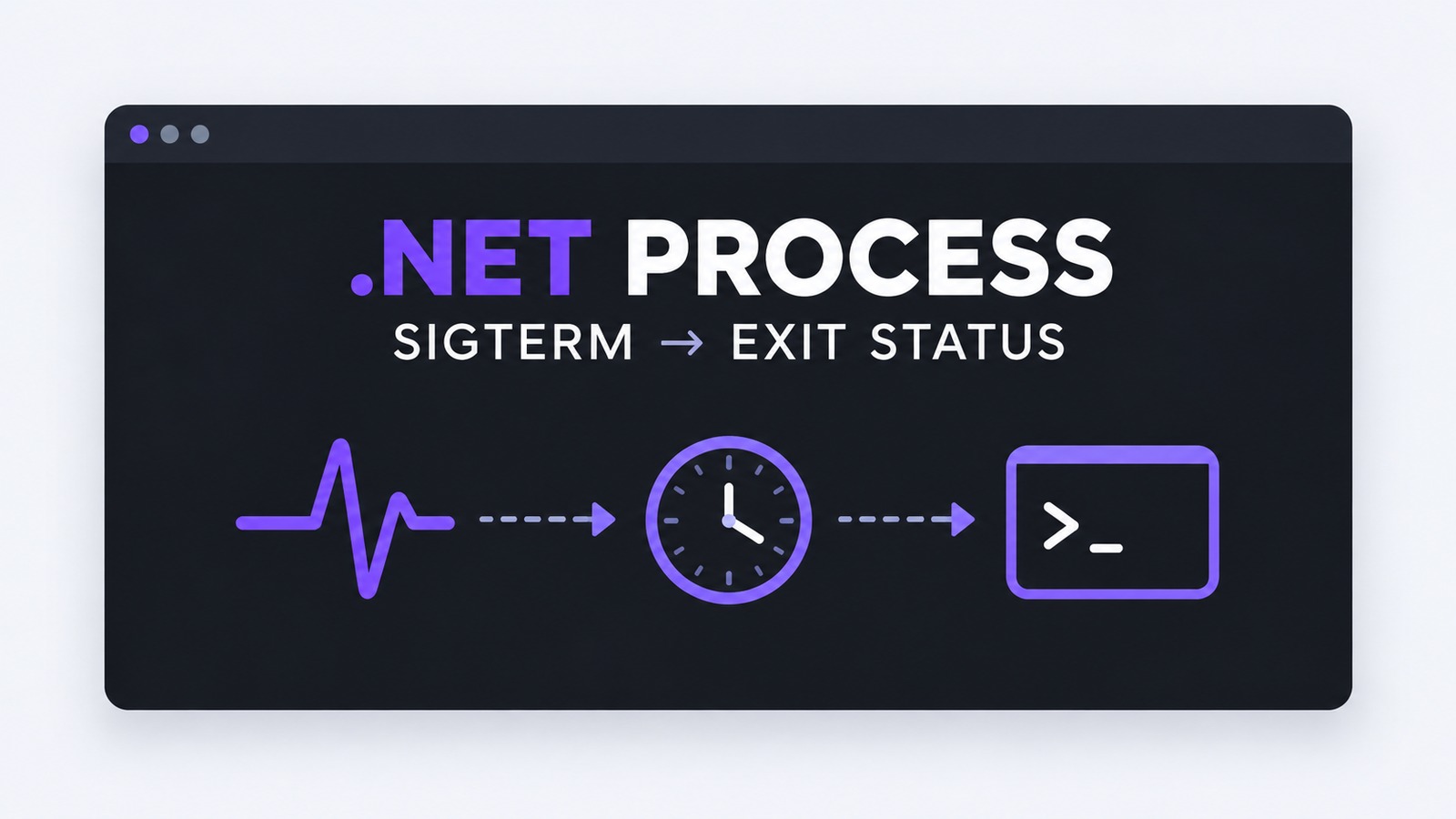
A .NET 11 Process Signal workflow can now stop a Unix child process gracefully and report whether that child exited normally or because of a signal. Before .NET 11, Process.WaitForExitAsync() told you when a process ended, but its familiar ExitCode surface could not cleanly express the distinction between a normal exit and termination by SIGTERM or SIGKILL. That distinction matters in worker supervisors, build agents, media processors, and container sidecars because an expected shutdown should not look like a crash.
.NET 11 RC1 adds Process.Signal, WaitForExitStatus, TryWaitForExitStatus, and WaitForExitStatusAsync. The practical pattern is not “send a signal and hope.” Give the child one bounded grace period, escalate only if it remains alive, then record the returned ProcessExitStatus. This article builds that state machine and shows how to verify both the cooperative and forced paths.
Table of Contents
What the .NET 11 Process APIs change
The new APIs are direct members of System.Diagnostics.Process:
public bool Signal(PosixSignal signal);
public ProcessExitStatus WaitForExitStatus();
public bool TryWaitForExitStatus(
    TimeSpan timeout,
    out ProcessExitStatus? exitStatus);
public Task<ProcessExitStatus> WaitForExitStatusAsync(
    CancellationToken cancellationToken = default);
Signal returns true when the signal was delivered and false when the process had already exited. A signal value unsupported by the current platform throws PlatformNotSupportedException. The wait APIs return a ProcessExitStatus with an ExitCode and, on Unix when applicable, a Signal value.
The RC1 implementation delegates to the same underlying safe-handle operations that previously required lower-level code. That reduces handle plumbing, but it does not create a policy for you. Your application still owns the grace timeout, escalation choice, logging, and cleanup of any descendants.
Set the process ownership boundary first
Only signal a process that your application started and still owns. A PID can be recycled after an unrelated process exits, so reconstructing a Process from a stale stored PID is a dangerous control path. Keep the original Process instance, dispose it after the final wait, and make one component responsible for stopping it.
Choose a grace period from the child’s real shutdown work. A local converter may need two seconds to flush an output file; a worker draining an in-flight message may need longer. The supervisor timeout should be shorter than the outer service or container shutdown budget, leaving time for forced cleanup and telemetry export.
- Start the child with
UseShellExecute=falseso its launch behavior is explicit. - Capture standard output and error asynchronously; full pipes can otherwise prevent shutdown.
- Do not put request-scoped cancellation directly in charge of process cleanup.
- Record the PID, requested signal, grace duration, delivery result, exit code, and terminating signal.
Implement .NET 11 Process Signal escalation
The helper below is intentionally Unix-only. It sends SIGTERM, waits for the configured grace period, and sends SIGKILL only when the child did not finish. The caller’s cancellation token can stop the operation before escalation; a service that must guarantee cleanup should call it from a shutdown path whose own deadline is longer than gracePeriod.
using System.Diagnostics;
using System.Runtime.InteropServices;

public static class ChildProcessStopper
{
    public static async Task<ProcessExitStatus> StopAsync(
        Process child,
        TimeSpan gracePeriod,
        CancellationToken cancellationToken)
    {
        if (!OperatingSystem.IsLinux() && !OperatingSystem.IsMacOS())
        {
            throw new PlatformNotSupportedException(
                "This shutdown policy requires POSIX process signals.");
        }

        if (gracePeriod <= TimeSpan.Zero)
        {
            throw new ArgumentOutOfRangeException(nameof(gracePeriod));
        }

        if (child.HasExited)
        {
            return await child.WaitForExitStatusAsync(cancellationToken);
        }

        bool termDelivered = child.Signal(PosixSignal.SIGTERM);

        using var graceCts =
            CancellationTokenSource.CreateLinkedTokenSource(cancellationToken);
        graceCts.CancelAfter(gracePeriod);

        try
        {
            return await child.WaitForExitStatusAsync(graceCts.Token);
        }
        catch (OperationCanceledException)
            when (!cancellationToken.IsCancellationRequested)
        {
            // Only the grace deadline expired. Escalation is now allowed.
        }

        bool killDelivered = child.Signal(PosixSignal.SIGKILL);

        // Either SIGKILL was delivered, or the child won the exit race.
        // In both cases, wait once more to obtain the final status.
        ProcessExitStatus status =
            await child.WaitForExitStatusAsync(cancellationToken);

        Console.WriteLine(
            "pid={0} term={1} kill={2} exit={3} signal={4}",
            child.Id,
            termDelivered,
            killDelivered,
            status.ExitCode,
            status.Signal?.ToString() ?? "none");

        return status;
    }
}
The two Boolean delivery results are observations, not success codes. A false result usually means the child exited between the preceding check and the signal call. Waiting for the final status resolves that race without sending another blind signal.
Interpret ProcessExitStatus without guessing
A cooperative child may receive SIGTERM, run its handler, and call exit(0). In that case, the final status represents a normal exit: Signal is null and ExitCode is zero. A child terminated by SIGKILL cannot run cleanup; on Unix, the returned status identifies SIGKILL.
static string Classify(ProcessExitStatus status) =>
    status.Signal switch
    {
        PosixSignal.SIGTERM => "terminated-by-sigterm",
        PosixSignal.SIGKILL => "forced-kill",
        { } signal          => $"terminated-by-{signal}",
        null when status.ExitCode == 0
                            => "clean-exit",
        null                => $"failed-exit-{status.ExitCode}"
    };
Do not convert every non-zero exit code into “crash.” A command may use documented non-zero values for domain outcomes. Likewise, a null Signal does not prove graceful application cleanup; it only describes how the operating system reported termination. Pair the status with child logs or a completion marker when cleanup integrity matters.
Verify cooperative and forced shutdown paths
Exercise both branches on Linux or macOS with disposable child processes. The first shell installs a TERM handler and exits normally. The second ignores TERM, forcing the supervisor to use KILL.
static Process StartShell(string script)
{
    var startInfo = new ProcessStartInfo("/bin/sh")
    {
        UseShellExecute = false,
        RedirectStandardOutput = true,
        RedirectStandardError = true
    };
    startInfo.ArgumentList.Add("-c");
    startInfo.ArgumentList.Add(script);

    return Process.Start(startInfo)
        ?? throw new InvalidOperationException("Child did not start.");
}

using Process cooperative = StartShell(
    "trap 'exit 0' TERM; while :; do sleep 1; done");

ProcessExitStatus clean = await ChildProcessStopper.StopAsync(
    cooperative,
    TimeSpan.FromSeconds(3),
    CancellationToken.None);

Console.WriteLine(Classify(clean));
// Expected: clean-exit

using Process stubborn = StartShell(
    "trap '' TERM; while :; do sleep 1; done");

ProcessExitStatus forced = await ChildProcessStopper.StopAsync(
    stubborn,
    TimeSpan.FromSeconds(1),
    CancellationToken.None);

Console.WriteLine(Classify(forced));
// Expected on Unix: forced-kill
Run the verification in a .NET 11 RC1 Linux CI job and fail if the cooperative child reports a signal or if the stubborn child survives the deadline. Also assert that the entire test completes under an outer timeout. The outer bound protects the CI agent if either the child script or the supervisor regresses.
Handle races, process trees, and platform limits
Production supervisors need explicit answers for several cases the basic sample cannot decide for them:
- Already exited: treat
Signalreturning false as a possible exit race, then collect the status. Do not retry the signal in a loop. - Process trees:
Process.Signaltargets the selected process, not an arbitrary process group. If that process launched descendants, define group ownership or a platform-specific tree strategy before deployment. - Windows: the exit-status wait APIs are still useful, but POSIX signal semantics are not a portable graceful-shutdown contract. Use a Windows-specific control channel, service protocol, named pipe, or application command instead of pretending
SIGTERMis universal. - Containers: a container runtime signals PID 1 according to its own stop policy. An in-process child supervisor must fit inside that outer grace period and should not compete with the runtime’s lifecycle manager.
- Redirected streams: begin asynchronous reads immediately. A child blocked writing to a full pipe may ignore your logical shutdown sequence even though signal delivery succeeds.
- Permissions: signaling can fail with a platform error when the supervisor lacks permission. Log it as an operational failure; do not silently fall through to a different PID-based tool.
Kill(entireProcessTree: true) is useful for forceful cleanup, but it is not a replacement for a cooperative TERM window. It also represents a different ownership decision: killing descendants can terminate work that another component expects to manage.
Roll out the supervisor safely
- Pin the .NET 11 RC1 SDK in a test branch and confirm the production runtime policy permits a go-live release candidate.
- Add the two disposable child tests and an outer CI timeout before changing the real supervisor.
- Deploy in observe-only mode first: record how long real children take to stop and which exit causes occur.
- Choose the grace period from measured shutdown behavior and leave room inside the service or container deadline.
- Alert separately on clean exit, application failure, TERM termination, forced KILL, timeout, and signal-delivery error.
- Keep the previous shutdown implementation behind a short-lived rollback switch until both cooperative and forced paths have been observed safely.
The useful .NET 11 improvement is not merely a shorter API call. It lets the supervisor close its control loop: request a graceful shutdown, bound the wait, escalate deliberately, and preserve the operating system’s exit cause for diagnostics.
References
- .NET Blog: Announcing .NET 11 Release Candidate 1
- .NET 11 RC1 library release notes: Process signal and exit-status APIs
- dotnet/runtime PR #131165: Add Process signal and exit-status methods
- dotnet/runtime API proposal #128322: Process control and exit status
Found this useful? Support more practical developer content.