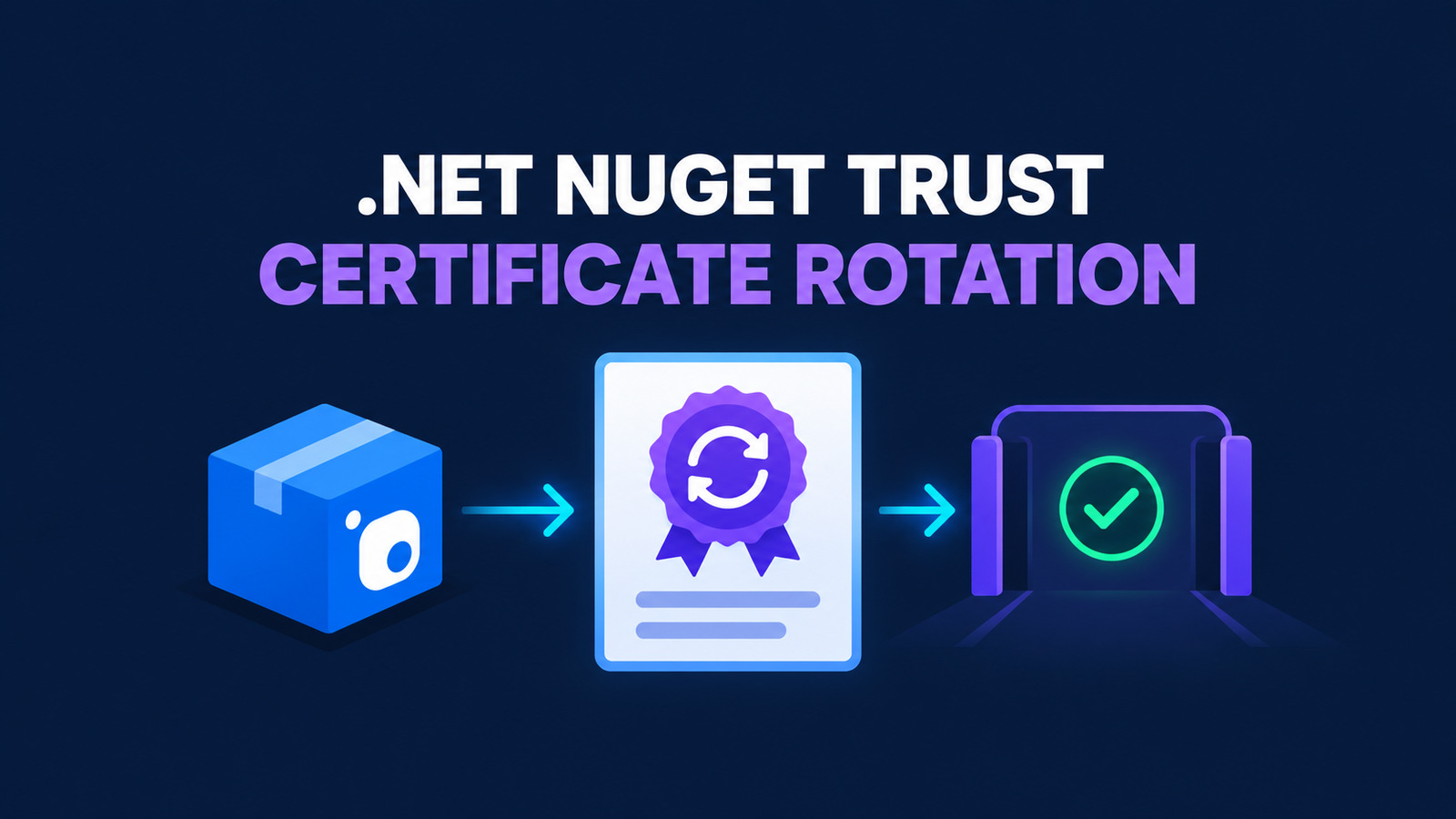
Microsoft’s 2026 NuGet author-signing certificate rotation can break restores that enforce a strict trustedSigners policy. Microsoft announced that packages may use the new certificate as soon as September 23, 2026. A client that trusts only the previous fingerprint can reject an otherwise valid Microsoft-authored package with NU3034.
The safe response is additive: inventory the policy that CI actually loads, add the new SHA-256 fingerprint to the existing Microsoft author entry, retain older certificates for older packages, then verify both the configuration and downloaded packages before merging. This runbook applies that change to a repository-controlled NuGet.config and an Azure Pipelines validation job without weakening signature enforcement.
Table of Contents
Understand the certificate rotation boundary
NuGet package signing and repository trust are separate controls. This rotation concerns Microsoft’s author-signing certificate. It matters when a configuration explicitly trusts the Microsoft author and constrains that trust with certificate fingerprints. It does not require every .NET repository to add a trusted signer, and it is not a reason to disable signature validation.
Microsoft published these SHA-256 fingerprints:
| Certificate | SHA-256 fingerprint | Action |
|---|---|---|
| Previous Microsoft author certificate | 566A31882BE208BE4422F7CFD66ED09F5D4524A5994F50CCC8B05EC0528C1353 | Keep it so older Microsoft packages continue to verify. |
| New Microsoft author certificate | 9A1B131BEE0605433056A4EA3815478A8E177961A968C6C0027C1093D1FEB630 | Add it before newly signed packages reach your restore graph. |
The operational failure is narrow but disruptive. When signatureValidationMode is require and the matching trusted author lacks the certificate used by a package, restore can report NU3034. Treat that diagnostic as a policy mismatch to investigate, not as permission to switch validation to accept.
Find the NuGet.config that CI uses
NuGet combines configuration from machine, user, and repository scopes unless a command selects a specific file. A local edit can therefore appear correct while the hosted agent loads a different policy. Start by making the file boundary explicit:
dotnet nuget list source --configfile ./NuGet.config
dotnet nuget trust list --configfile ./NuGet.config
Review the output for the intended package sources and a trusted author named Microsoft. If CI generates NuGet.config from a secure file or template, update that source of truth rather than the agent’s ephemeral copy. If several repositories inherit an organization-level file, test the shared change against representative old and new dependency graphs before broad rollout.
Commit a repository-scoped configuration only when that ownership model is deliberate. Avoid embedding feed credentials in the file; Azure Pipelines authentication tasks or environment-backed credentials should remain responsible for secrets.
Add the new Microsoft fingerprint safely
Microsoft’s documented CLI path adds the new certificate fingerprint to the existing trusted author. Run it against the same configuration file that restore will use:
dotnet nuget trust author Microsoft \
  9A1B131BEE0605433056A4EA3815478A8E177961A968C6C0027C1093D1FEB630 \
  --algorithm SHA256 \
  --configfile ./NuGet.config
Do not remove the previous fingerprint during the same change. A package keeps the signature it was published with, so historical packages can still need the older certificate. The trusted author entry should contain both fingerprints during the overlap period.
<configuration>
  <config>
    <add key="signatureValidationMode" value="require" />
  </config>
  <trustedSigners>
    <author name="Microsoft">
      <certificate fingerprint="566A31882BE208BE4422F7CFD66ED09F5D4524A5994F50CCC8B05EC0528C1353"
                   hashAlgorithm="SHA256"
                   allowUntrustedRoot="false" />
      <certificate fingerprint="9A1B131BEE0605433056A4EA3815478A8E177961A968C6C0027C1093D1FEB630"
                   hashAlgorithm="SHA256"
                   allowUntrustedRoot="false" />
    </author>
  </trustedSigners>
</configuration>
Preserve any existing owners restriction and repository-signing entries. The example shows only the certificate overlap; replacing the entire trustedSigners block can silently discard controls that are unrelated to this rotation.
Validate the trust policy before restore
First, inspect the effective trusted-author entry after the edit:
dotnet nuget trust list --configfile ./NuGet.config
git diff -- ./NuGet.config
Then restore with a clean package cache or an isolated packages directory so a cached artifact does not hide the path that matters:
packages_dir="$(mktemp -d)"
dotnet restore ./src/MyApp/MyApp.csproj \
  --configfile ./NuGet.config \
  --packages "$packages_dir" \
  --locked-mode
dotnet restore proves the dependency graph is accepted under the selected policy. The global packages folder contains extracted package contents rather than a dependable archive of every .nupkg, so do not point dotnet nuget verify at that folder and assume it inspected the graph. When your release process retains package archives, verify those explicit files directly:
find ./artifacts/nuget -type f -name '*.nupkg' -print0 |
  xargs -0 -r -n1 dotnet nuget verify --all
Keep both signals when archives are available: restore can fail for source, authentication, lock-file, or network reasons unrelated to signing, while verification alone does not prove the application restores the intended locked graph.
For a broader dependency-policy workflow, the .NET NuGet audit guide explains how to trace transitive package ownership. Certificate trust and vulnerability auditing protect different boundaries; neither replaces the other.
Enforce verification in Azure Pipelines
Use the repository-controlled file explicitly in the pipeline and capture diagnostics as an artifact. The job below does not mutate global agent configuration:
steps:
- task: UseDotNet@2
  inputs:
    packageType: sdk
    version: '10.0.x'

- bash: |
    set -euo pipefail
    dotnet nuget trust list --configfile ./NuGet.config

    packages_dir="$(Pipeline.Workspace)/nuget-verified"
    rm -rf "$packages_dir"
    mkdir -p "$packages_dir"

    dotnet restore ./src/MyApp/MyApp.csproj \
      --configfile ./NuGet.config \
      --packages "$packages_dir" \
      --locked-mode \
      --verbosity normal 2>&1 | tee "$(Build.ArtifactStagingDirectory)/restore.log"

  displayName: Restore with required signature validation

- bash: |
    set -euo pipefail
    archive_dir="$(Pipeline.Workspace)/nuget-archives"
    mkdir -p "$archive_dir"
    if find "$archive_dir" -type f -name '*.nupkg' -print -quit | grep -q .; then
      find "$archive_dir" -type f -name '*.nupkg' -print0 |
        xargs -0 -n1 dotnet nuget verify --all 2>&1 |
        tee "$(Build.ArtifactStagingDirectory)/verify.log"
    else
      echo "No retained .nupkg archives; restore policy is the verification boundary."
    fi
  displayName: Verify retained package archives

- publish: $(Build.ArtifactStagingDirectory)
  artifact: nuget-signature-evidence
  condition: always()
Pin an SDK supported by your application and agent image; the example’s 10.0.x is illustrative, not a requirement of the certificate. Test Windows and Linux agents separately when both are in use because certificate-chain availability and root trust can differ by image. A fingerprint match does not override a broken certificate chain.
Roll out and recover without weakening trust
Roll the change through one canary repository or pipeline first. Include an older Microsoft package already present in the lock file and a newly restored Microsoft package that uses the rotated certificate when one enters your dependency graph. Record the package ID, version, signer result, SDK version, agent image, and configuration commit.
| Failure | Check first | Safe response |
|---|---|---|
NU3034 after rotation | The exact NuGet.config path and both Microsoft fingerprints | Correct the scoped trusted-author entry; do not disable required validation. |
| Older Microsoft package fails | Whether the previous fingerprint was removed | Restore the older fingerprint and re-run verification. |
| Certificate-chain error | Agent image, clock, and root-certificate state | Repair the agent trust store or image; a fingerprint-only edit is insufficient. |
| Private package fails | Its author/repository policy and feed authentication | Diagnose that signer independently; do not add the Microsoft fingerprint to unrelated authors. |
The fastest safe rollback is the configuration commit that introduced the change, but use it only if the new entry itself is malformed. Rolling back a correct new fingerprint will reintroduce the original exposure to newly signed packages. Never use signatureValidationMode=accept as a temporary convenience; that changes the security boundary precisely when the pipeline is under pressure.
Adoption checklist
- Identify the exact
NuGet.configconsumed by local and CI restores. - Confirm the policy uses a trusted Microsoft author and required signature validation.
- Add fingerprint
9A1B…B630with SHA-256. - Retain fingerprint
566A…1353for older Microsoft packages. - Preserve existing owners, repository signers, and private-feed controls.
- Restore the locked graph into a clean package directory.
- Run
dotnet nuget verify --allon downloaded packages. - Canary on every agent operating-system family in use.
- Keep restore and verification logs with the configuration commit.
- Never weaken signature validation to work around
NU3034.
References
- Microsoft .NET Blog — Microsoft author-signing certificate update 2026
- Microsoft Learn — NuGet.config trustedSigners section
- Microsoft Learn — dotnet nuget trust
- Microsoft Learn — dotnet nuget verify
- Microsoft Learn — NuGet warning NU3034
Found this useful? Support more practical developer content.